Skip to content

Cart

Your cart is empty

Button Badge Toppers

Sort by

301 products

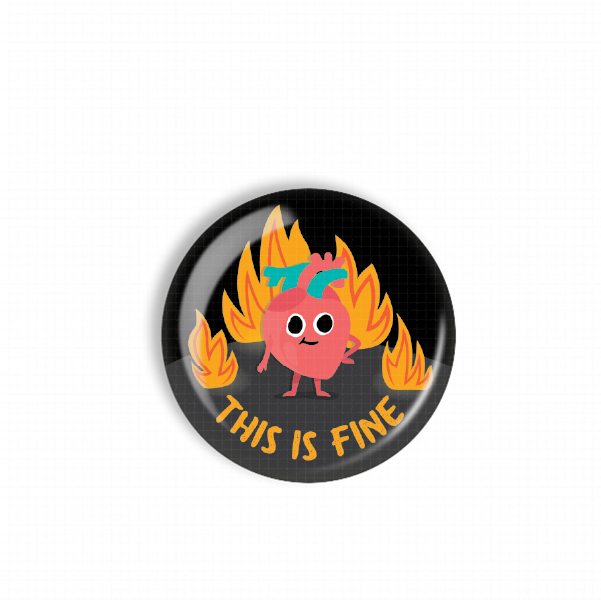
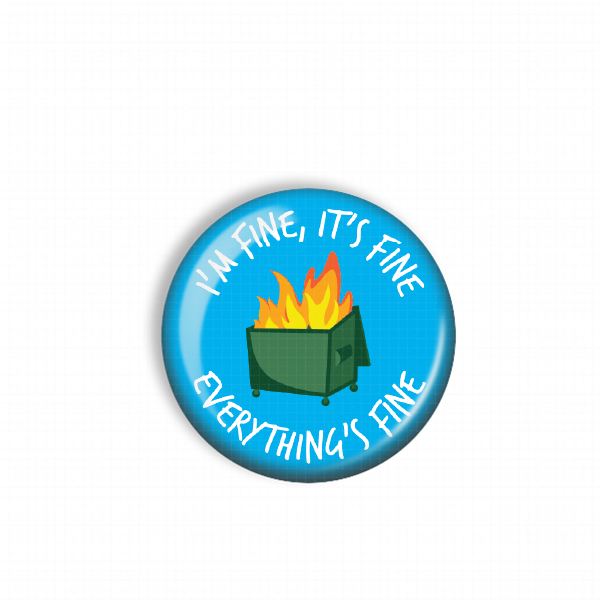
A green button with a graphic of a fire inside a trash can, accompanied by the text "I'm fine, it's fine everything's fine".A blue button with a graphic of a fire inside a trash can, accompanied by the text "I'm fine, it's fine everything's fine".
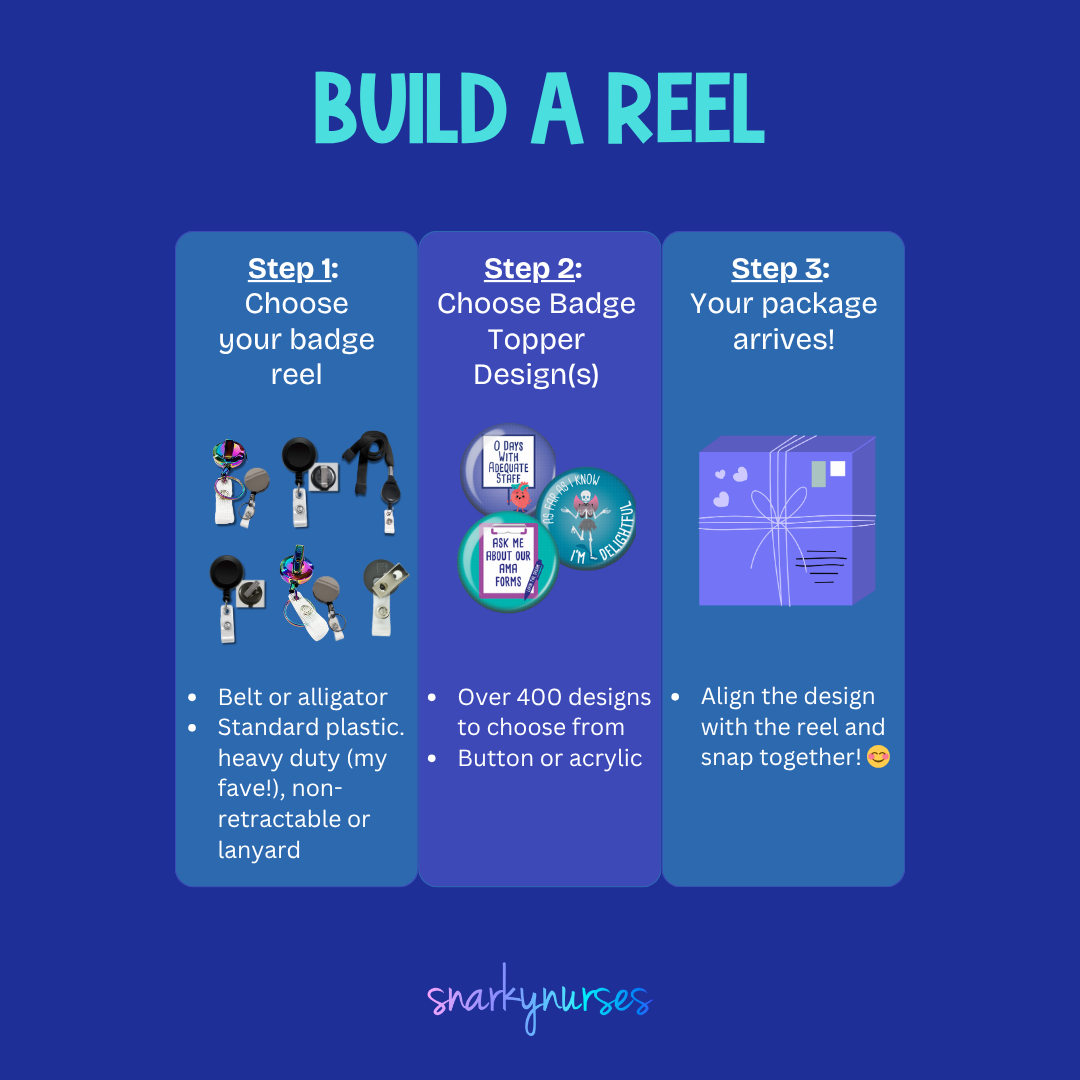
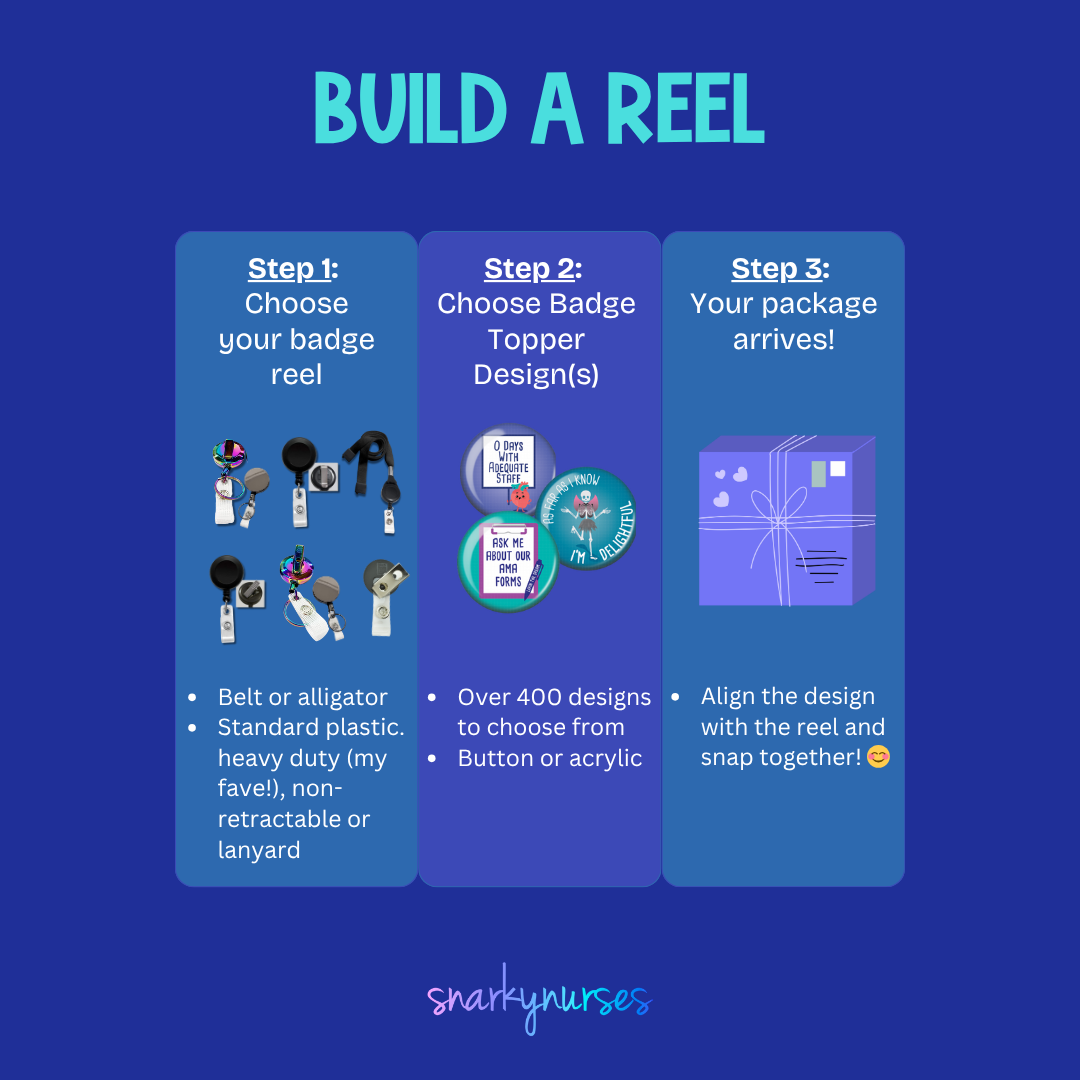
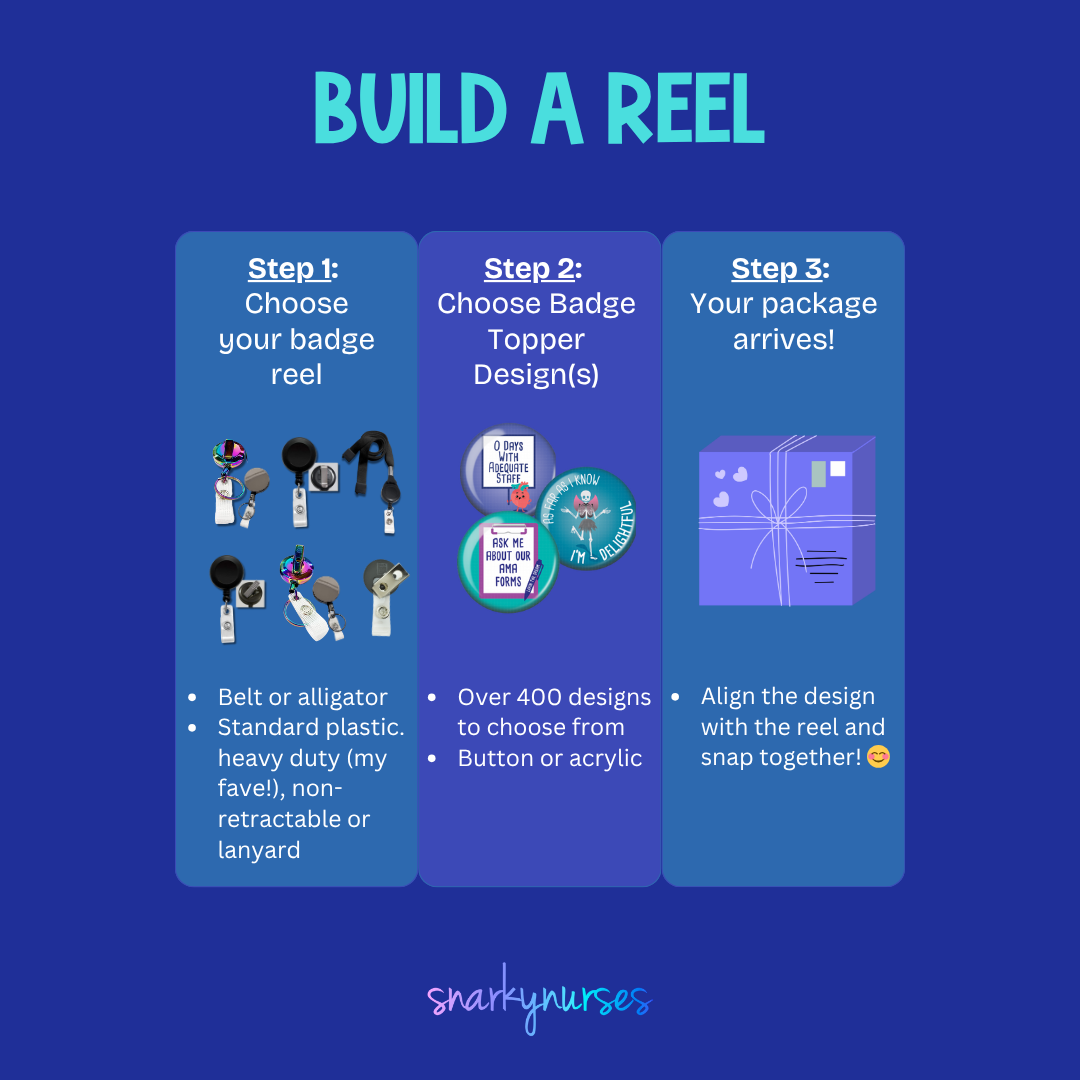
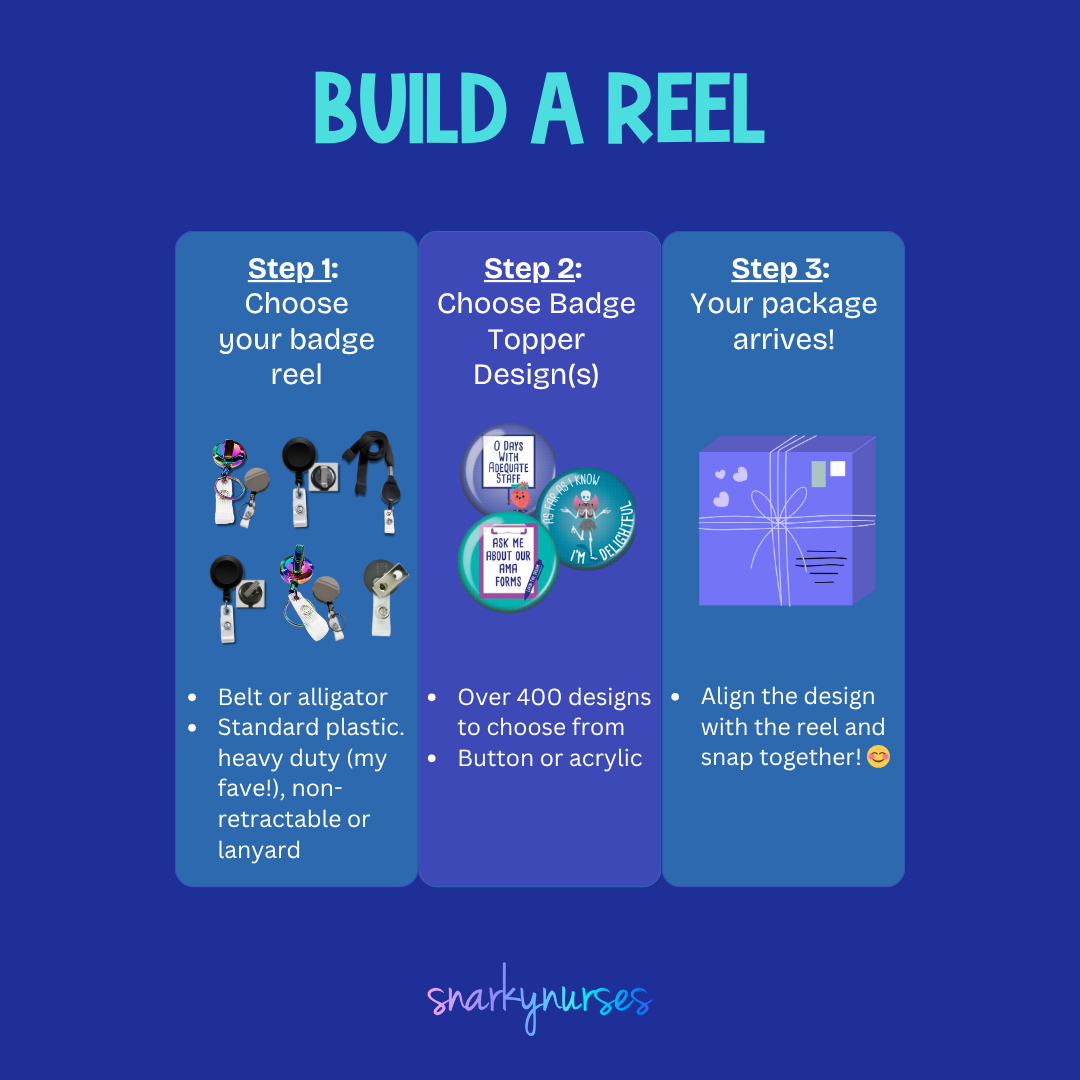
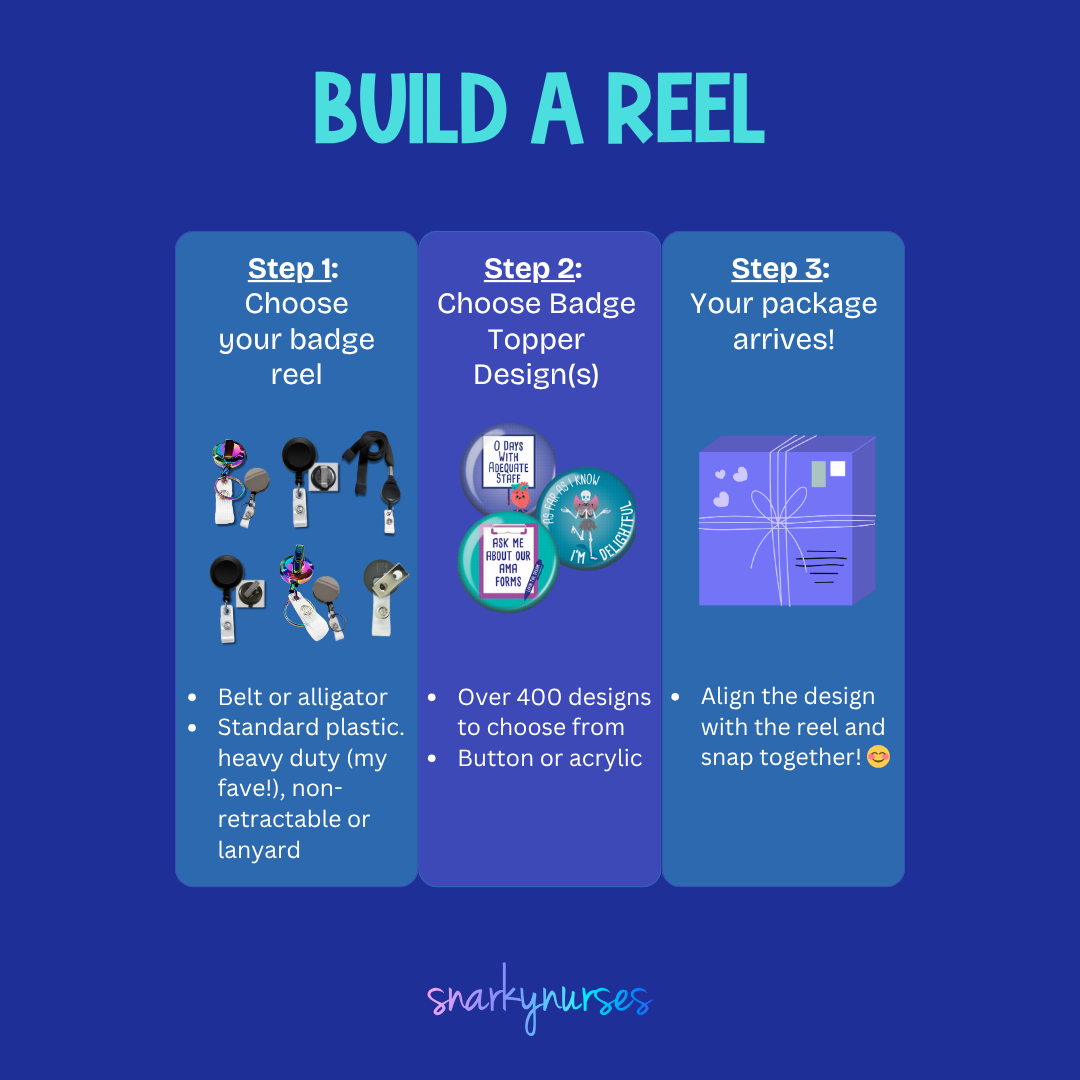
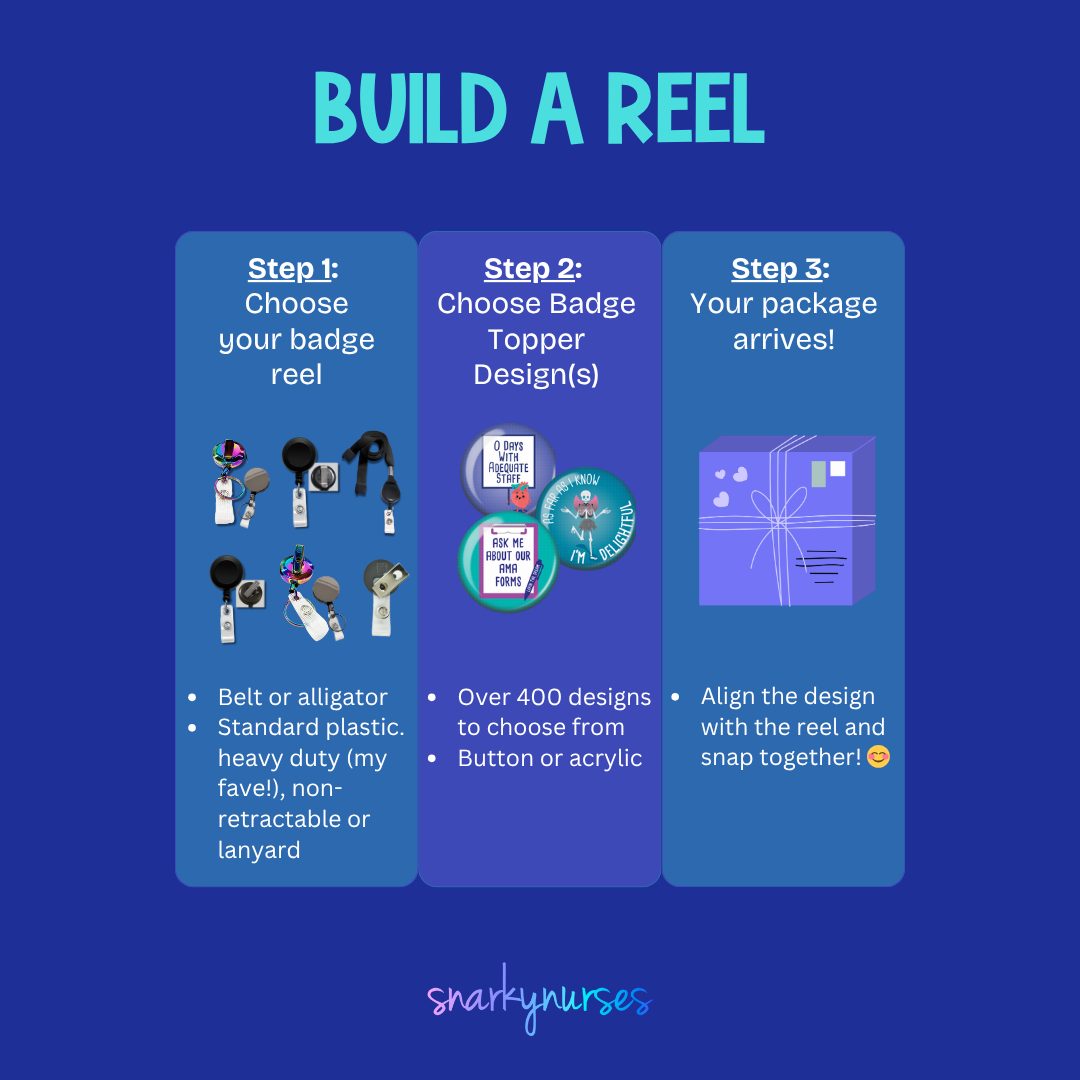
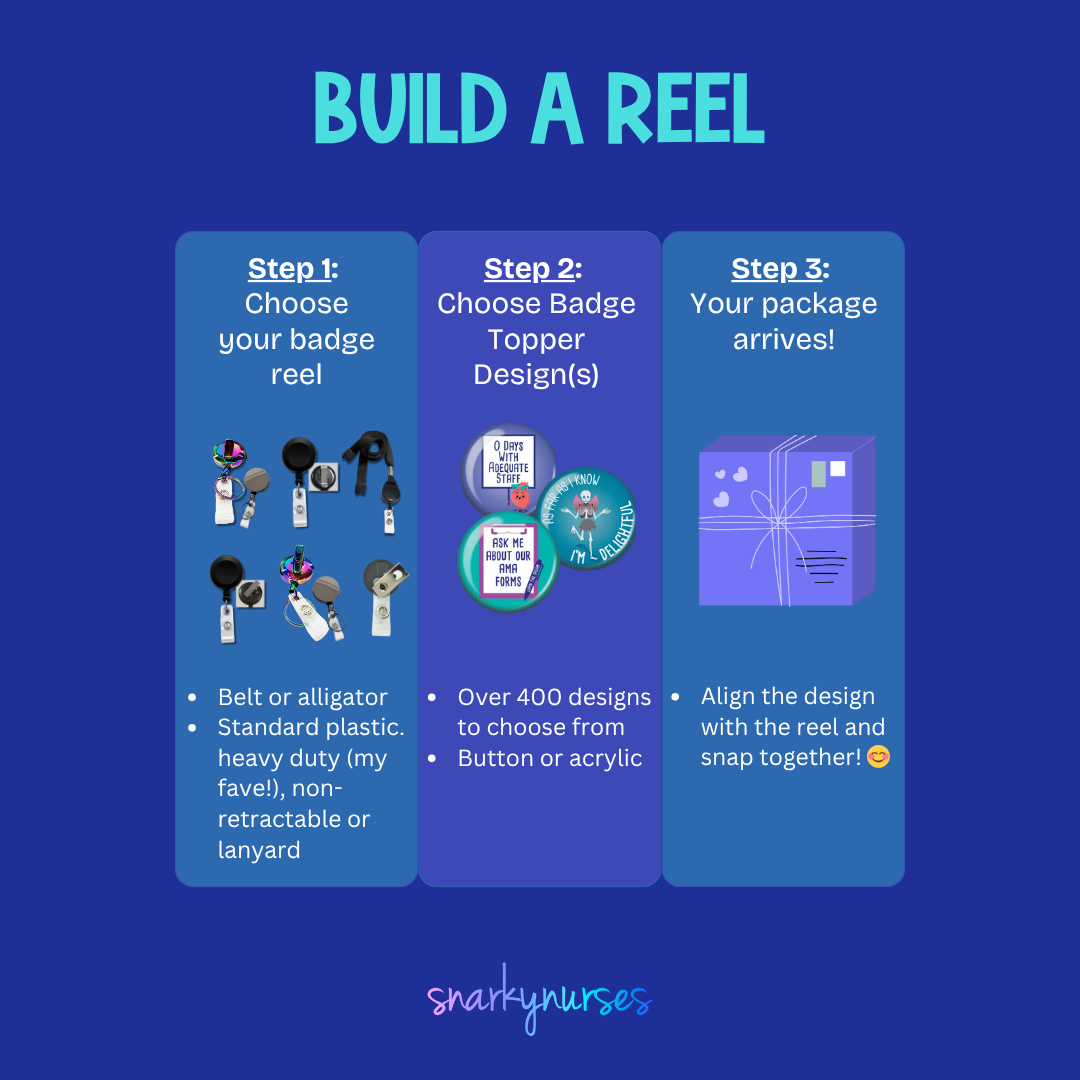
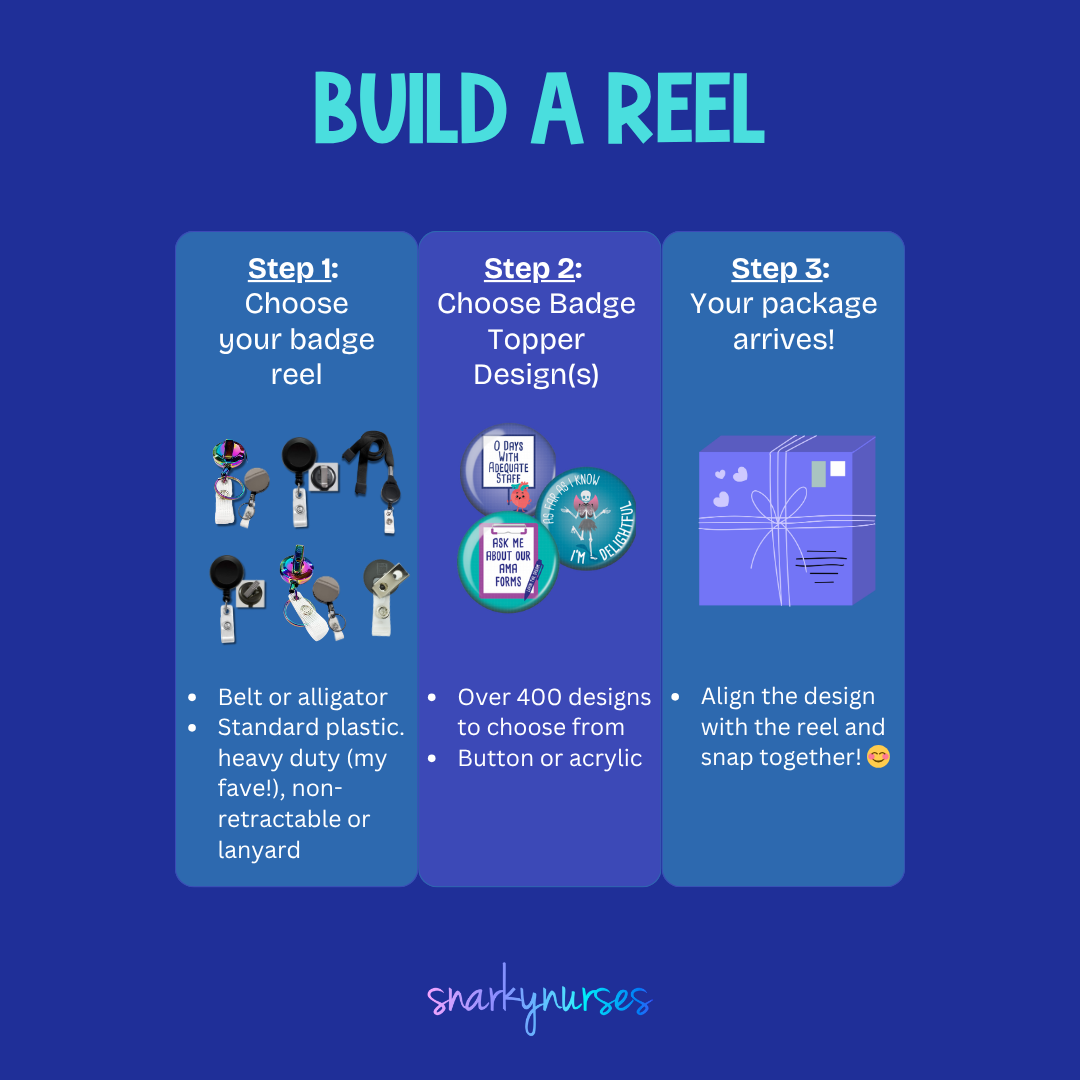
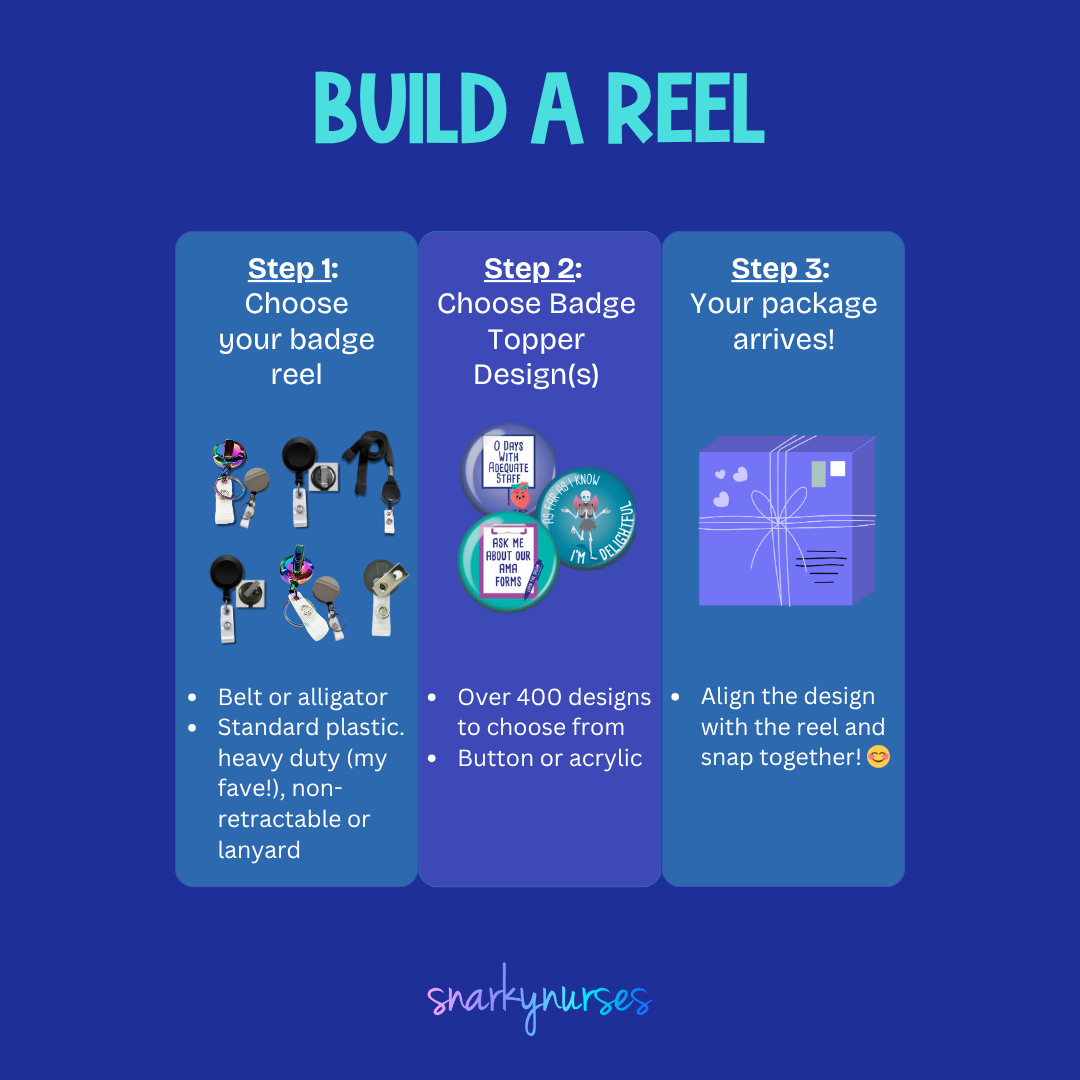
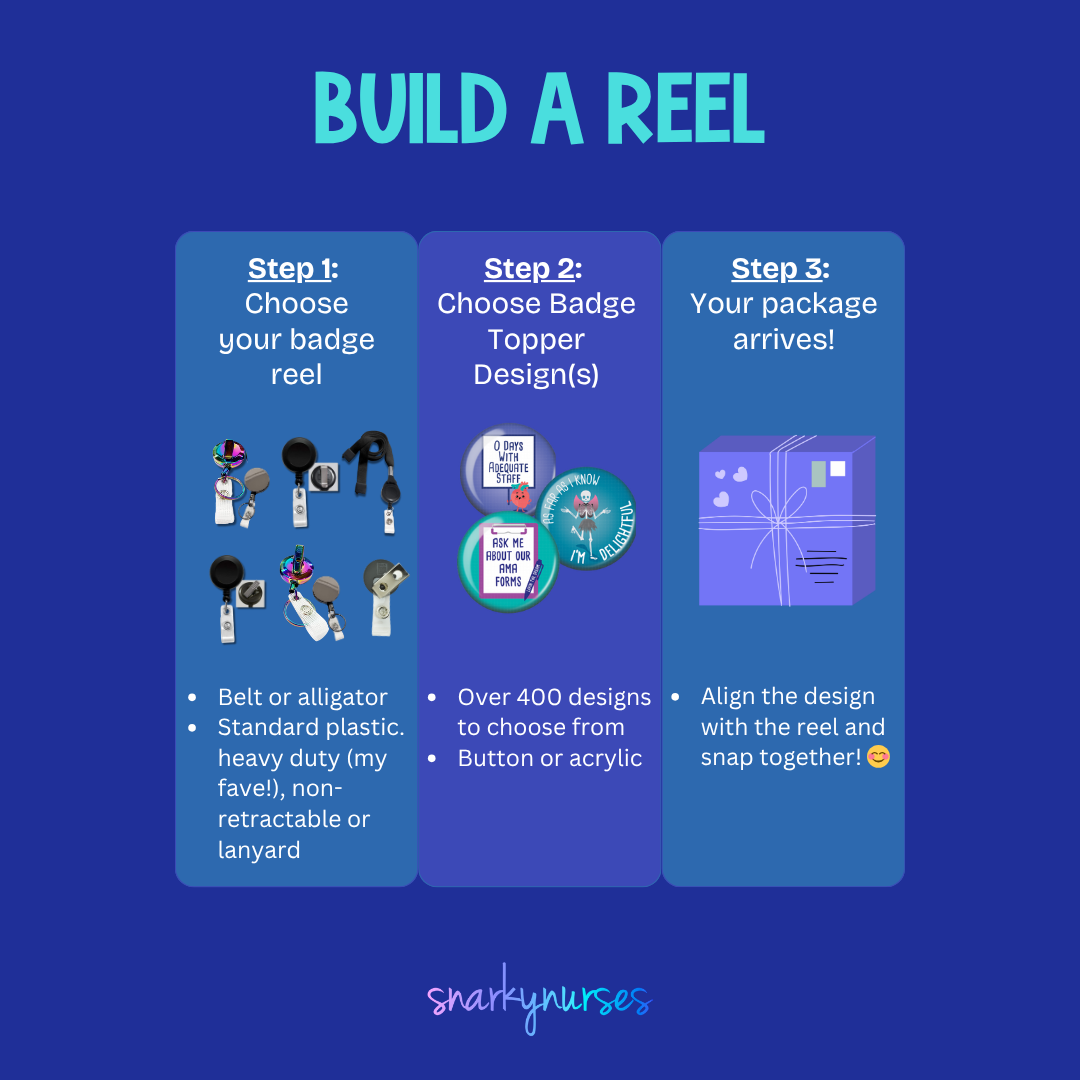
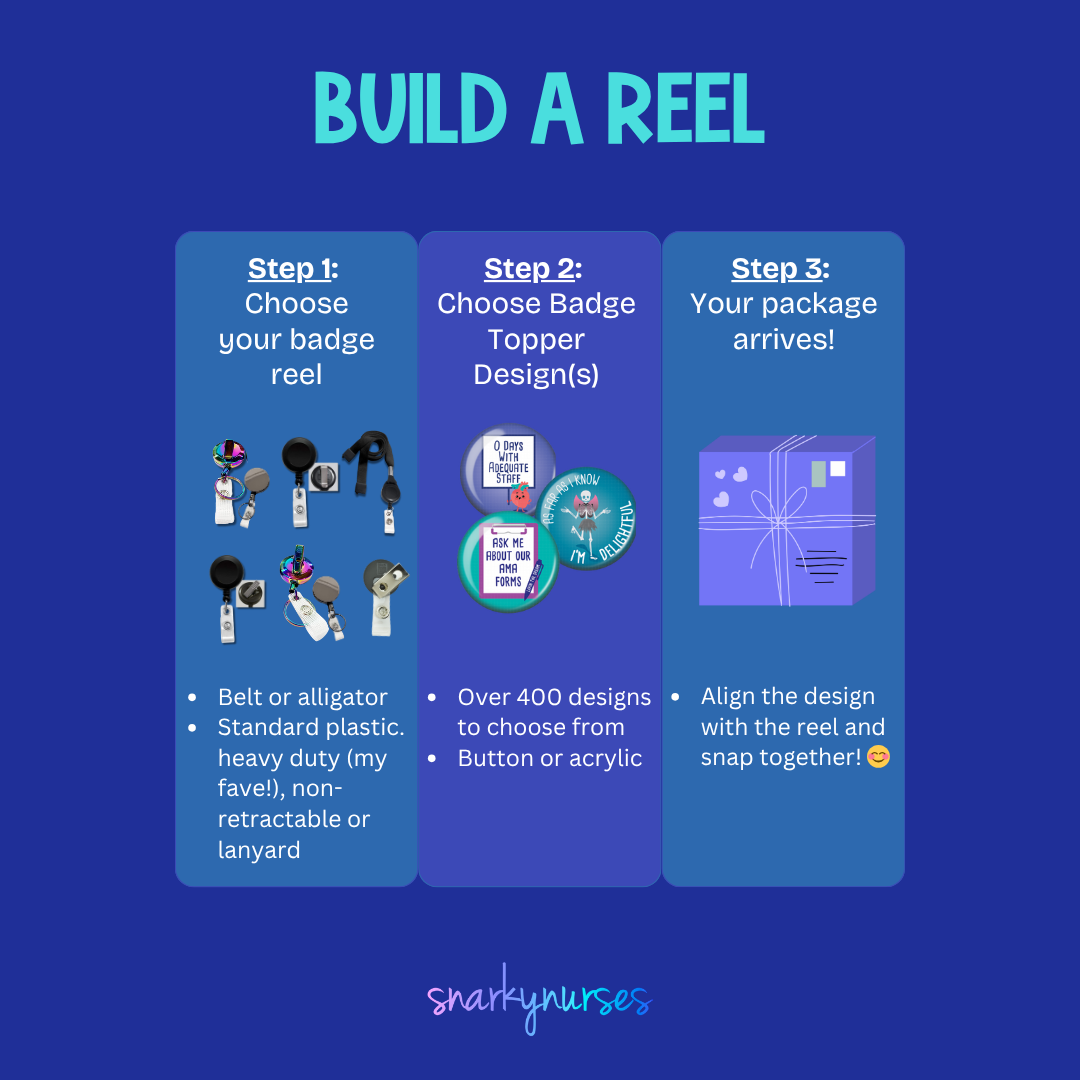
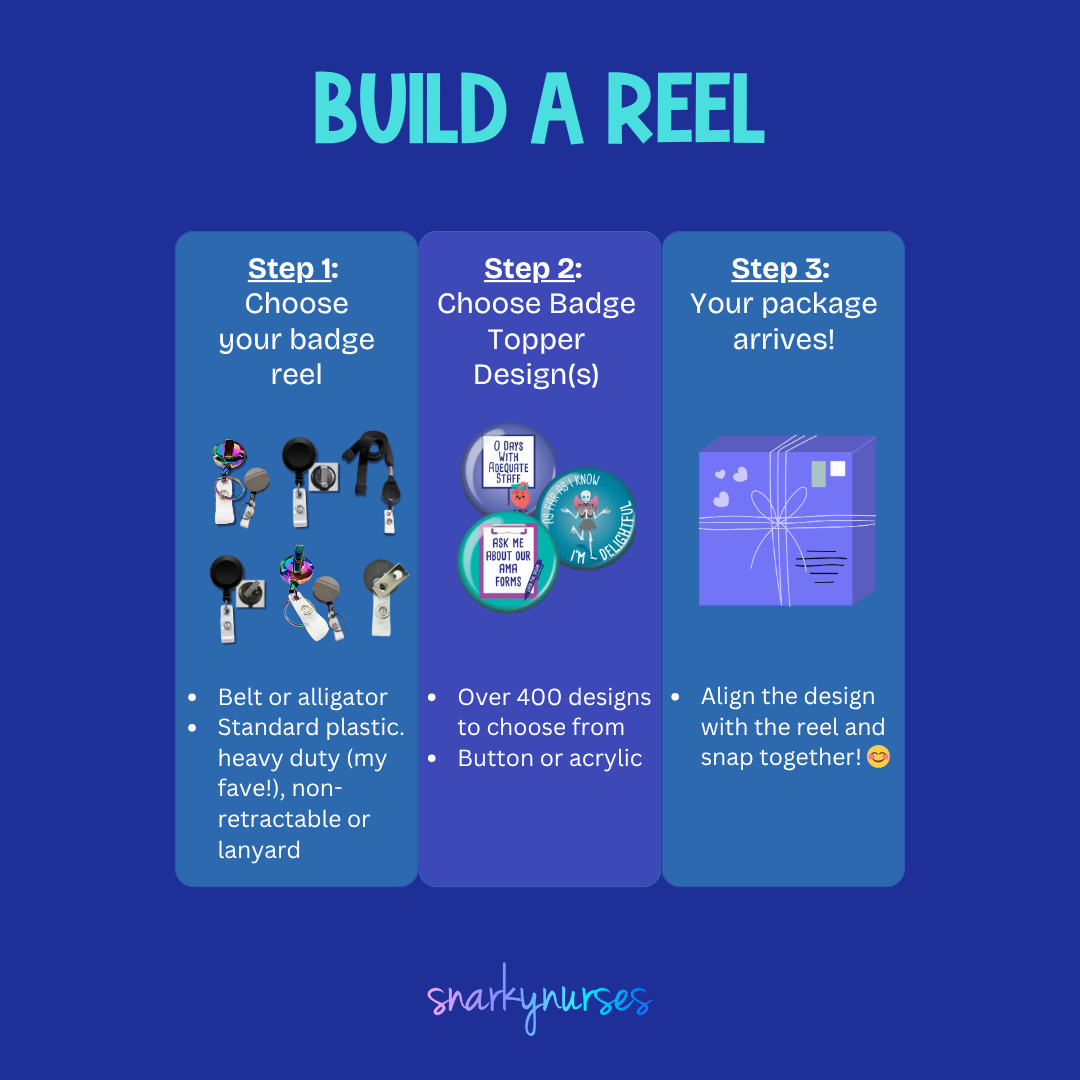
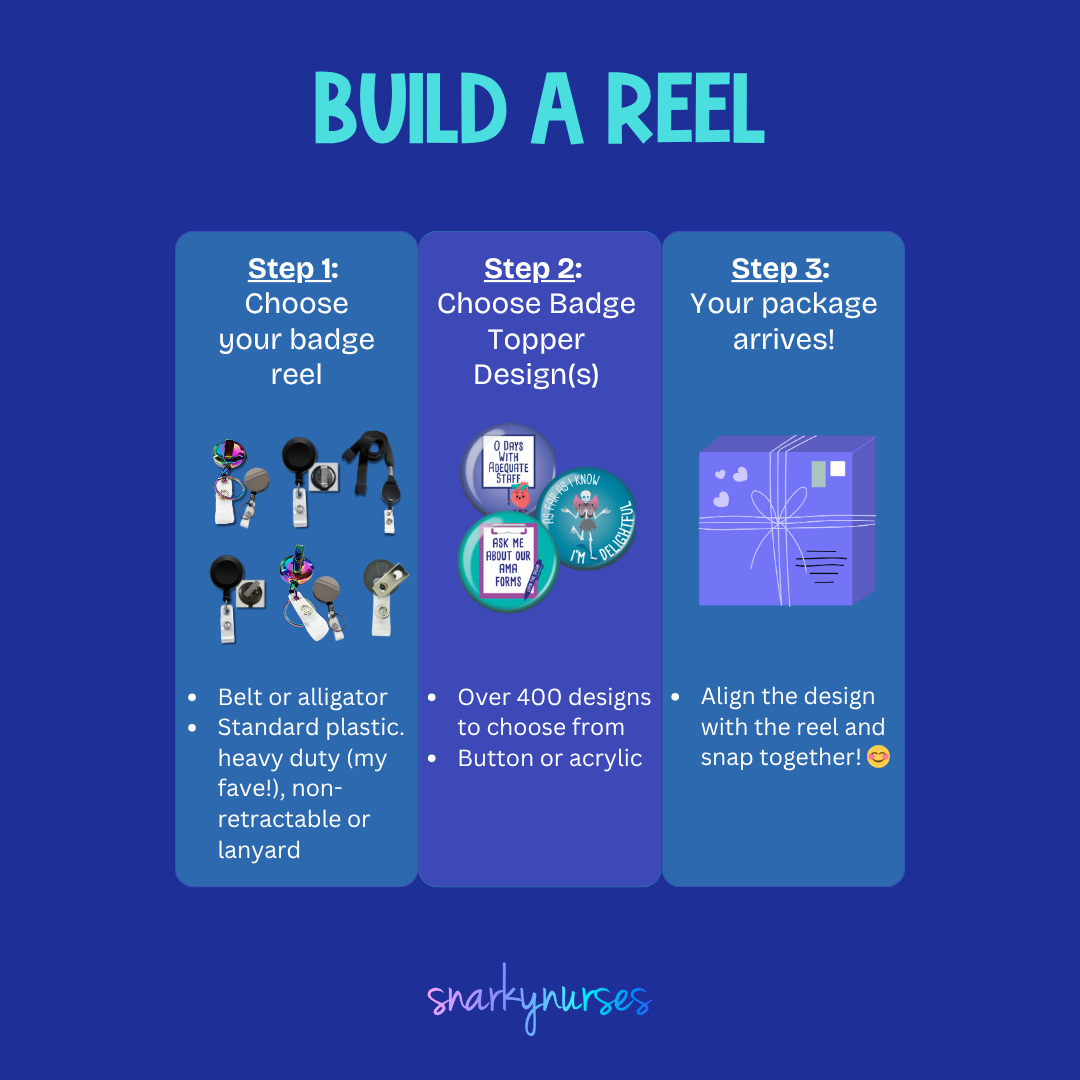
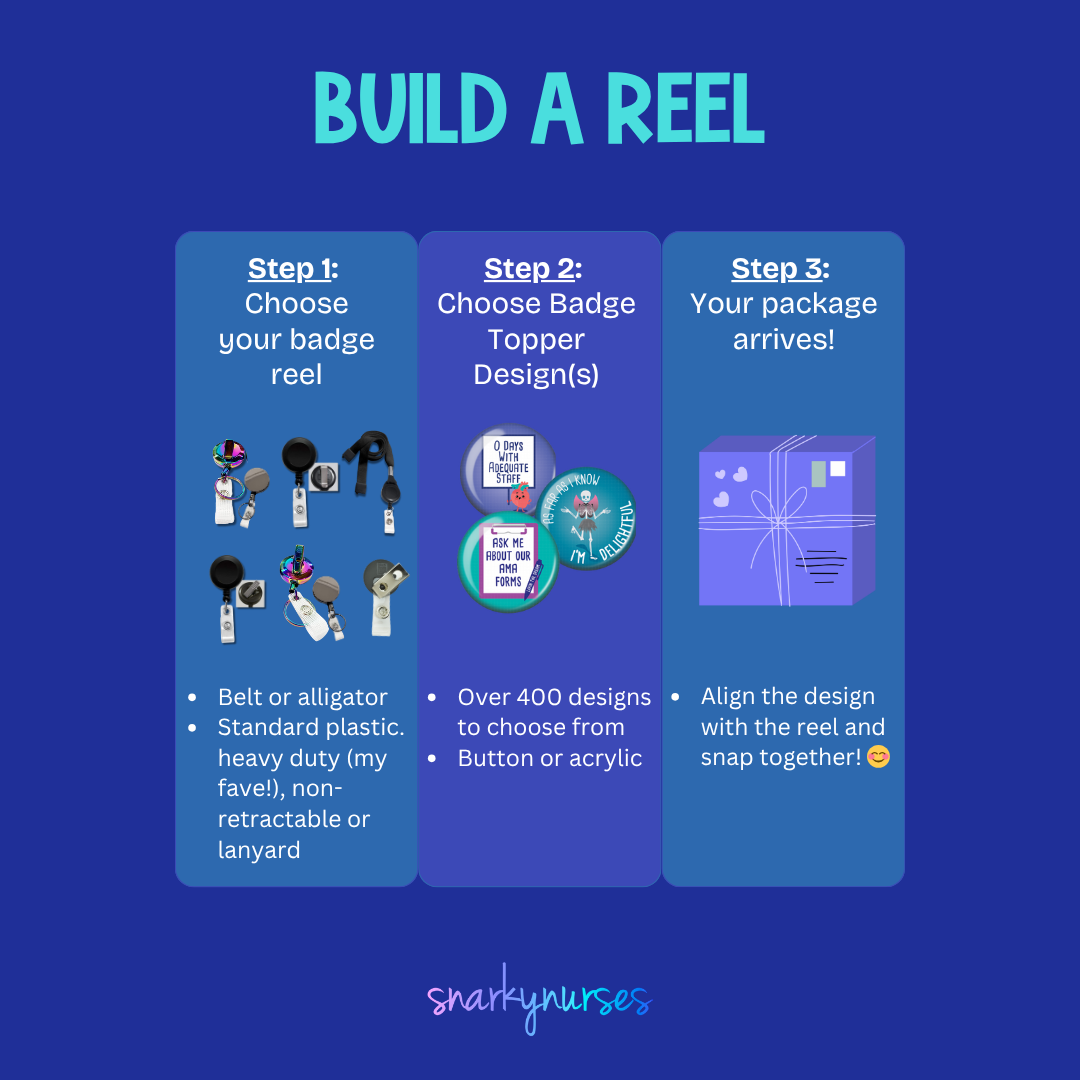
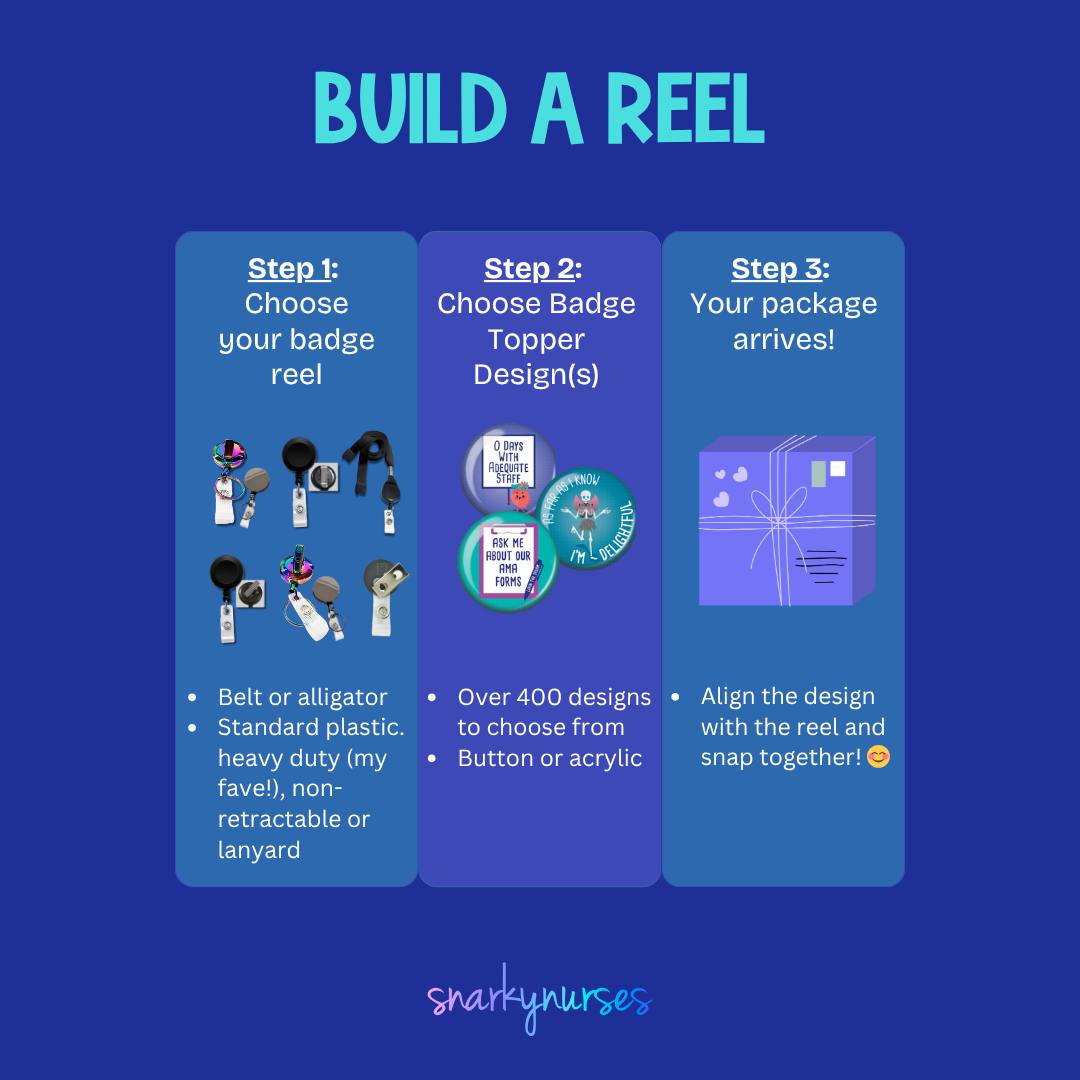
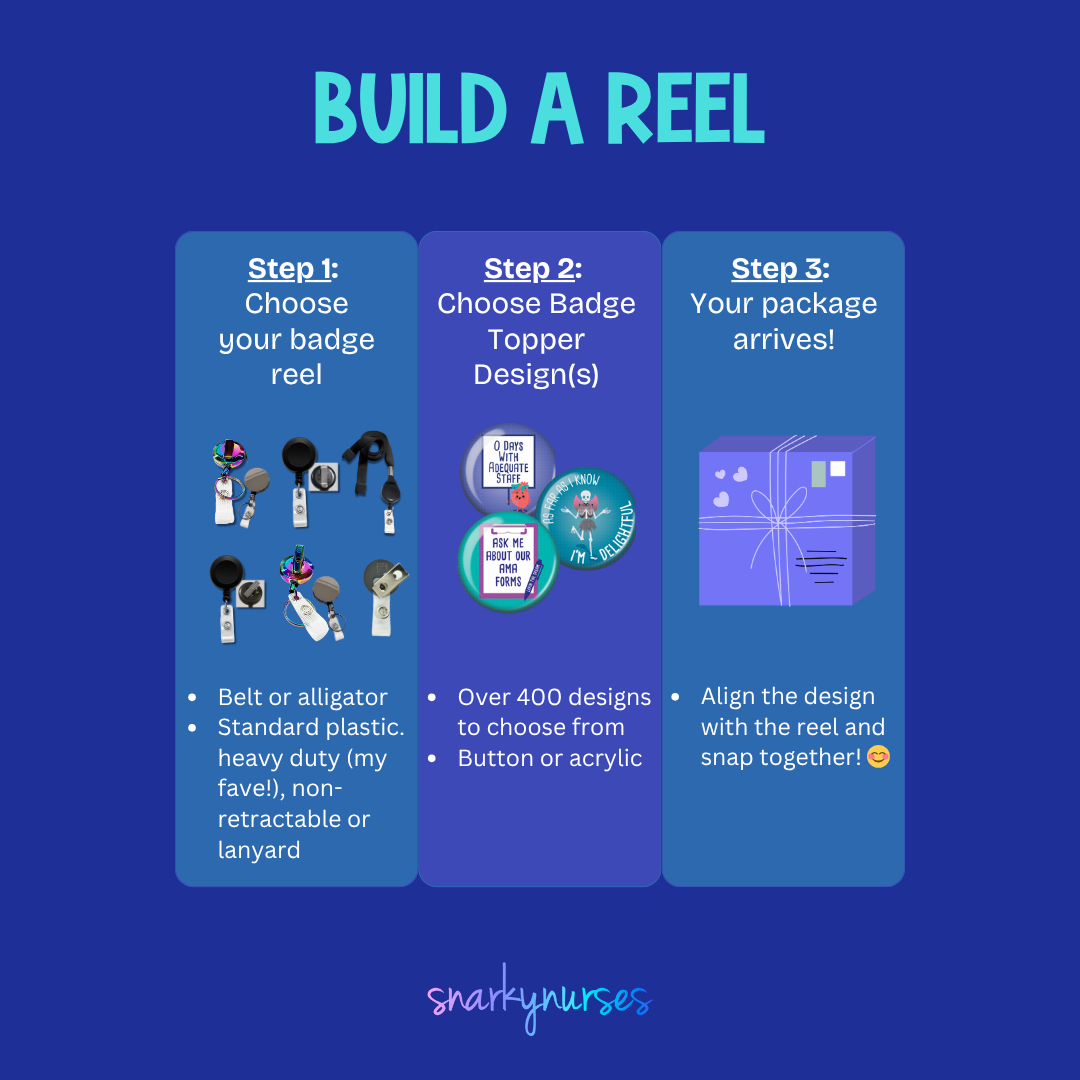
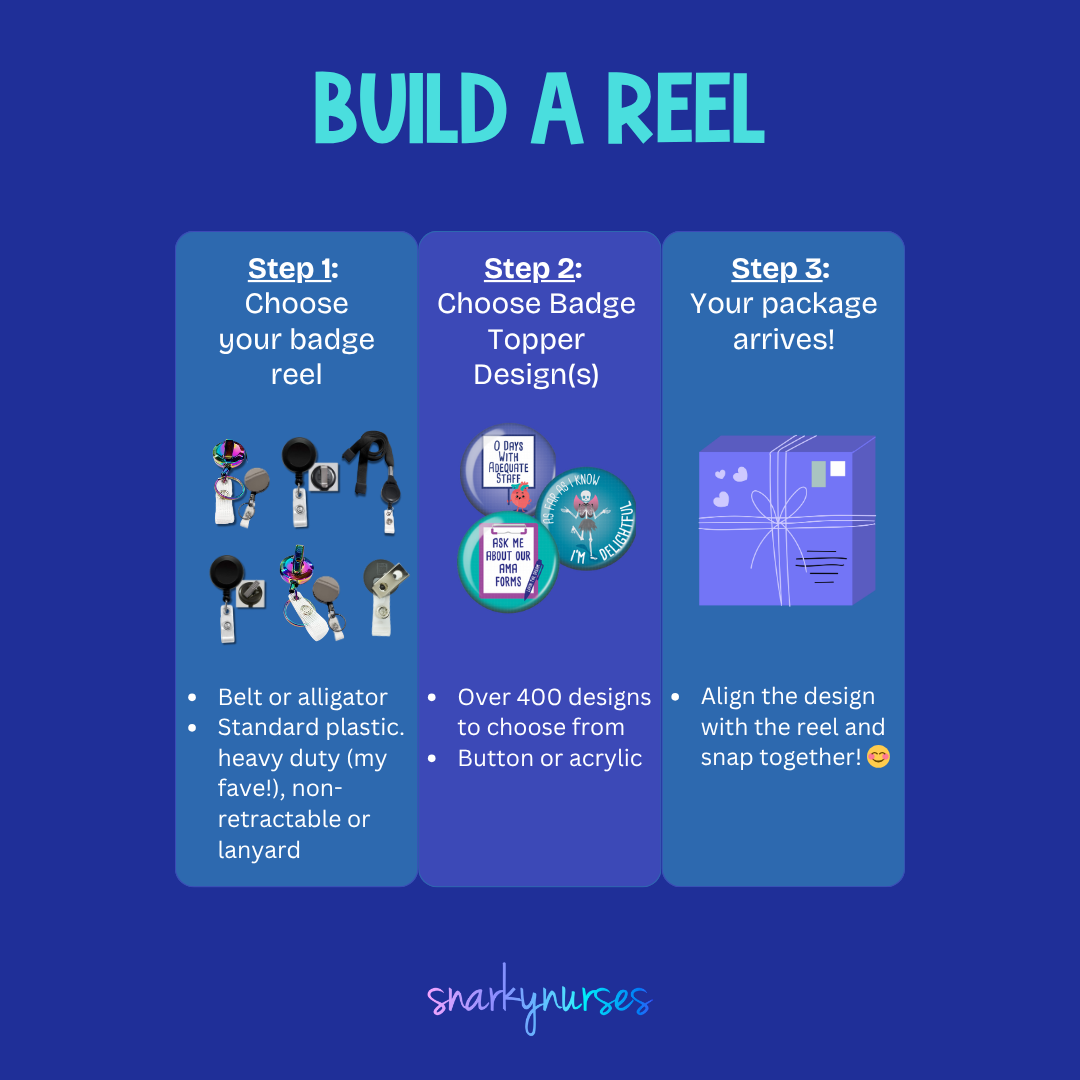
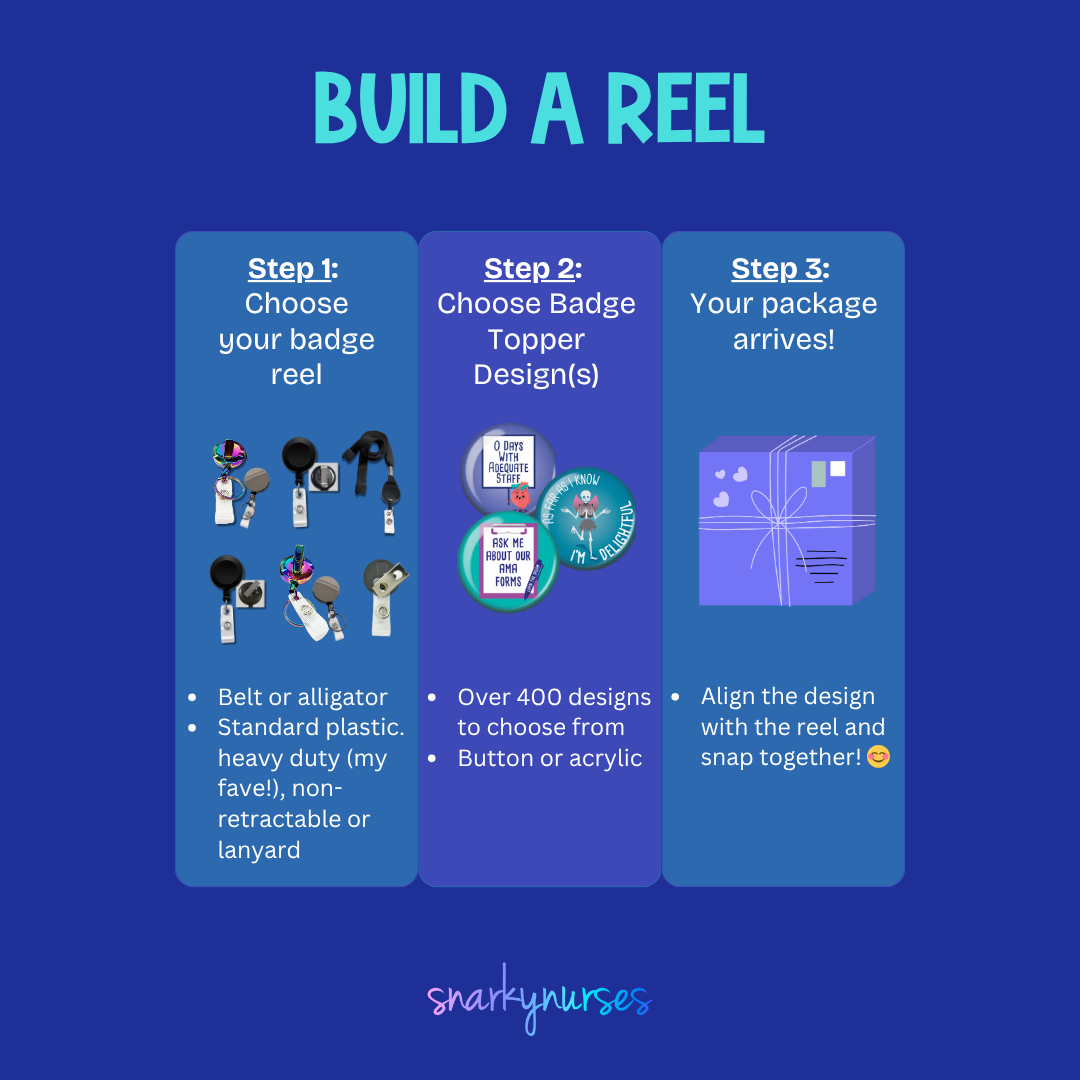
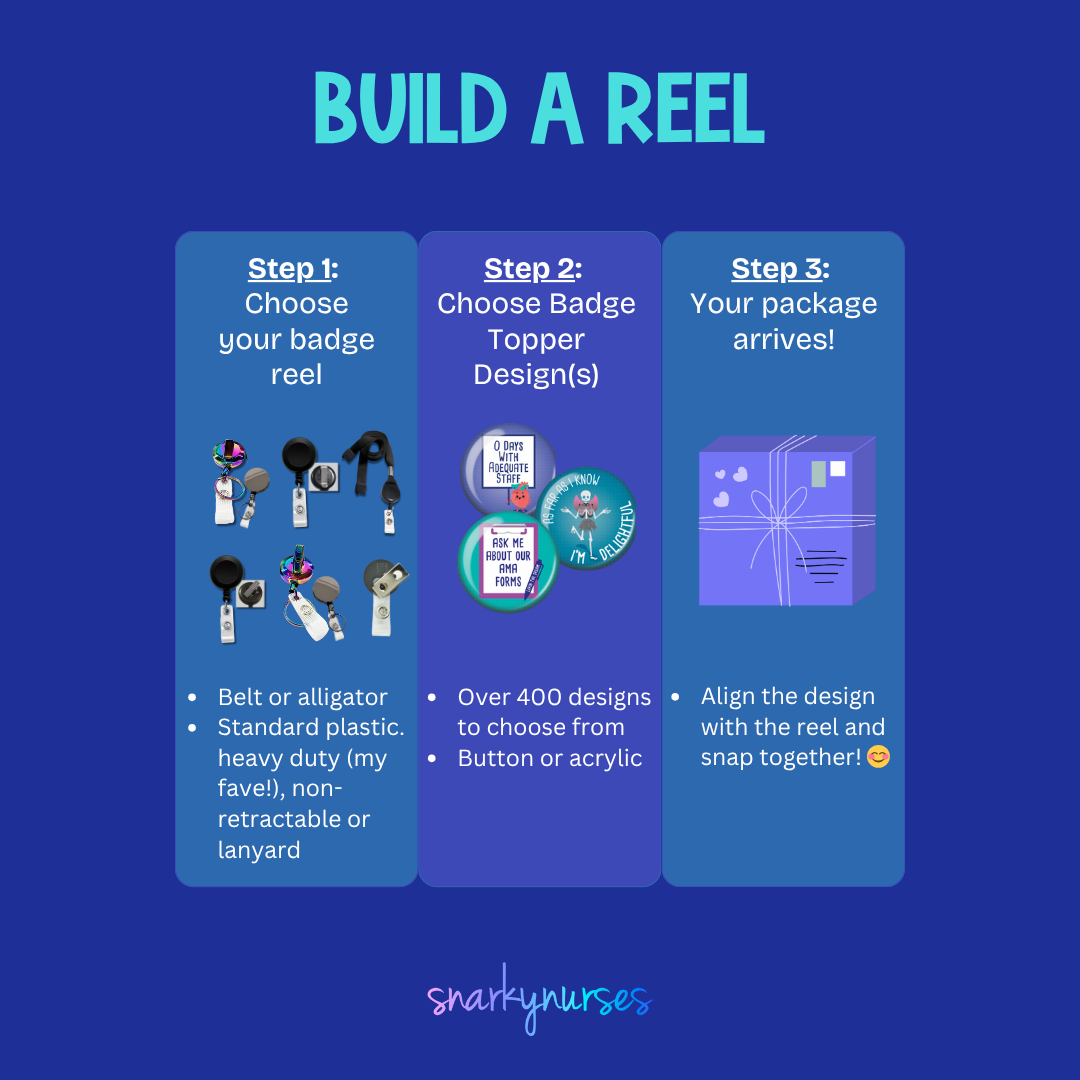
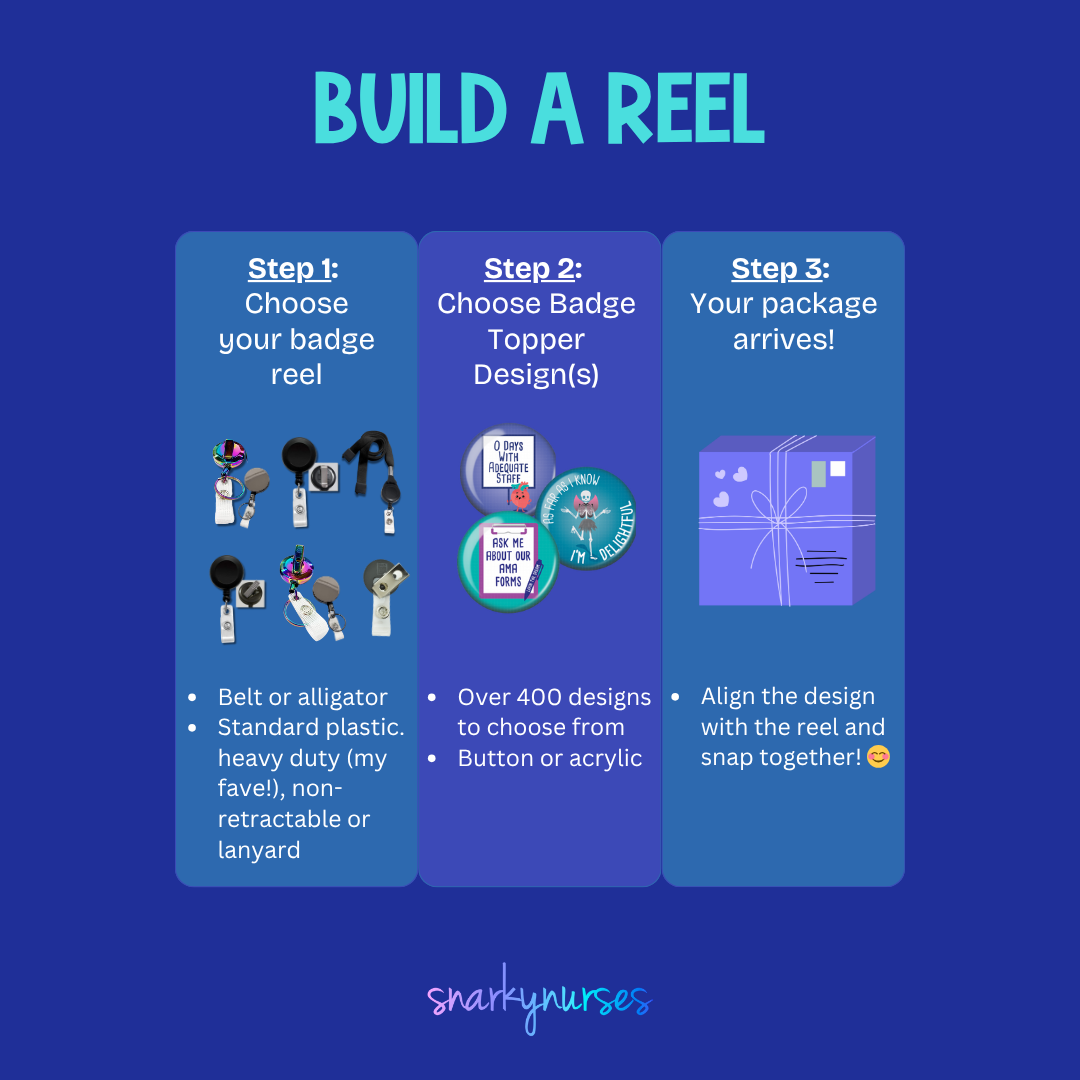
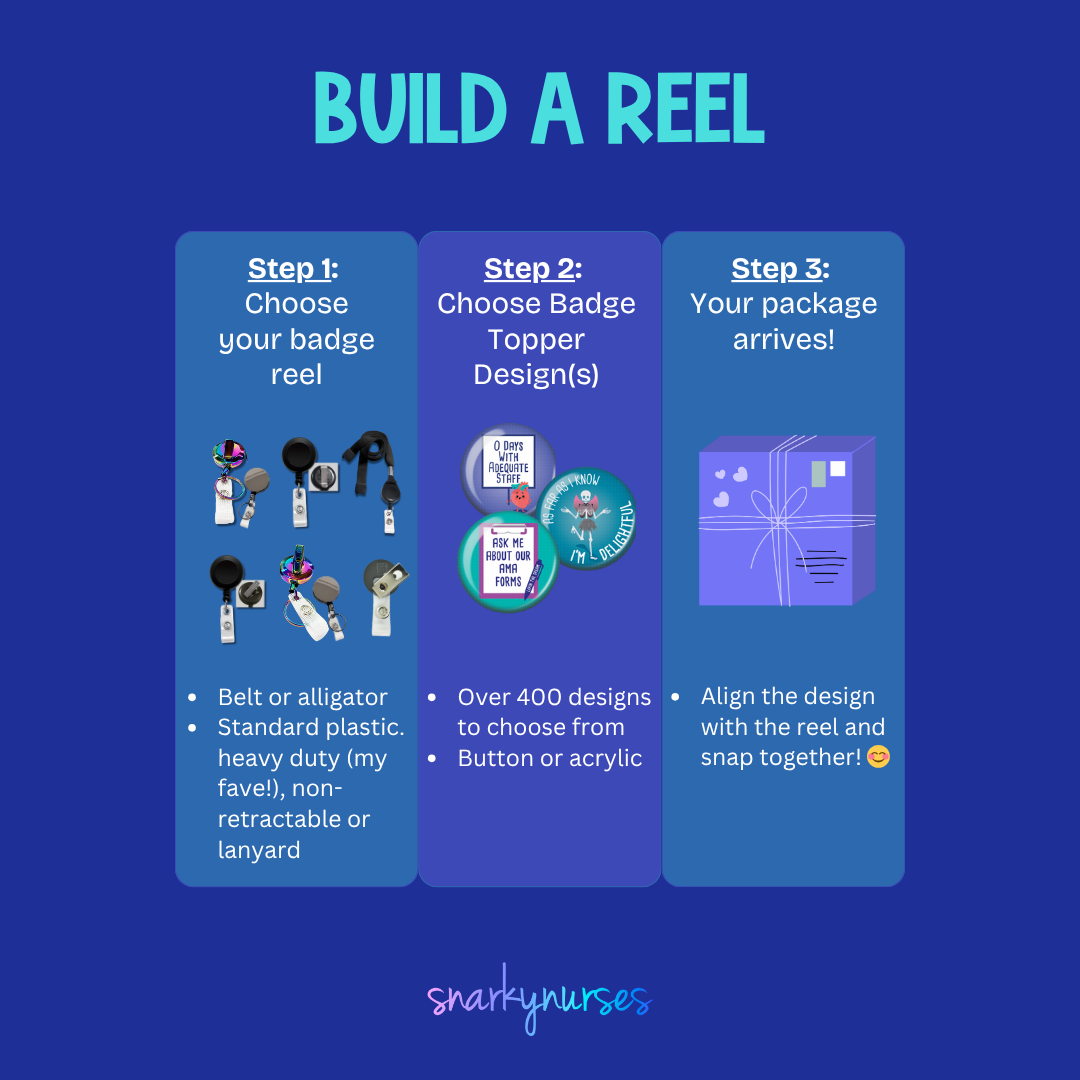
A black button with a cartoon koala and the text "I'm Koolafied" printed on it.The image is a step-by-step guide on how to build a reel, with three sections labeled Step 1, Step 2, and Step 3. It provides instructions on choosing a badge to attach to the reel, choosing a badge design, and aligning the design with the reel.
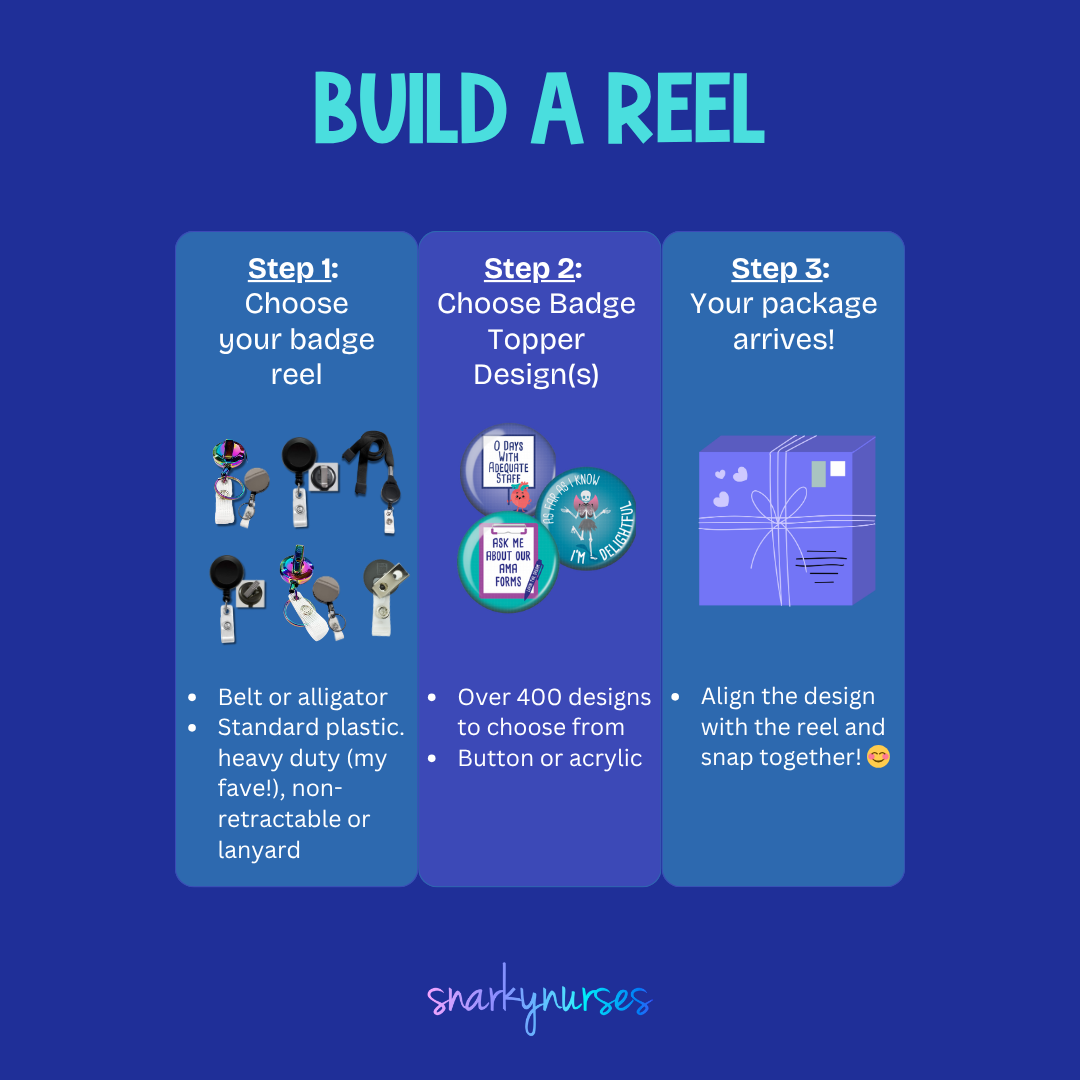
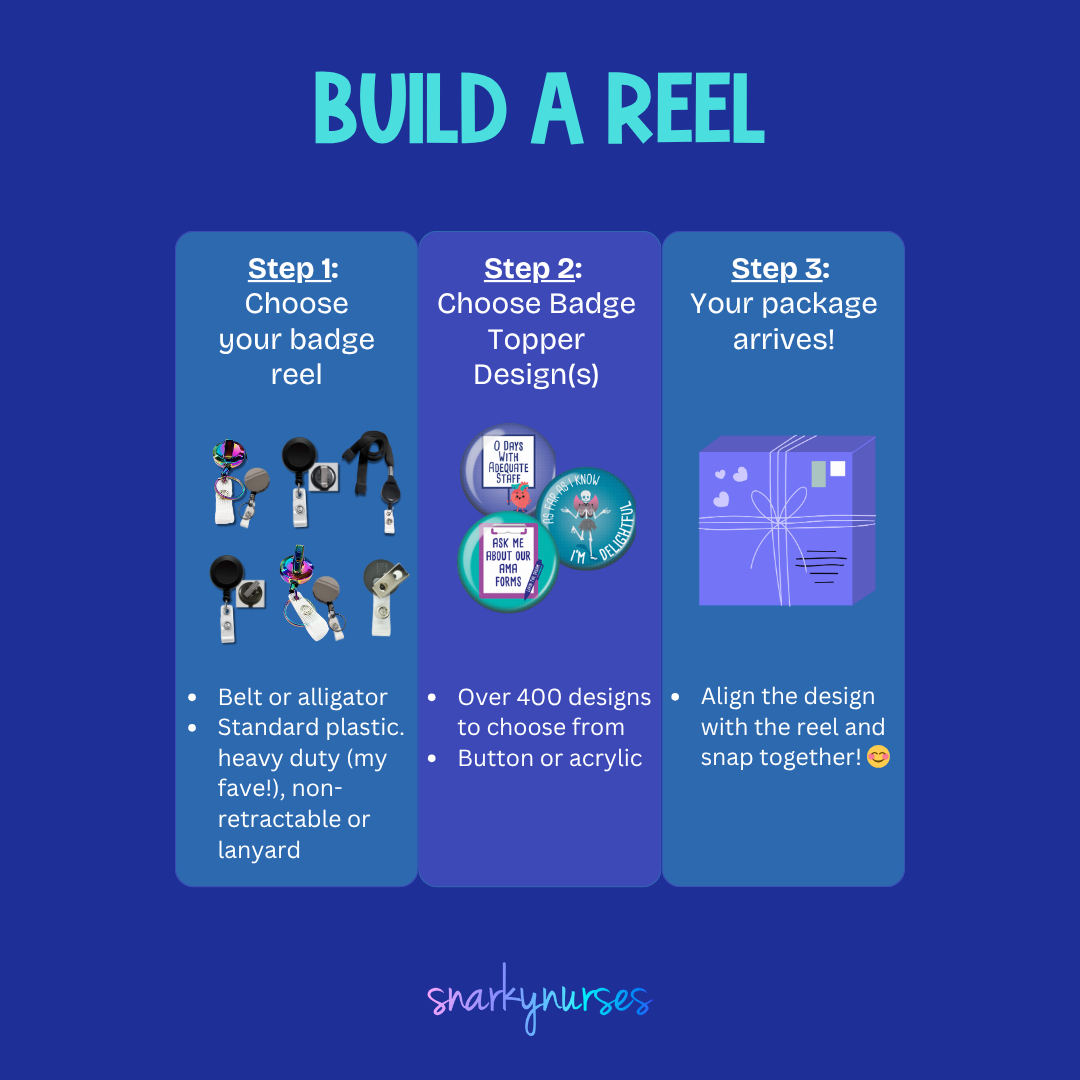
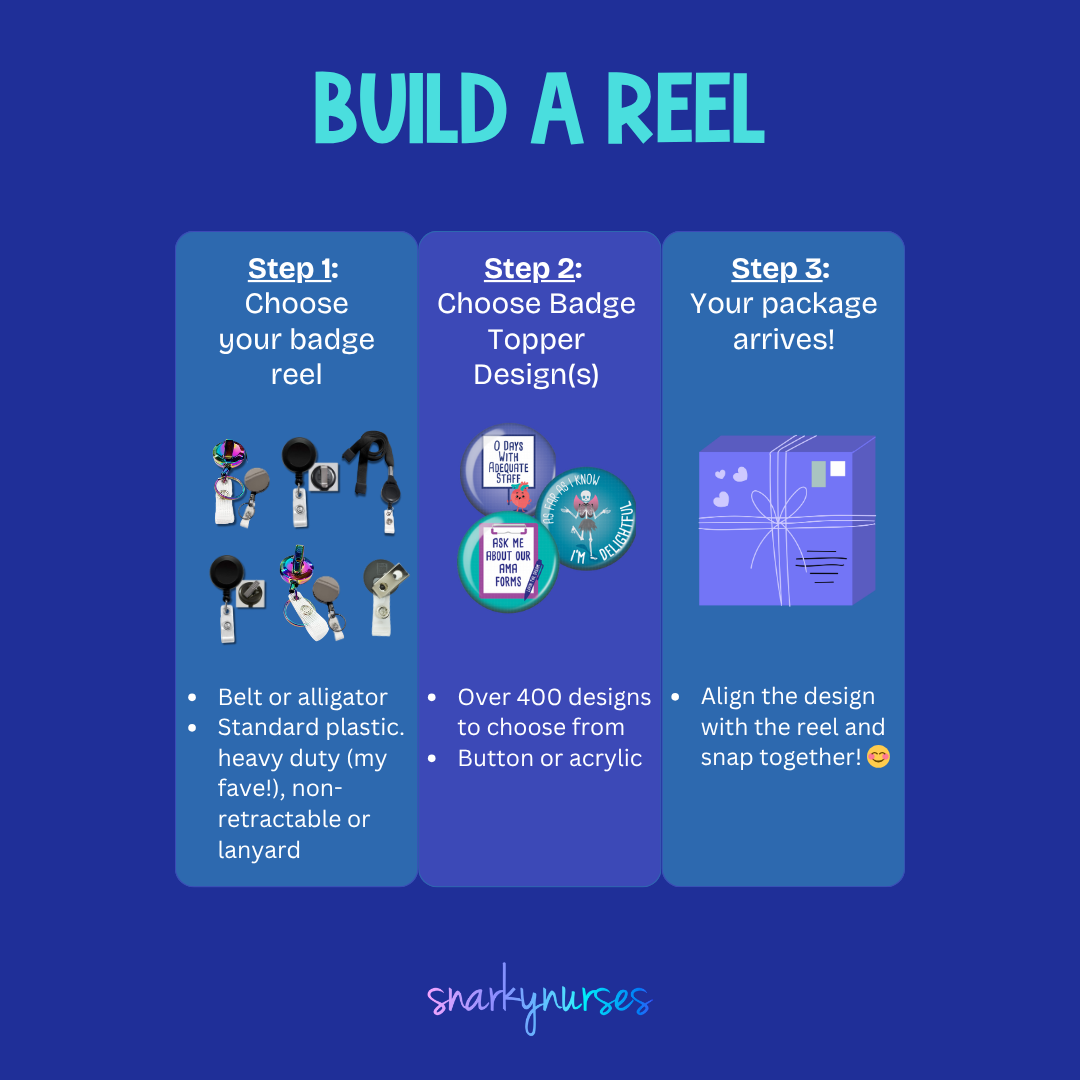
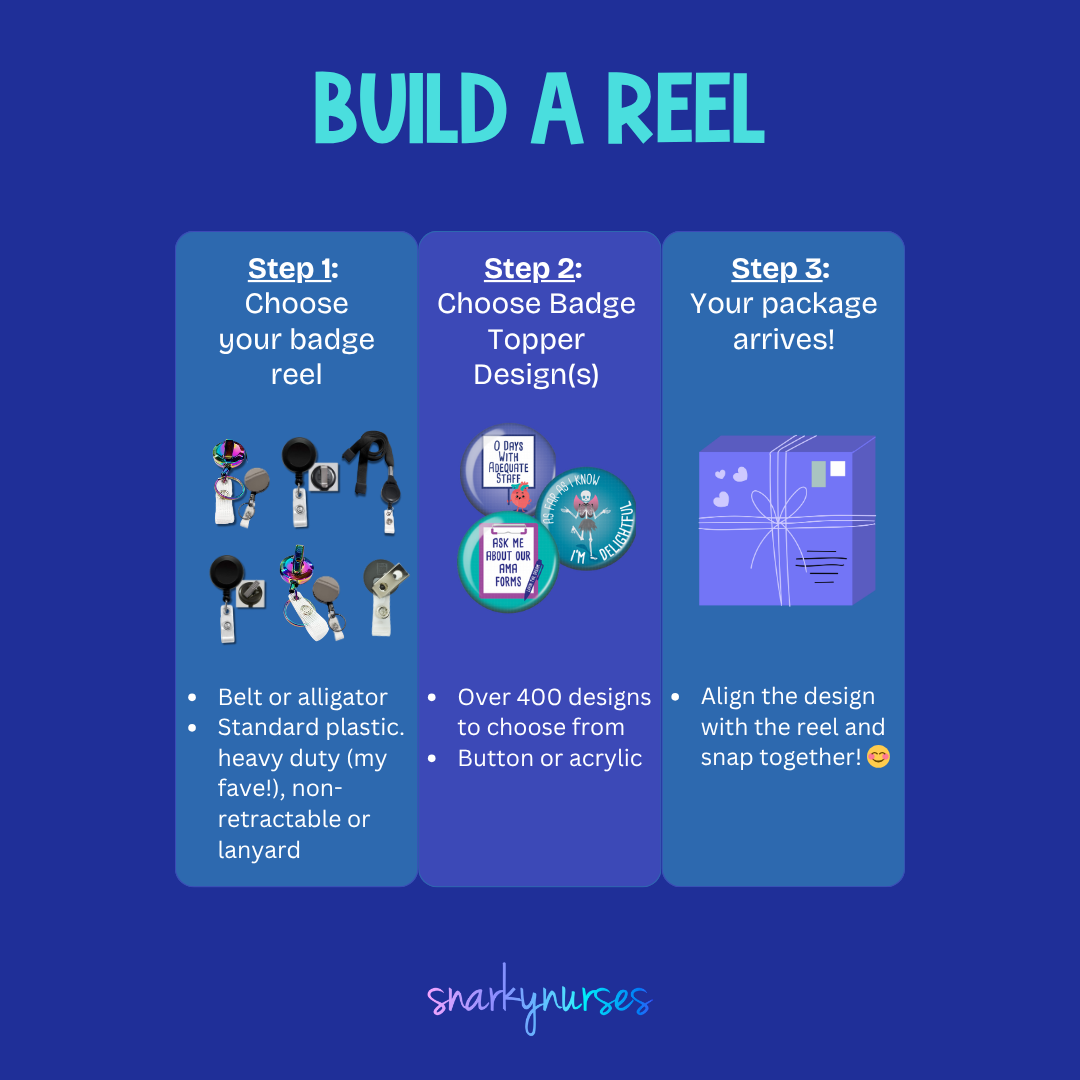
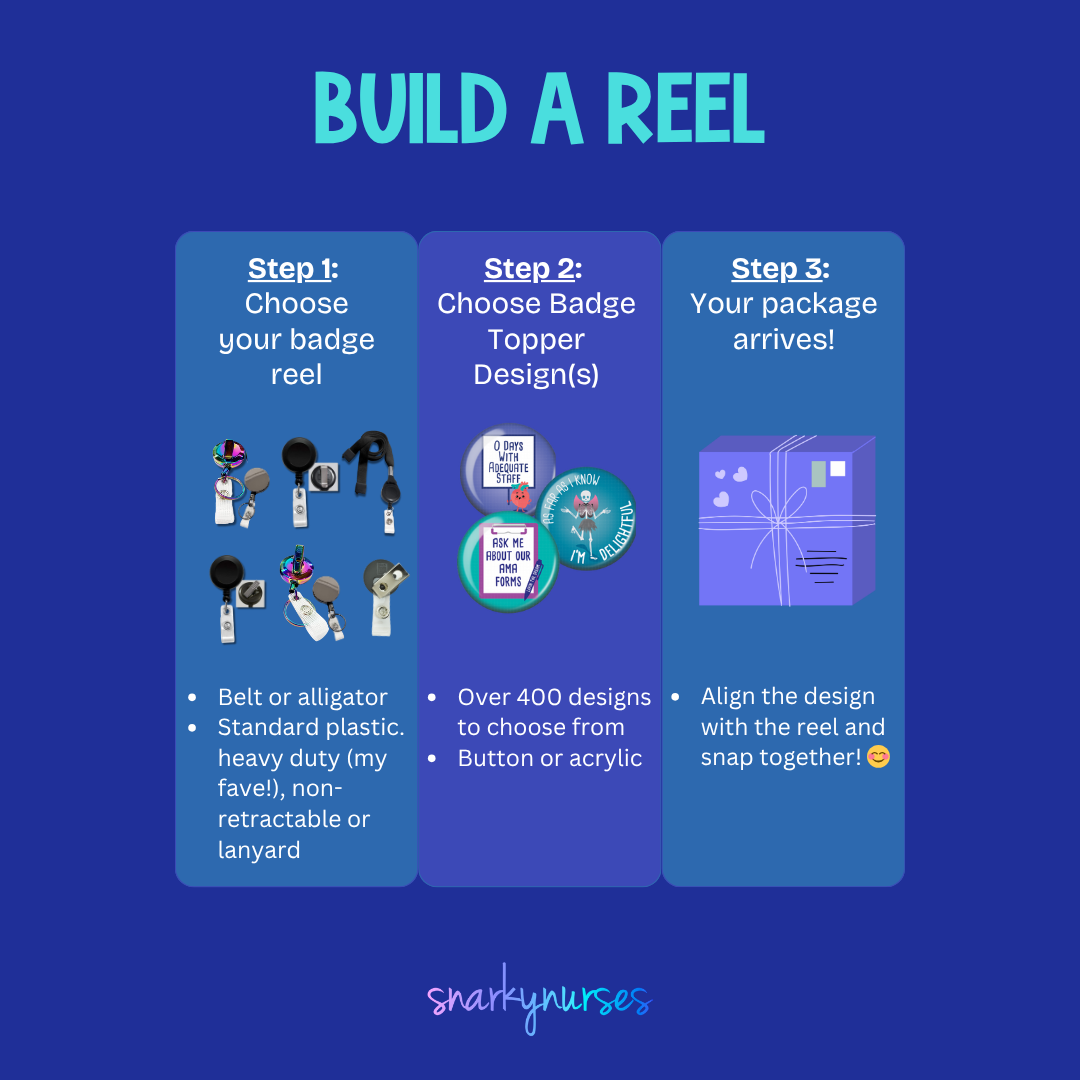
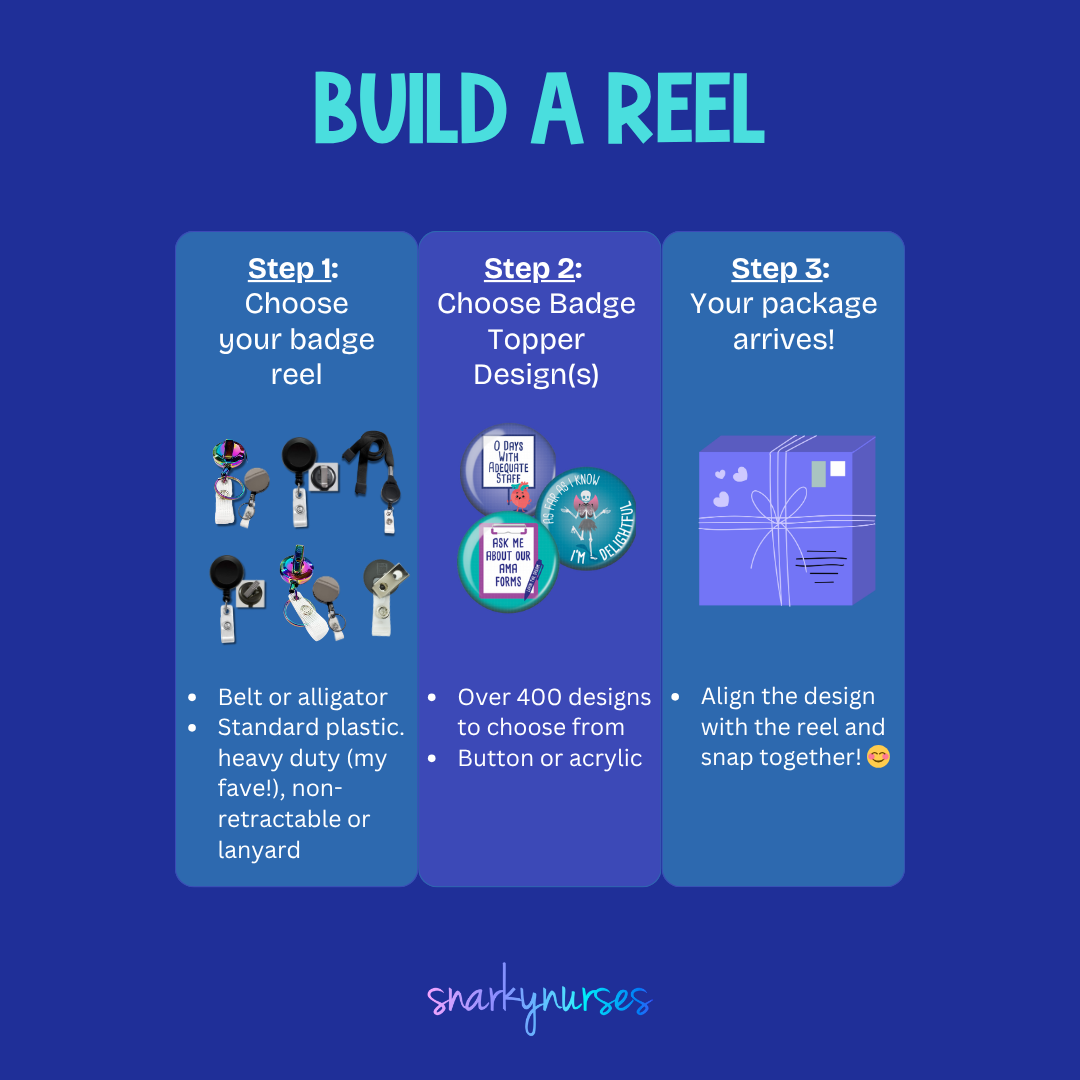
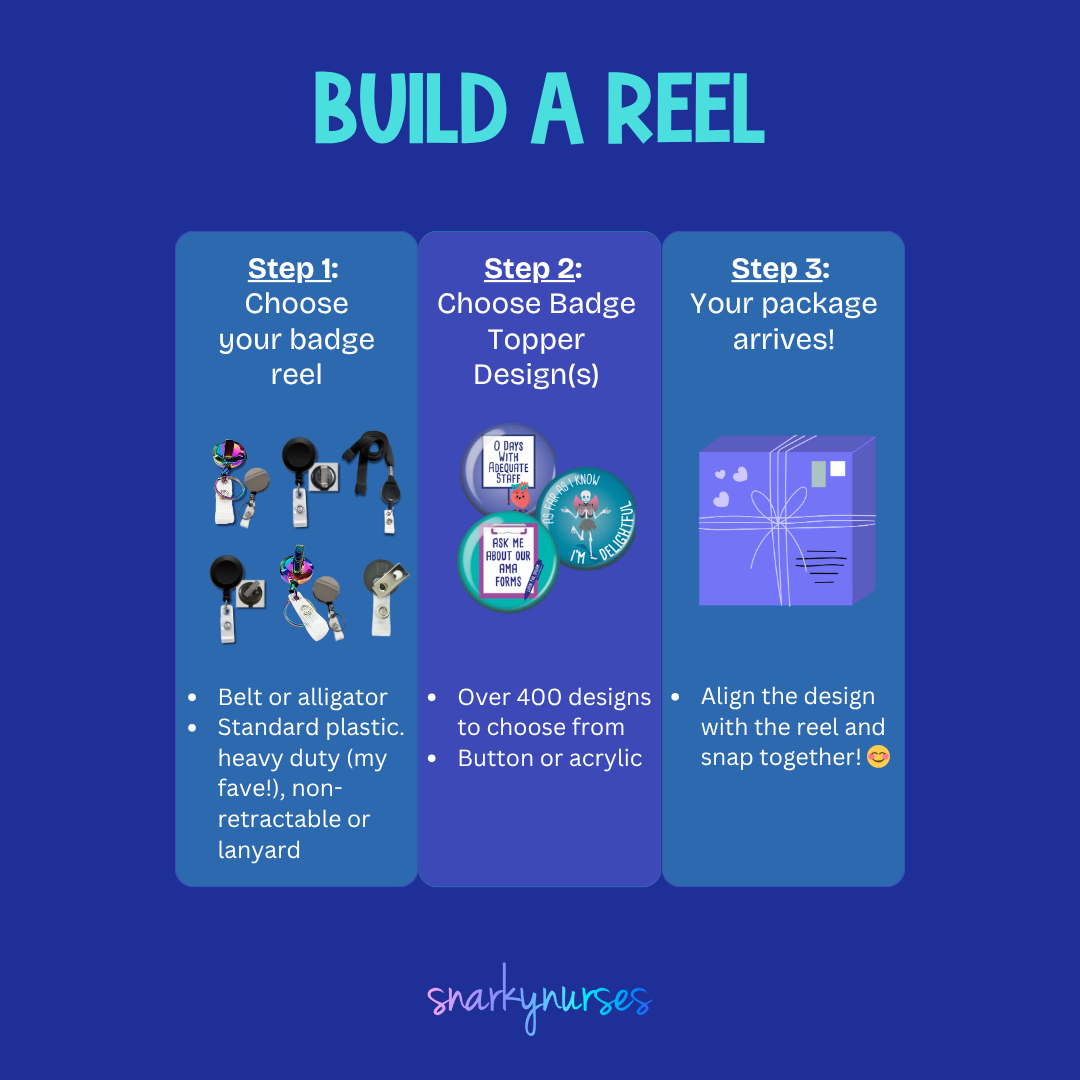
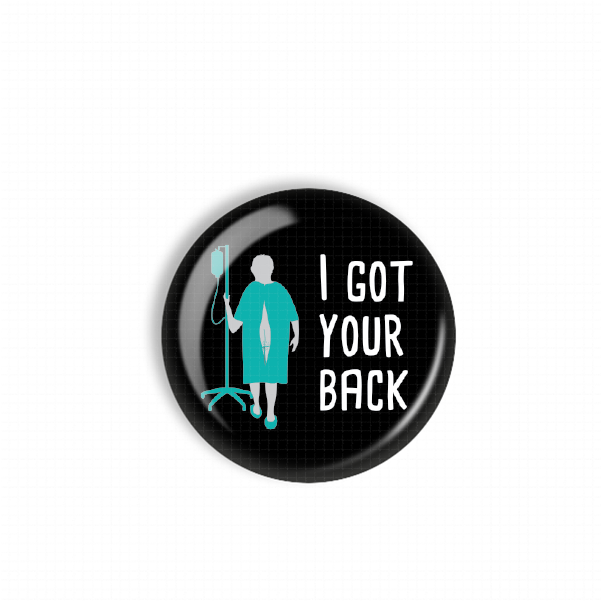
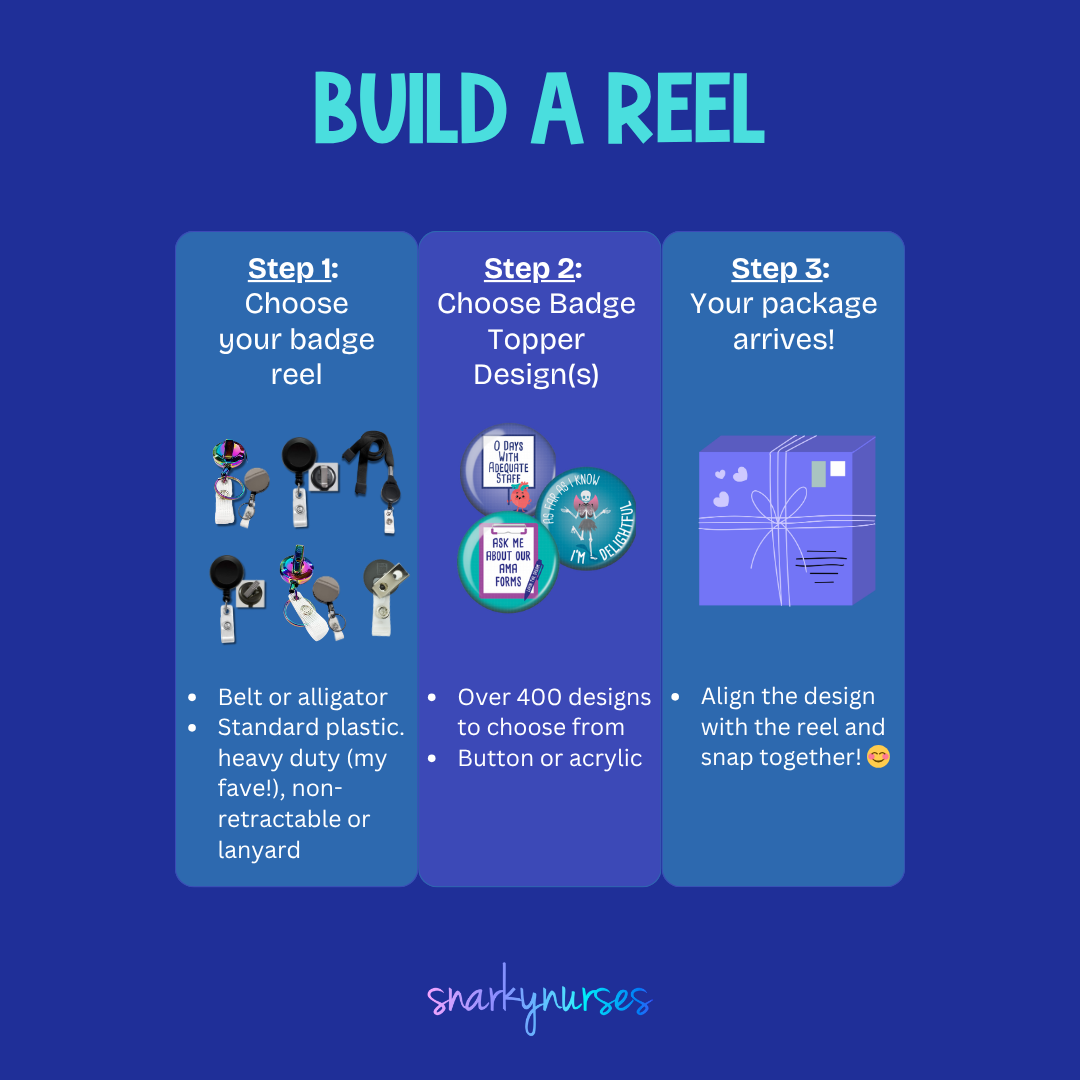
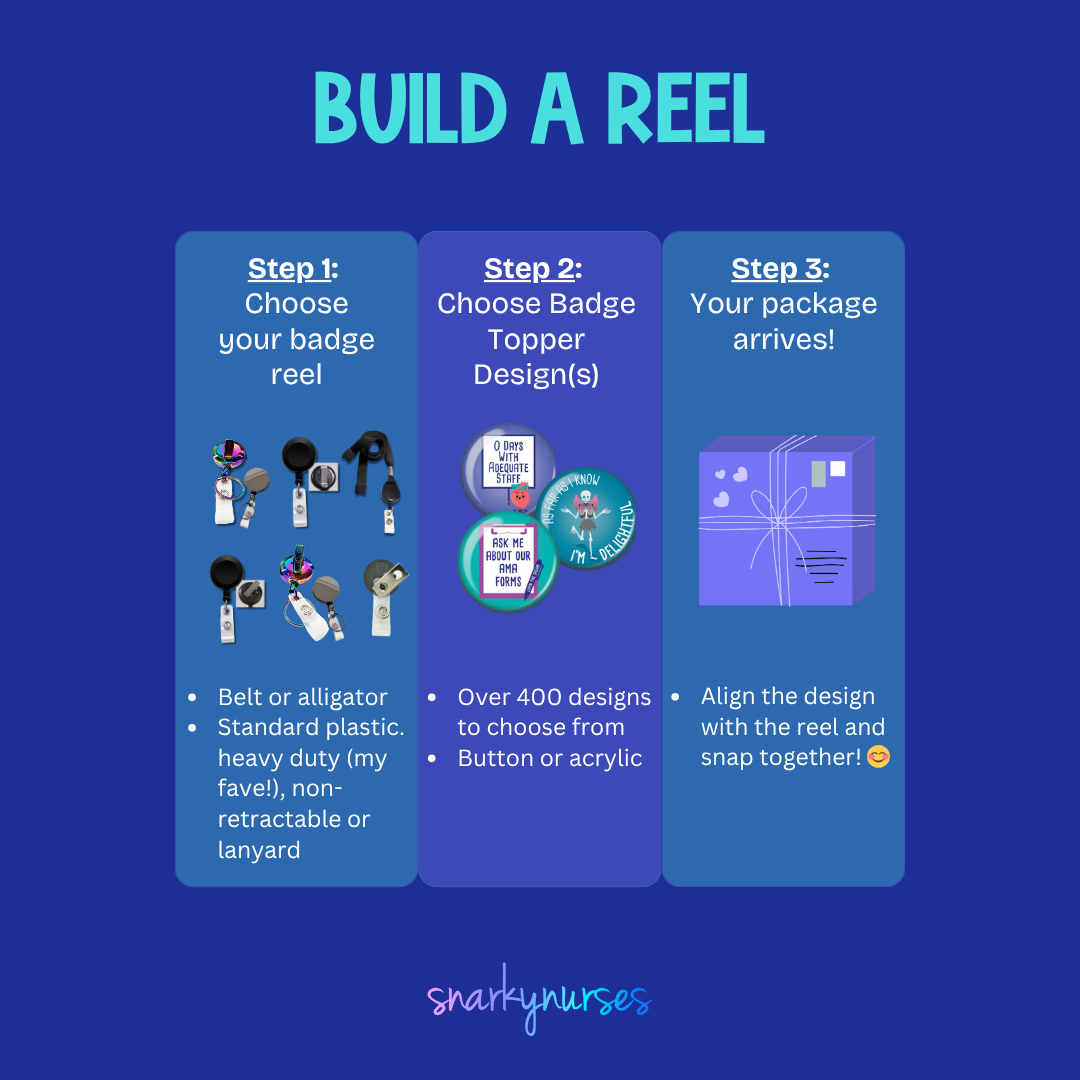
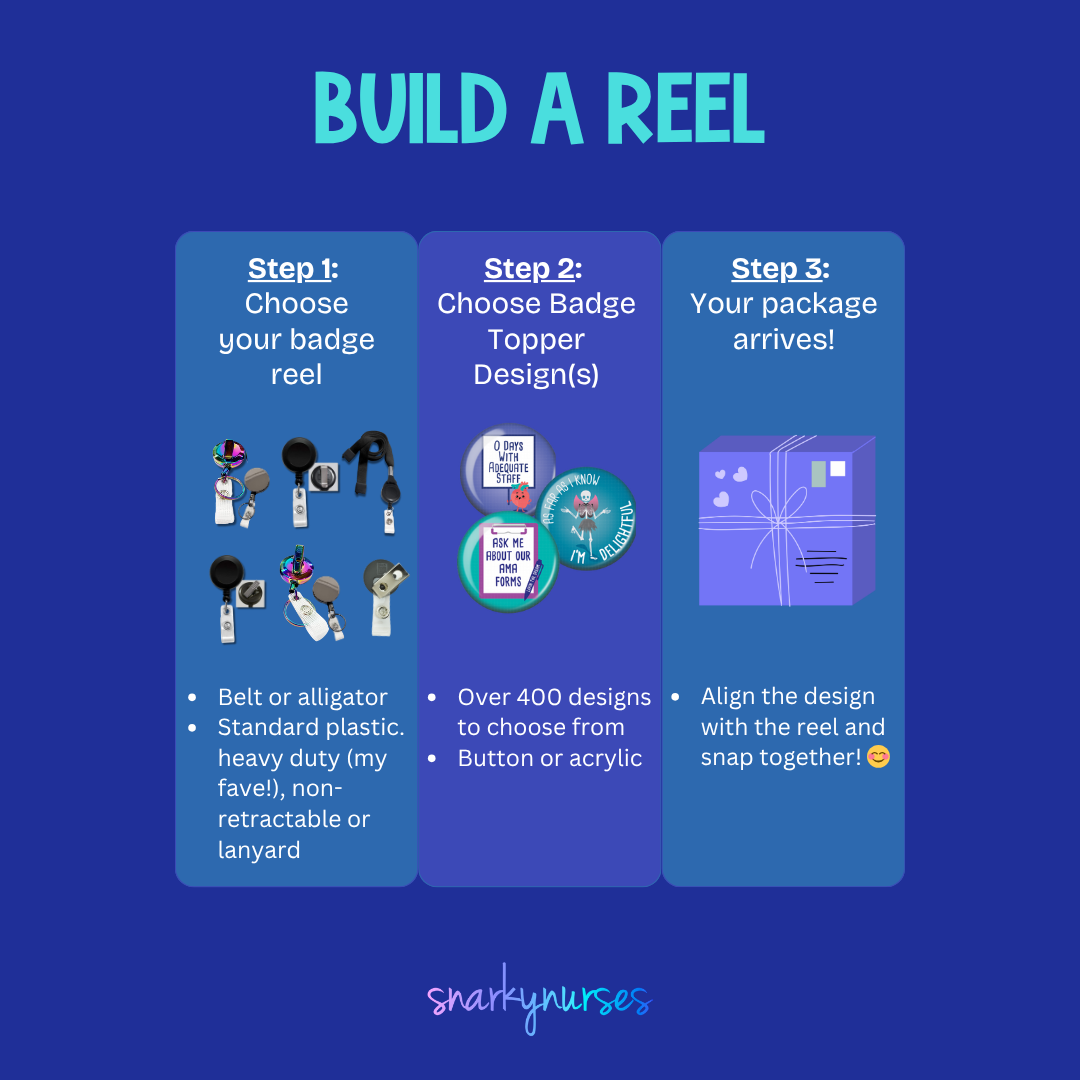
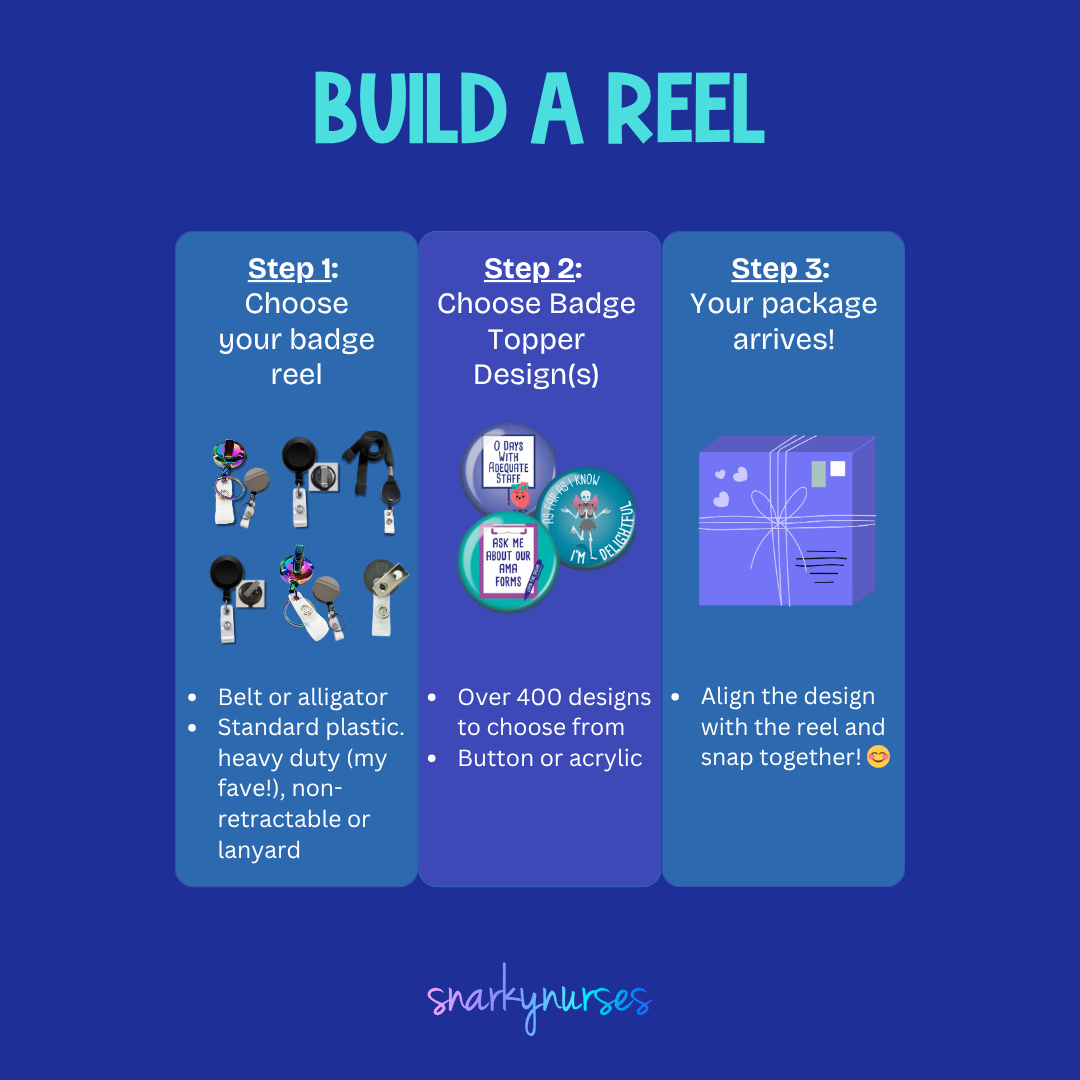
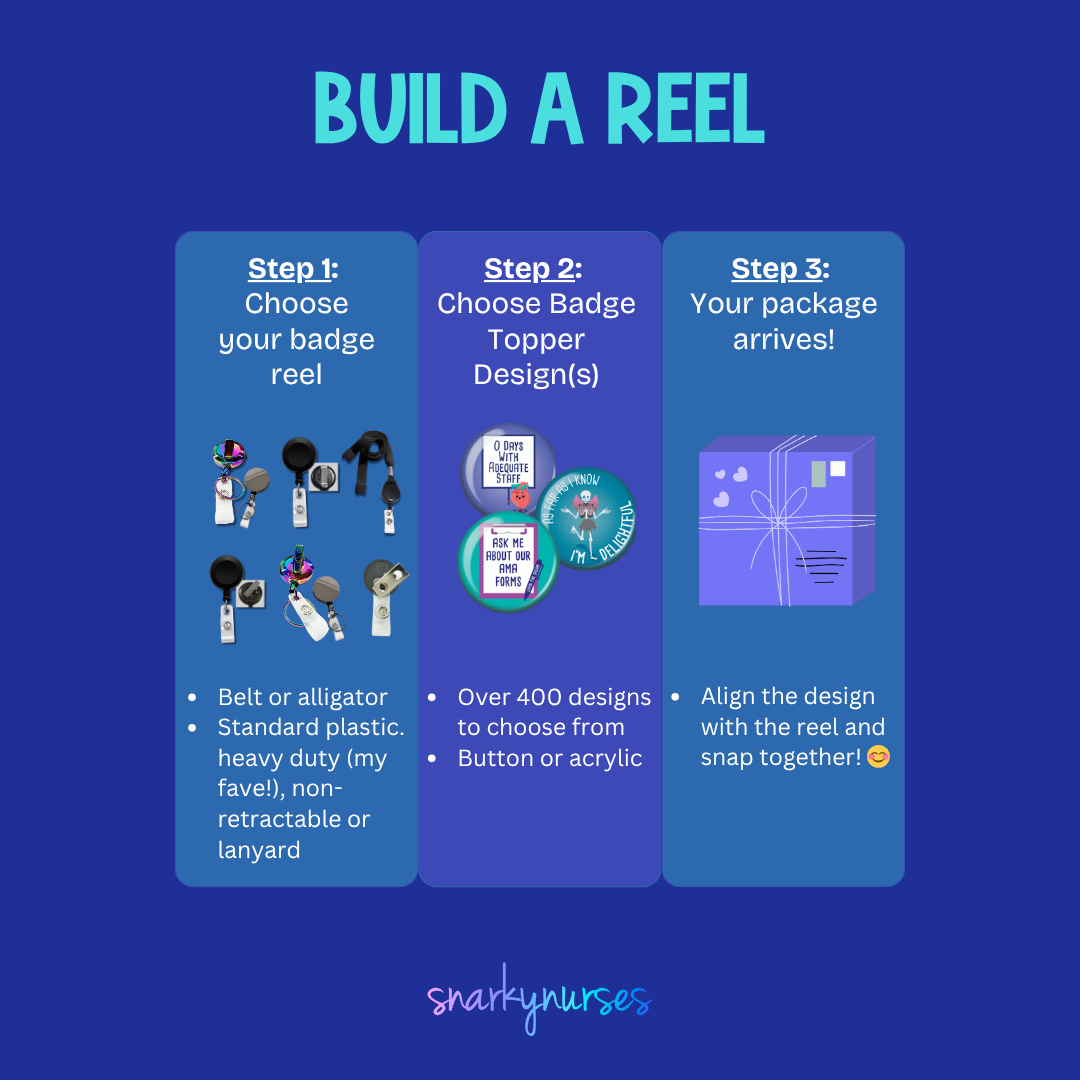
A black button with a graphic design depicting a person in a hospital gown and an IV pole, along with the text "I GOT YOUR BACK" written on it.The image is a step-by-step guide on how to build a reel, with three sections labeled Step 1, Step 2, and Step 3. It provides instructions on choosing a badge to attach to the reel, choosing a badge design, and aligning the design with the reel.
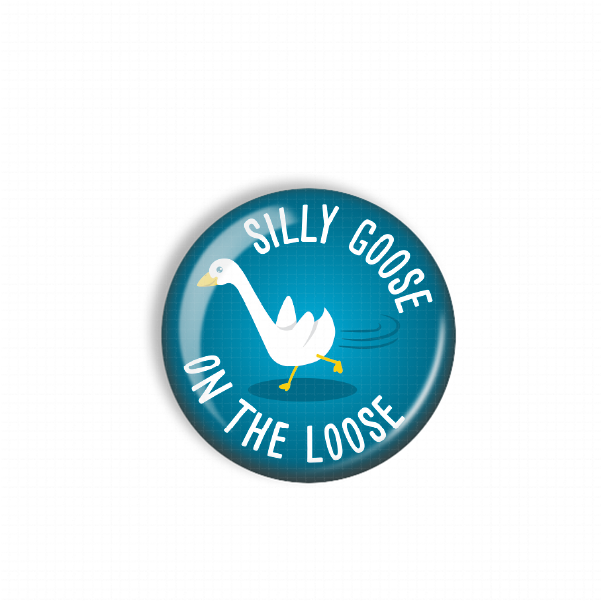
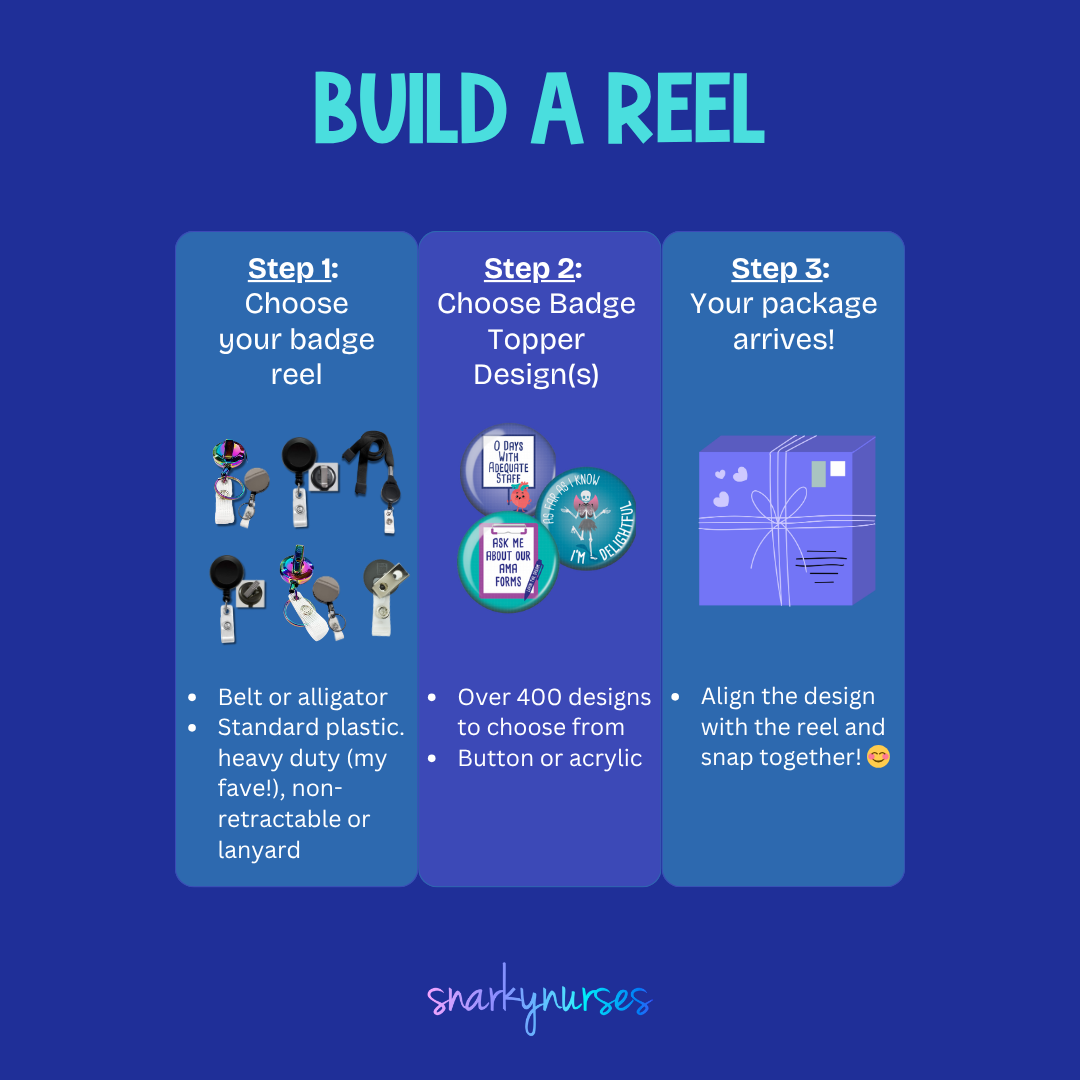
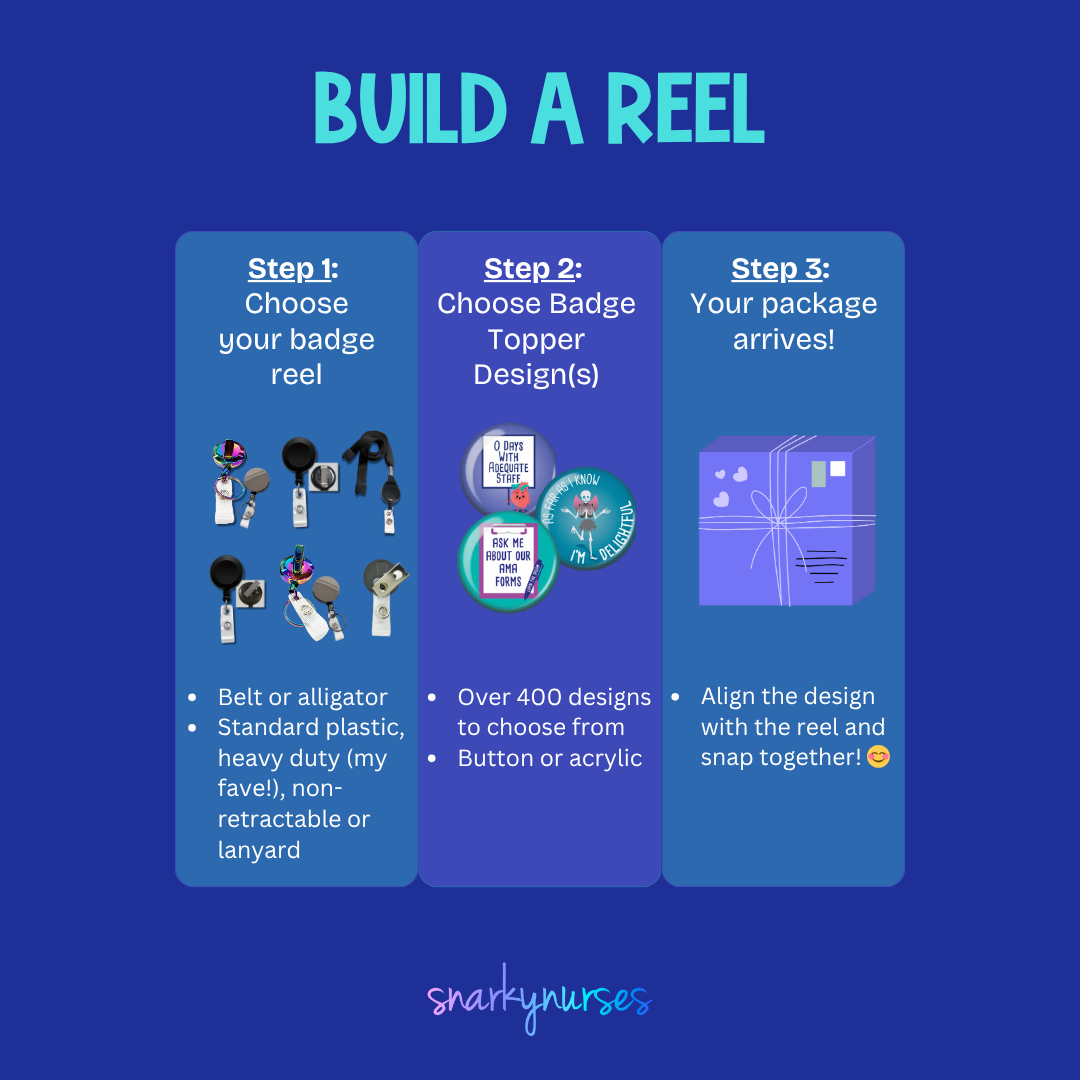
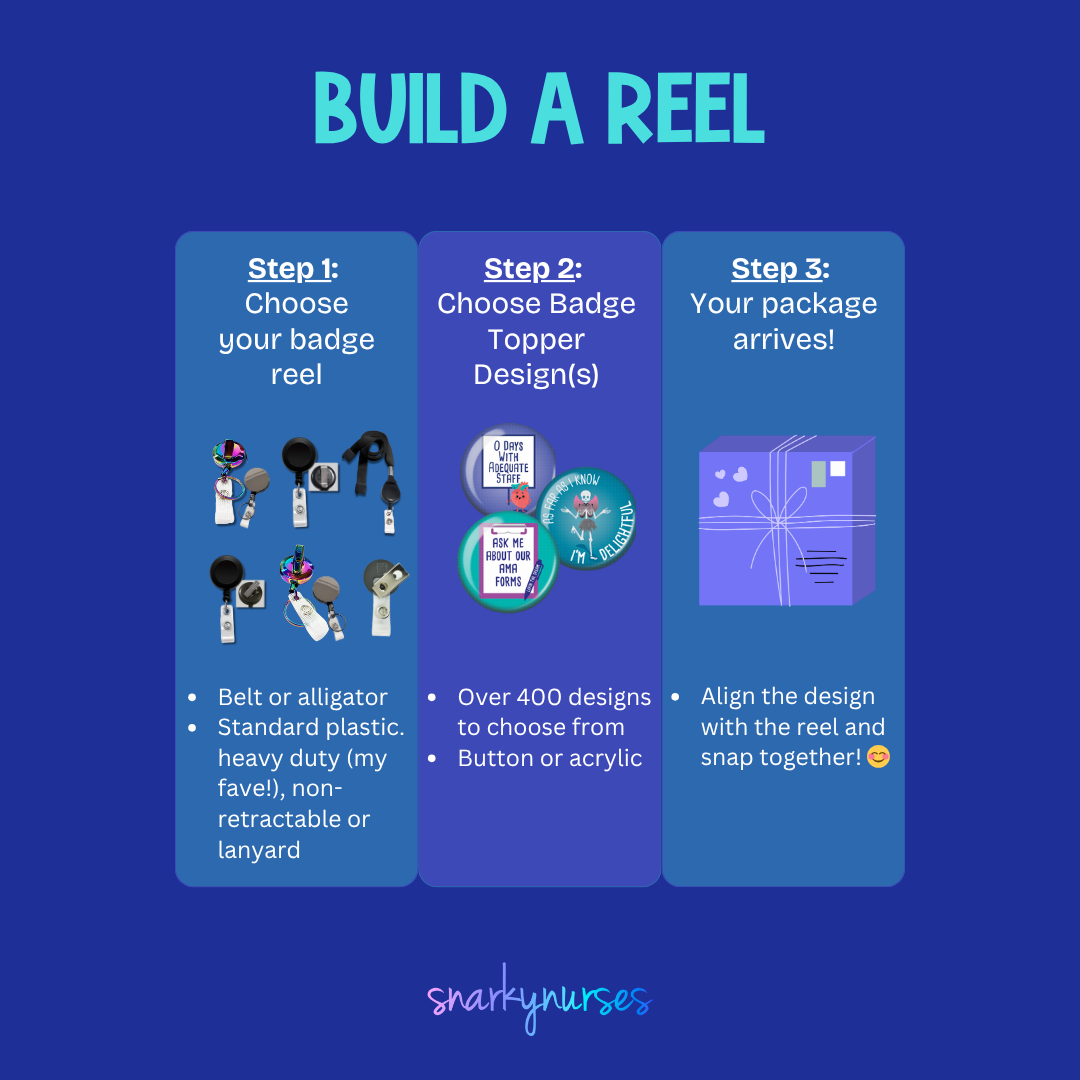
A blue button with a cartoon goose and the text "SILLY GOOSE ON THE LOOSE" printed on it.The image is a step-by-step guide on how to build a reel, with three sections labeled Step 1, Step 2, and Step 3. It provides instructions on choosing a badge to attach to the reel, choosing a badge design, and aligning the design with the reel.
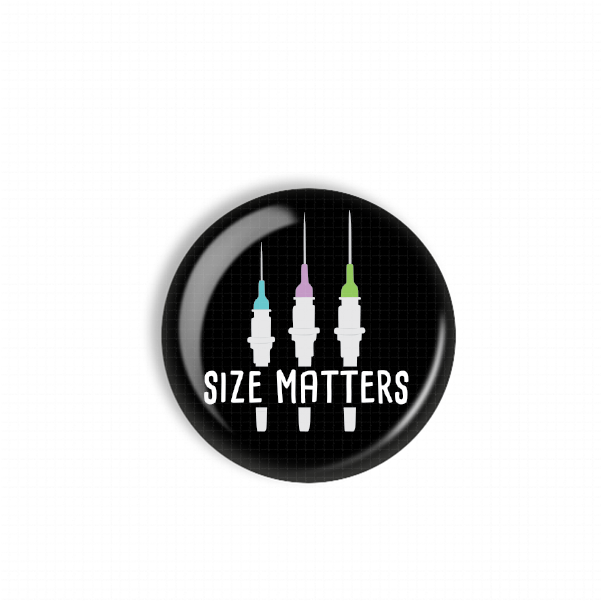
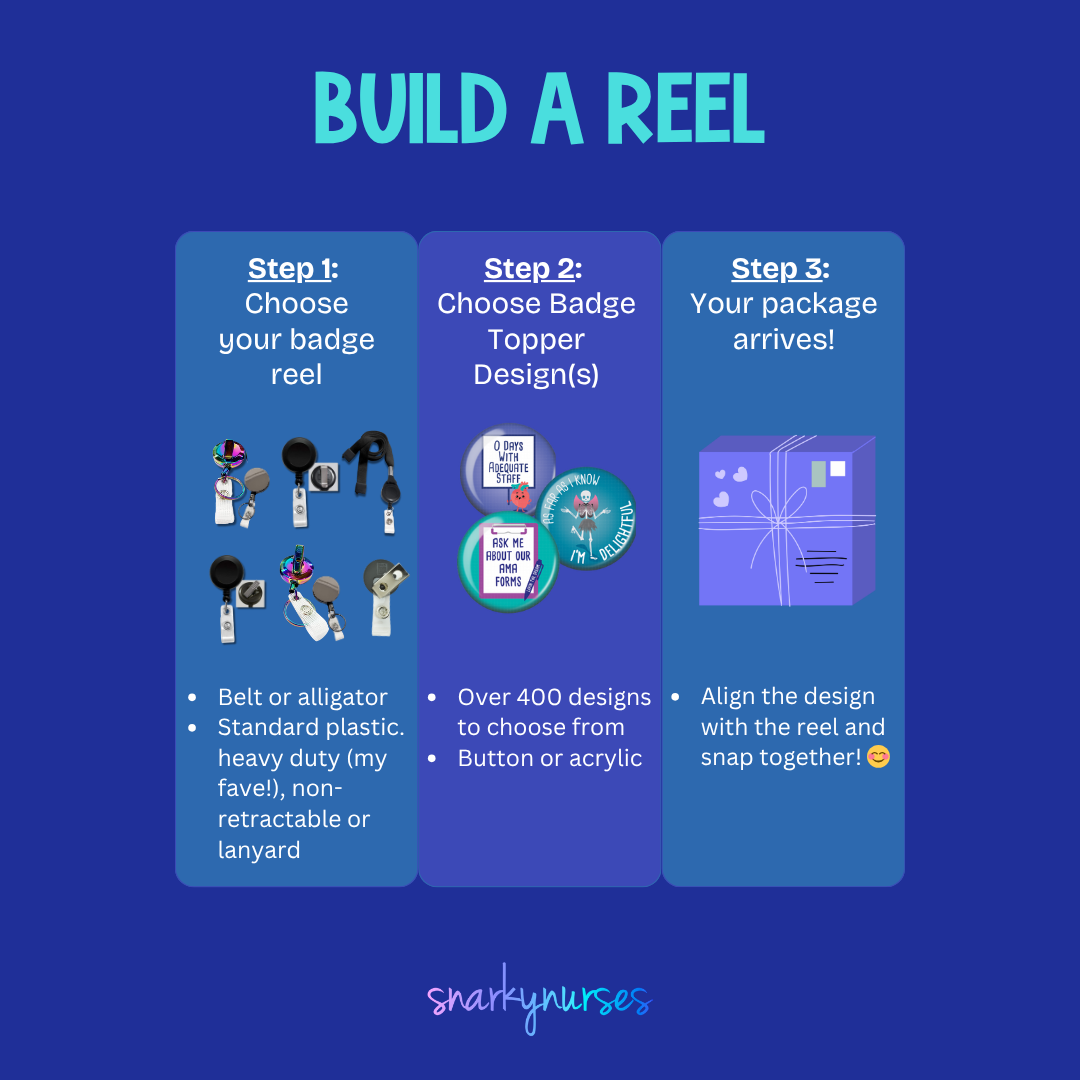
Sold outA black button with a graphic design featuring three syringes and the text "Size Matters" written on it.The image is a step-by-step guide on how to build a reel, with three sections labeled Step 1, Step 2, and Step 3. It provides instructions on choosing a badge to attach to the reel, choosing a badge design, and aligning the design with the reel.
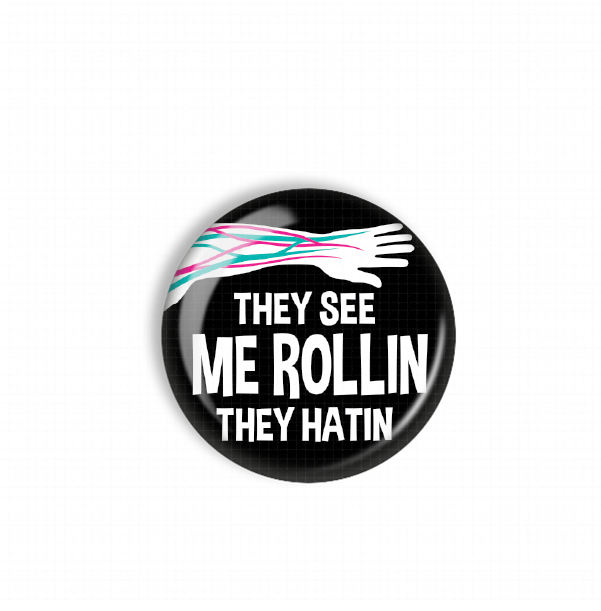
A black and white button with the text "They see me rollin, they hatin" printed on it.The image is a step-by-step guide on how to build a reel, with three sections labeled Step 1, Step 2, and Step 3. It provides instructions on choosing a badge to attach to the reel, choosing a badge design, and aligning the design with the reel.
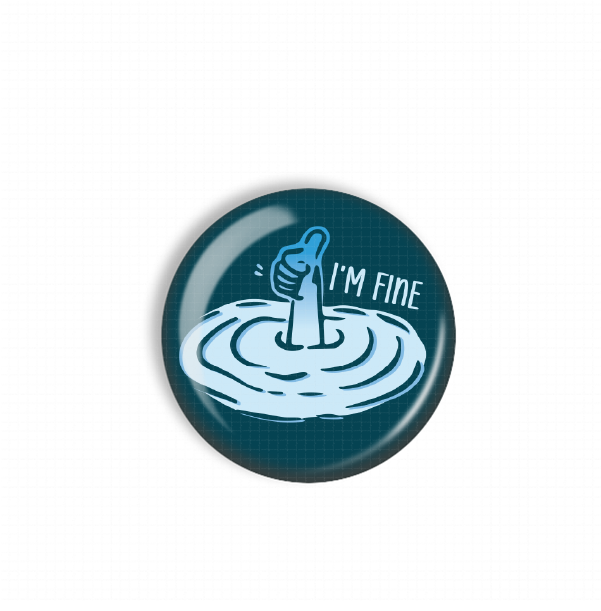
A blue button with a hand giving a thumbs up, surrounded by a water-like design, with the text "I'M FINE" written above it.The image is a step-by-step guide on how to build a reel, with three sections labeled Step 1, Step 2, and Step 3. It provides instructions on choosing a badge to attach to the reel, choosing a badge design, and aligning the design with the reel.
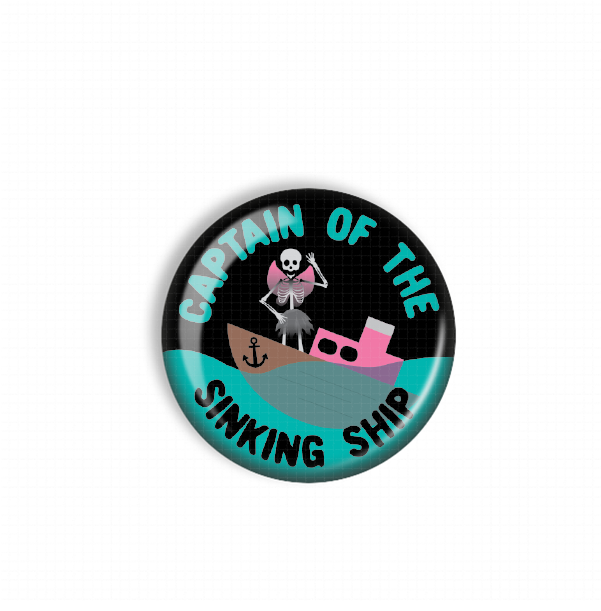
A round button with a cartoon-style illustration of a skeleton standing on a sinking ship.The image is a step-by-step guide on how to build a reel, with three sections labeled Step 1, Step 2, and Step 3. It provides instructions on choosing a badge to attach to the reel, choosing a badge design, and aligning the design with the reel.
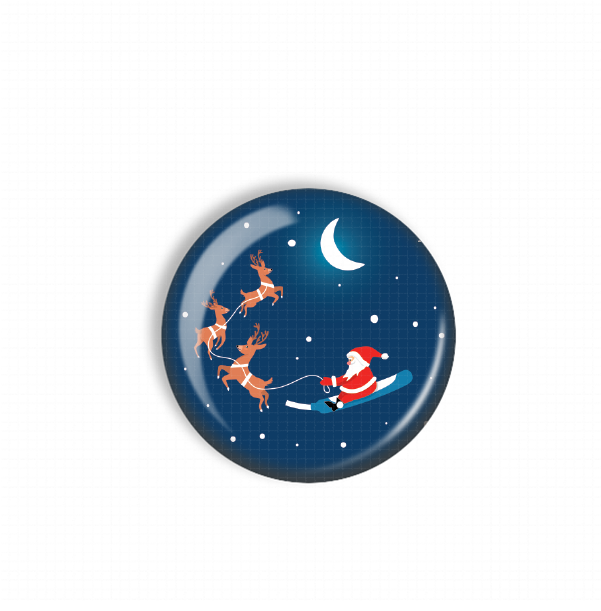
Santa Claus riding a sleigh pulled by reindeer against a night sky with a crescent moon.The image is a step-by-step guide on how to build a reel, with three sections labeled Step 1, Step 2, and Step 3. It provides instructions on choosing a badge to attach to the reel, choosing a badge design, and aligning the design with the reel.
Sold outA turquoise button with a cartoon dog and the text "I'D RATHER BE HOME WITH MY DOG" printed on it.The image is a step-by-step guide on how to build a reel, with three sections labeled Step 1, Step 2, and Step 3. It provides instructions on choosing a badge to attach to the reel, choosing a badge design, and aligning the design with the reel.
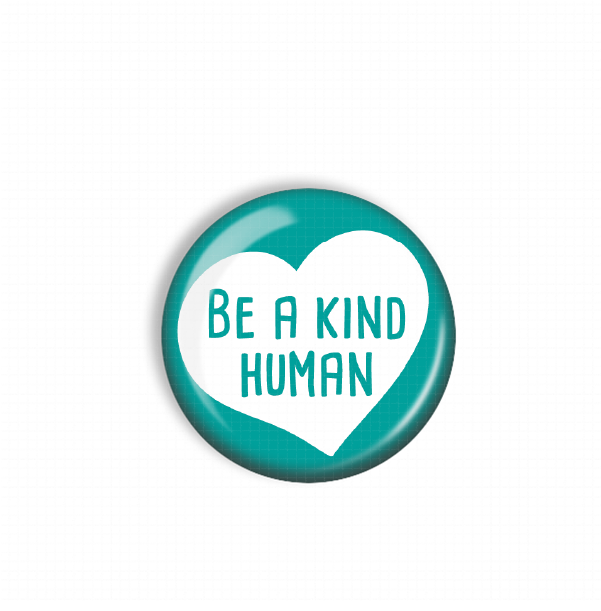
A teal-colored button with a white heart and the text "Be a kind human" printed on it.The image is a step-by-step guide on how to build a reel, with three sections labeled Step 1, Step 2, and Step 3. It provides instructions on choosing a badge to attach to the reel, choosing a badge design, and aligning the design with the reel.
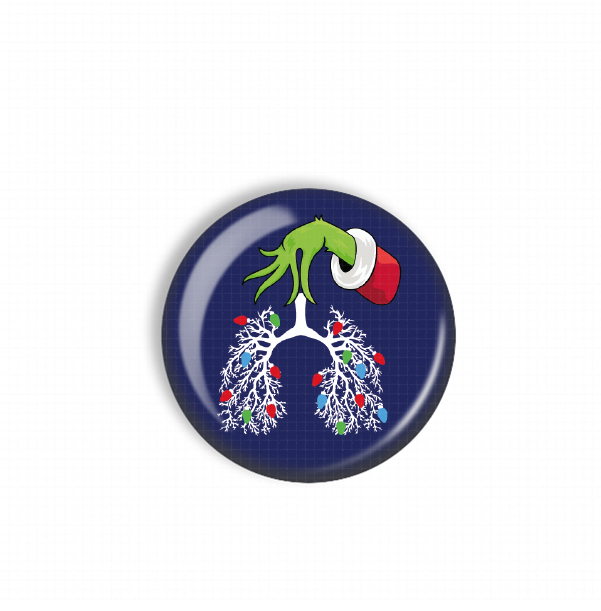
A blue circular button with a green hand holding a red cup, which appears to be a stylized representation of a lung with Christmas lights.The image is a step-by-step guide on how to build a reel, with three sections labeled Step 1, Step 2, and Step 3. It provides instructions on choosing a badge to attach to the reel, choosing a badge design, and aligning the design with the reel.
A purple button with a cartoon image of a gnome wearing a white hat with a pink cross and the word "NOPE" written below it.The image is a step-by-step guide on how to build a reel, with three sections labeled Step 1, Step 2, and Step 3. It provides instructions on choosing a badge to attach to the reel, choosing a badge design, and aligning the design with the reel.
Button Badge Topper: Gnope Sale price$5.50 USD
Sold outA blue button with a cartoon heart wearing sunglasses and the text "You're doing amazing Sweetie" printed on it.The image is a step-by-step guide on how to build a reel, with three sections labeled Step 1, Step 2, and Step 3. It provides instructions on choosing a badge to attach to the reel, choosing a badge design, and aligning the design with the reel.
A green button with a red cap and the text "THE HALL'S" printed on it, surrounded by snowflakes.The image is a step-by-step guide on how to build a reel, with three sections labeled Step 1, Step 2, and Step 3. It provides instructions on choosing a badge to attach to the reel, choosing a badge design, and aligning the design with the reel.
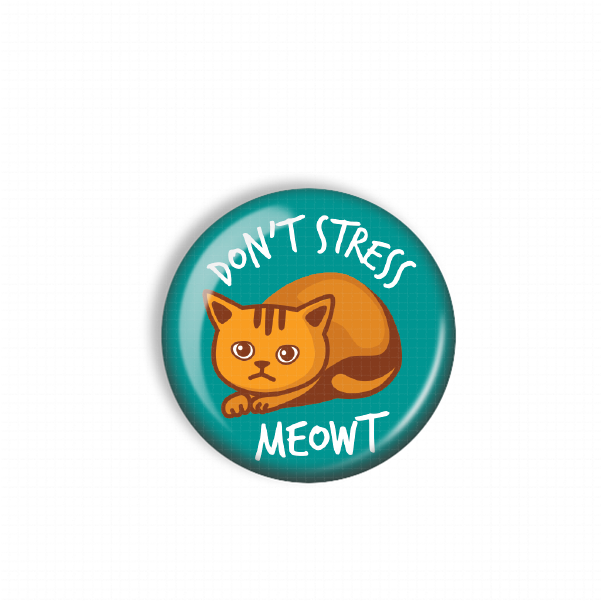
A blue button with a cartoon cat and the text "DON'T STESS MEOWT" printed on it.The image is a step-by-step guide on how to build a reel, with three sections labeled Step 1, Step 2, and Step 3. It provides instructions on choosing a badge to attach to the reel, choosing a badge design, and aligning the design with the reel.
A green button with a festive holiday message.The image is a step-by-step guide on how to build a reel, with three sections labeled Step 1, Step 2, and Step 3. It provides instructions on choosing a badge to attach to the reel, choosing a badge design, and aligning the design with the reel.
A blue button with a white snowflake design on it.A red button with a white snowflake design on it.
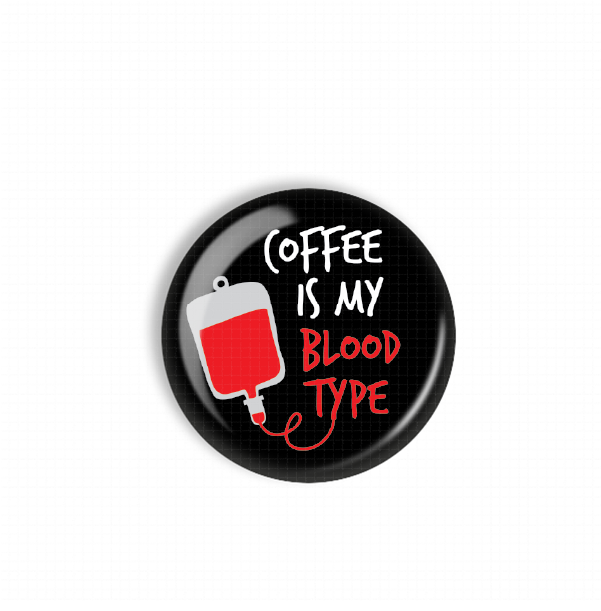
A black button with a red bag and the text "Coffee is my blood type" printed on it.The image is a step-by-step guide on how to build a reel, with three sections labeled Step 1, Step 2, and Step 3. It provides instructions on choosing a badge to attach to the reel, choosing a badge design, and aligning the design with the reel.
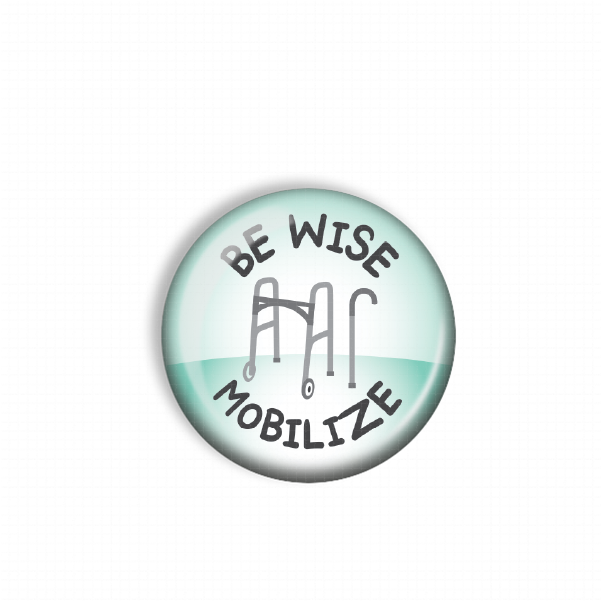
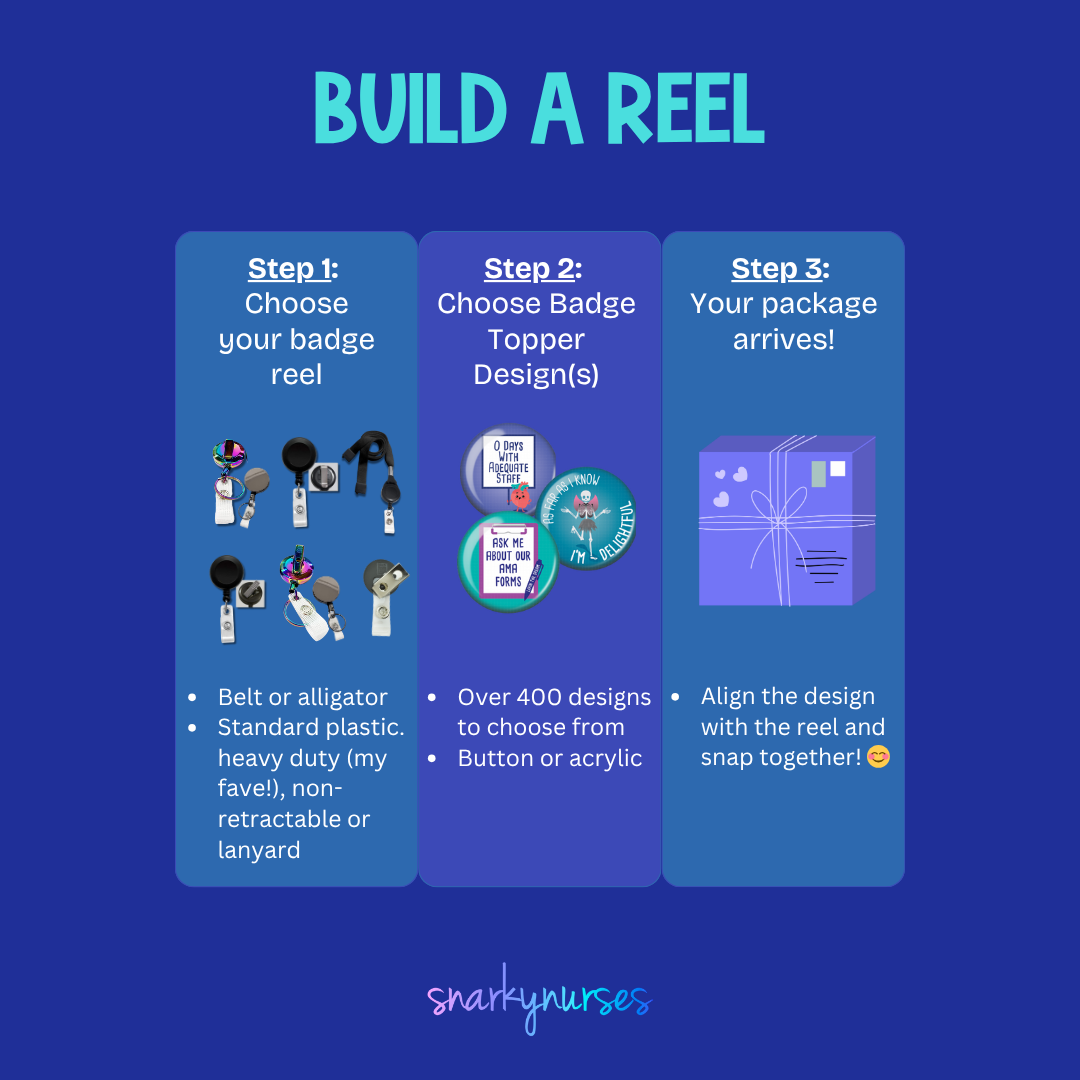
A round button with the text "BE WISE MOBILIZE" printed on it, along with an illustration of a walker.The image is a step-by-step guide on how to build a reel, with three sections labeled Step 1, Step 2, and Step 3. It provides instructions on choosing a badge to attach to the reel, choosing a badge design, and aligning the design with the reel.
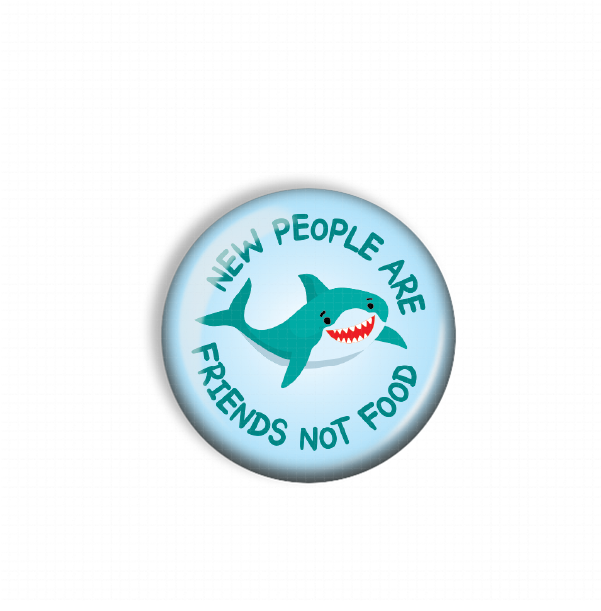
A blue button with a cartoon shark and the text "NEW PEOPLE ARE FRIENDS NOT FOOD" printed on it.The image is a step-by-step guide on how to build a reel, with three sections labeled Step 1, Step 2, and Step 3. It provides instructions on choosing a badge to attach to the reel, choosing a badge design, and aligning the design with the reel.
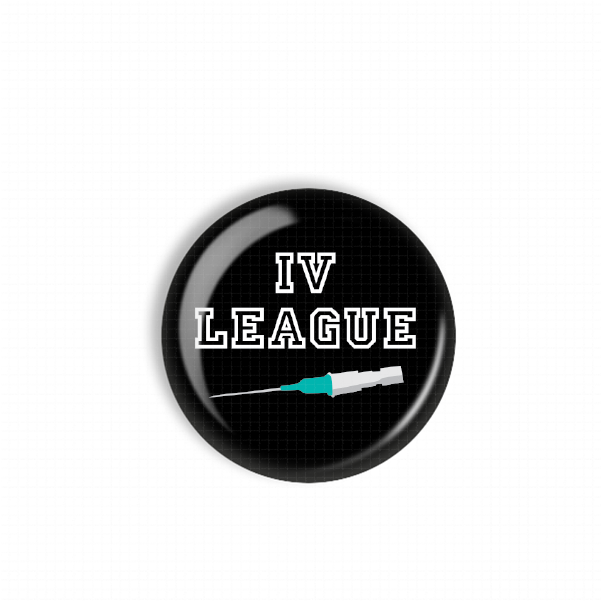
A black button with the text "IV LEAGUE" printed on it, along with a syringe icon.The image is a step-by-step guide on how to build a reel, with three sections labeled Step 1, Step 2, and Step 3. It provides instructions on choosing a badge to attach to the reel, choosing a badge design, and aligning the design with the reel.
Button Badge Topper: IV League Sale price$5.50 USD
A black button with a cartoon character and text on it.The image is a step-by-step guide on how to build a reel, with three sections labeled Step 1, Step 2, and Step 3. It provides instructions on choosing a badge to attach to the reel, choosing a badge design, and aligning the design with the reel.
A turquoise button with a cartoon character and the text "IDK, JUST WORK HERE" printed on it.A turquoise button with a cartoon girl and the text "IDK, JUST WORK HERE" printed on it.
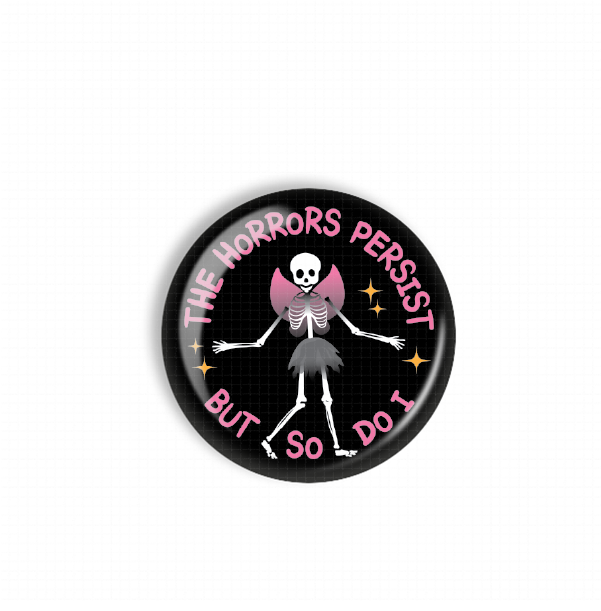
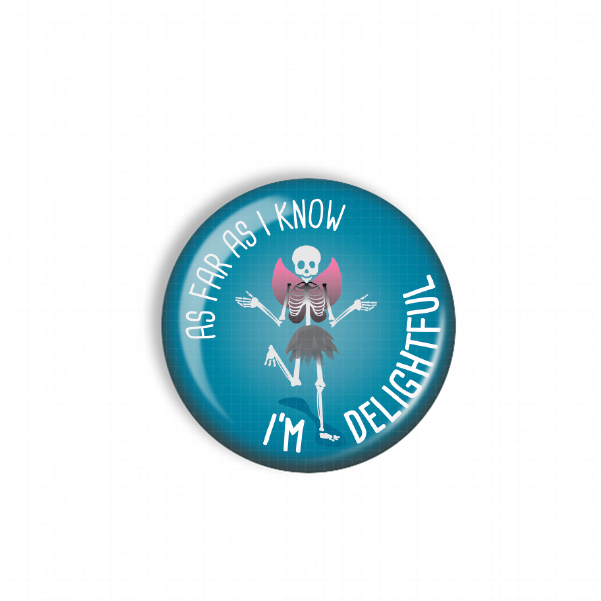
A black button with a skeleton wearing a pink dress and the text "The Horrors Persist But So Do I" printed on it.The image is a step-by-step guide on how to build a reel, with three sections labeled Step 1, Step 2, and Step 3. It provides instructions on choosing a badge to attach to the reel, choosing a badge design, and aligning the design with the reel.
A colorful illustration of a man with long hair and sunglasses, along with the text "YOLO JK lol ROSC" written above him.The image is a step-by-step guide on how to build a reel, with three sections labeled Step 1, Step 2, and Step 3. It provides instructions on choosing a badge to attach to the reel, choosing a badge design, and aligning the design with the reel.
A red circular button with a Christmas tree design and the text "MERRY CHRISTMAS" written on it.The image is a step-by-step guide on how to build a reel, with three sections labeled Step 1, Step 2, and Step 3. It provides instructions on choosing a badge to attach to the reel, choosing a badge design, and aligning the design with the reel.
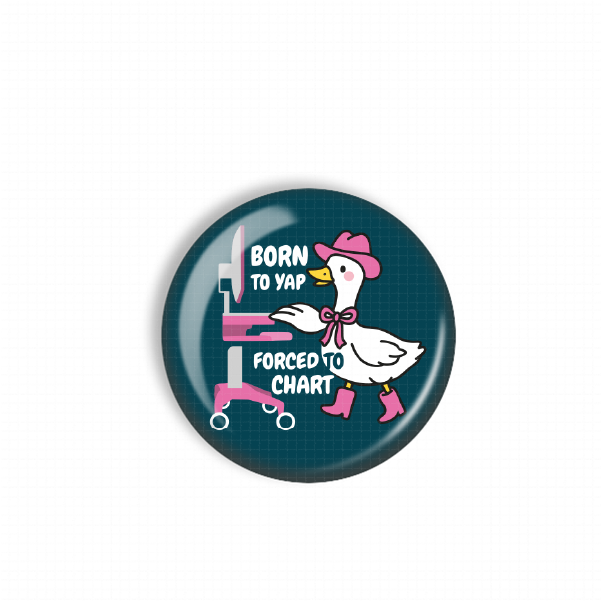
Sold outA black button with a cartoon image of a duck wearing a hat and boots, along with the text "Born to Yap Forced to Chart".
A black and white circular badge with a skeleton wearing a pink hat and holding a cup of coffee.The image is a step-by-step guide on how to build a reel, with three sections labeled Step 1, Step 2, and Step 3. It provides instructions on choosing a badge to attach to the reel, choosing a badge design, and aligning the design with the reel.
A blue button with the text "FREE WAXING" and two white squares with red and green wires attached to them.
Sold outA red button with the text "FROM ER WITH LOVE" written on it, along with a wavy pattern of colorful lights.The image is a step-by-step guide on how to build a reel, with three sections labeled Step 1, Step 2, and Step 3. It provides instructions on choosing a badge to attach to the reel, choosing a badge design, and aligning the design with the reel.
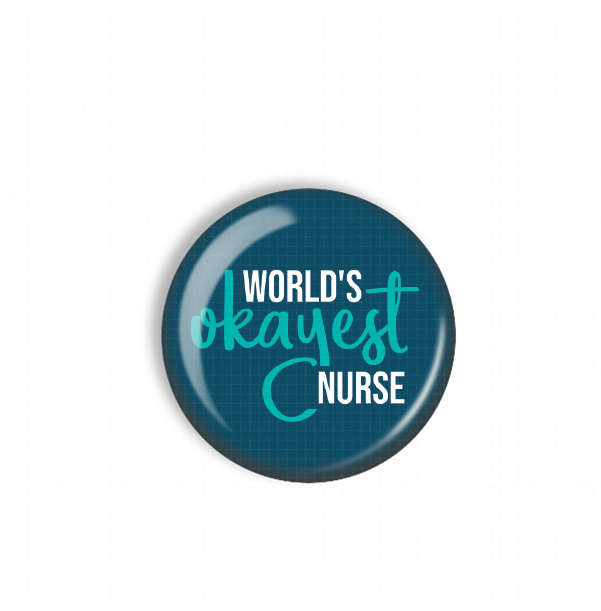
A blue button with the text "WORLD'S OKAYEST NURSE" printed on it.The image is a step-by-step guide on how to build a reel, with three sections labeled Step 1, Step 2, and Step 3. It provides instructions on choosing a badge to attach to the reel, choosing a badge design, and aligning the design with the reel.
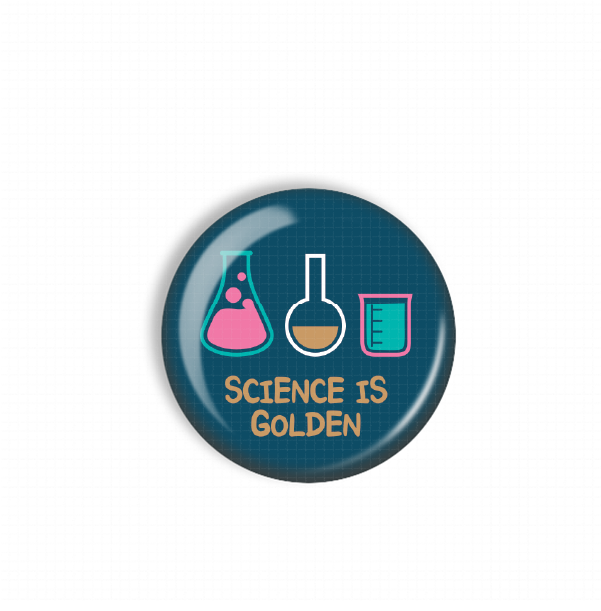
A blue button with a graphic design featuring three laboratory equipment icons and the text "Science is golden".The image is a step-by-step guide on how to build a reel, with three sections labeled Step 1, Step 2, and Step 3. It provides instructions on choosing a badge to attach to the reel, choosing a badge design, and aligning the design with the reel.
A thumbs up button with a yellow thumb and a teal background.The image is a step-by-step guide on how to build a reel, with three sections labeled Step 1, Step 2, and Step 3. It provides instructions on choosing a badge to attach to the reel, choosing a badge design, and aligning the design with the reel.
A black circular button with a pink cat illustration and the text "Meowy Christmas" written on it.The image is a step-by-step guide on how to build a reel, with three sections labeled Step 1, Step 2, and Step 3. It provides instructions on choosing a badge to attach to the reel, choosing a badge design, and aligning the design with the reel.
A black circular button with a gingerbread man figure and the text "OH SNAP!" printed on it.The image is a step-by-step guide on how to build a reel, with three sections labeled Step 1, Step 2, and Step 3. It provides instructions on choosing a badge to attach to the reel, choosing a badge design, and aligning the design with the reel.
Button Badge Topper: Oh Snap Sale price$5.50 USD
Santa's Little HelperThe image is a step-by-step guide on how to build a reel, with three sections labeled Step 1, Step 2, and Step 3. It provides instructions on choosing a badge to attach to the reel, choosing a badge design, and aligning the design with the reel.
A blue button with the text "TREAT AND YEET" written on it.The image is a step-by-step guide on how to build a reel, with three sections labeled Step 1, Step 2, and Step 3. It provides instructions on choosing a badge to attach to the reel, choosing a badge design, and aligning the design with the reel.
A green button with a white chicken and the text "WHAT THE CLOCK" printed on it.The image is a step-by-step guide on how to build a reel, with three sections labeled Step 1, Step 2, and Step 3. It provides instructions on choosing a badge to attach to the reel, choosing a badge design, and aligning the design with the reel.
A person holding an umbrella with a pattern of brown poop faces on it, against a teal background.The image is a step-by-step guide on how to build a reel, with three sections labeled Step 1, Step 2, and Step 3. It provides instructions on choosing a badge to attach to the reel, choosing a badge design, and aligning the design with the reel.
A circular button with a turkey sandwich image and the text "Ask us about our turkey sandwiches" written around it.The image is a step-by-step guide on how to build a reel, with three sections labeled Step 1, Step 2, and Step 3. It provides instructions on choosing a badge to attach to the reel, choosing a badge design, and aligning the design with the reel.
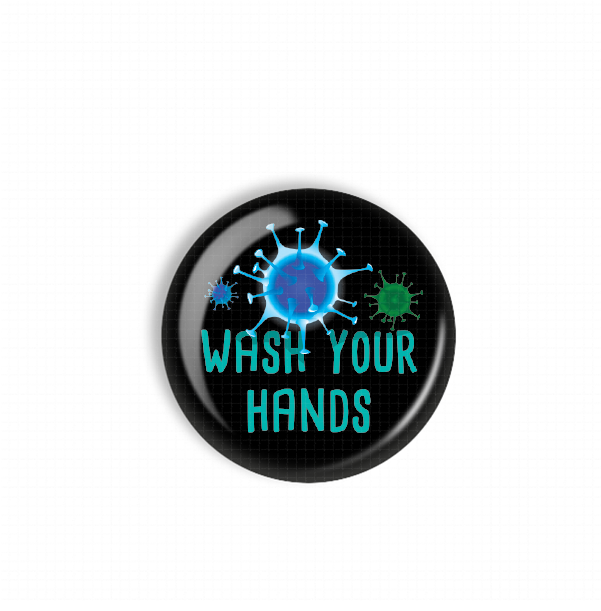
A black button with a blue and green design featuring a virus-like shape and the text "WASH YOUR HANDS" printed on it.The image is a step-by-step guide on how to build a reel, with three sections labeled Step 1, Step 2, and Step 3. It provides instructions on choosing a badge to attach to the reel, choosing a badge design, and aligning the design with the reel.
A black button with teal text that says "IT'S GOING TIBIA TERRIFIC DAY!"The image is a step-by-step guide on how to build a reel, with three sections labeled Step 1, Step 2, and Step 3. It provides instructions on choosing a badge to attach to the reel, choosing a badge design, and aligning the design with the reel.
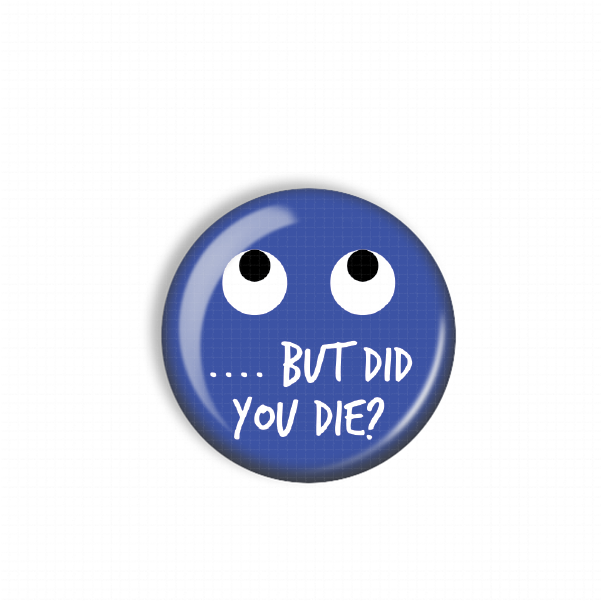
A blue button with a face design and text on it.The image is a step-by-step guide on how to build a reel, with three sections labeled Step 1, Step 2, and Step 3. It provides instructions on choosing a badge to attach to the reel, choosing a badge design, and aligning the design with the reel.
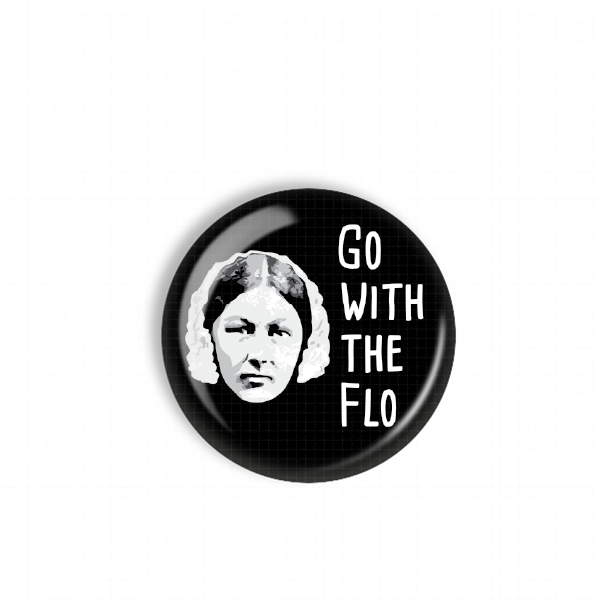
A black and white button with a portrait of a woman and the text "Go with the FLO" printed on it.The image is a step-by-step guide on how to build a reel, with three sections labeled Step 1, Step 2, and Step 3. It provides instructions on choosing a badge to attach to the reel, choosing a badge design, and aligning the design with the reel.
A black and yellow button with the text "HOT MESS EXPRESS" and an illustration of a train with flames on it.The image is a step-by-step guide on how to build a reel, with three sections labeled Step 1, Step 2, and Step 3. It provides instructions on choosing a badge to attach to the reel, choosing a badge design, and aligning the design with the reel.
A black button with the text "IT'S FINE I'M FINE EVERYTHING'S FINE" printed on it.A blue button with the text "IT'S FINE I'M FINE EVERYTHING'S FINE" printed on it.
Santa's Lil HelperThe image is a step-by-step guide on how to build a reel, with three sections labeled Step 1, Step 2, and Step 3. It provides instructions on choosing a badge to attach to the reel, choosing a badge design, and aligning the design with the reel.

Recently viewed