Skip to content

Cart

Your cart is empty

Snarky | Silly Reels

Sort by

173 products

Wooden Badge Topper: Salty Like Normal SalineWooden Badge Topper: Salty Like Normal Saline
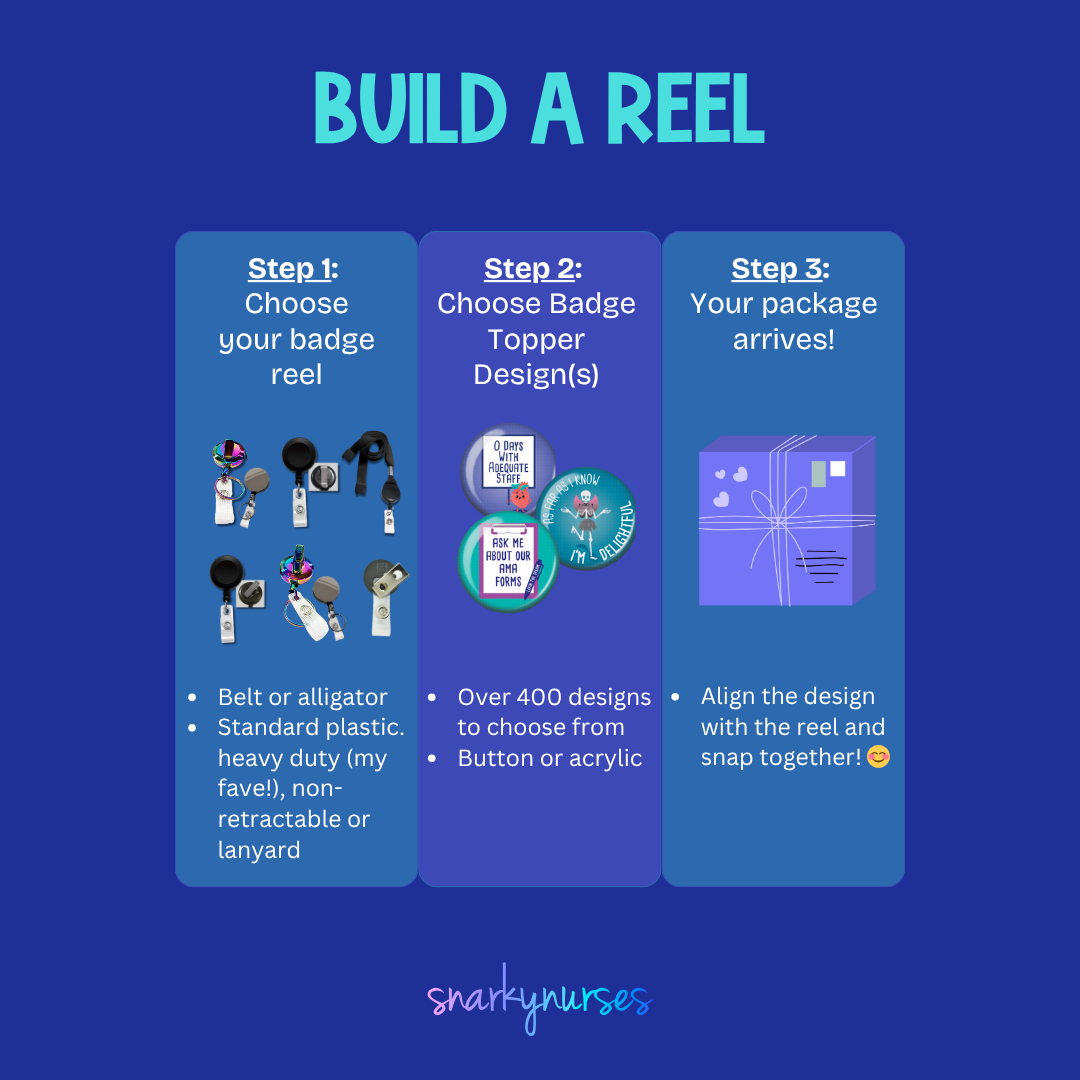
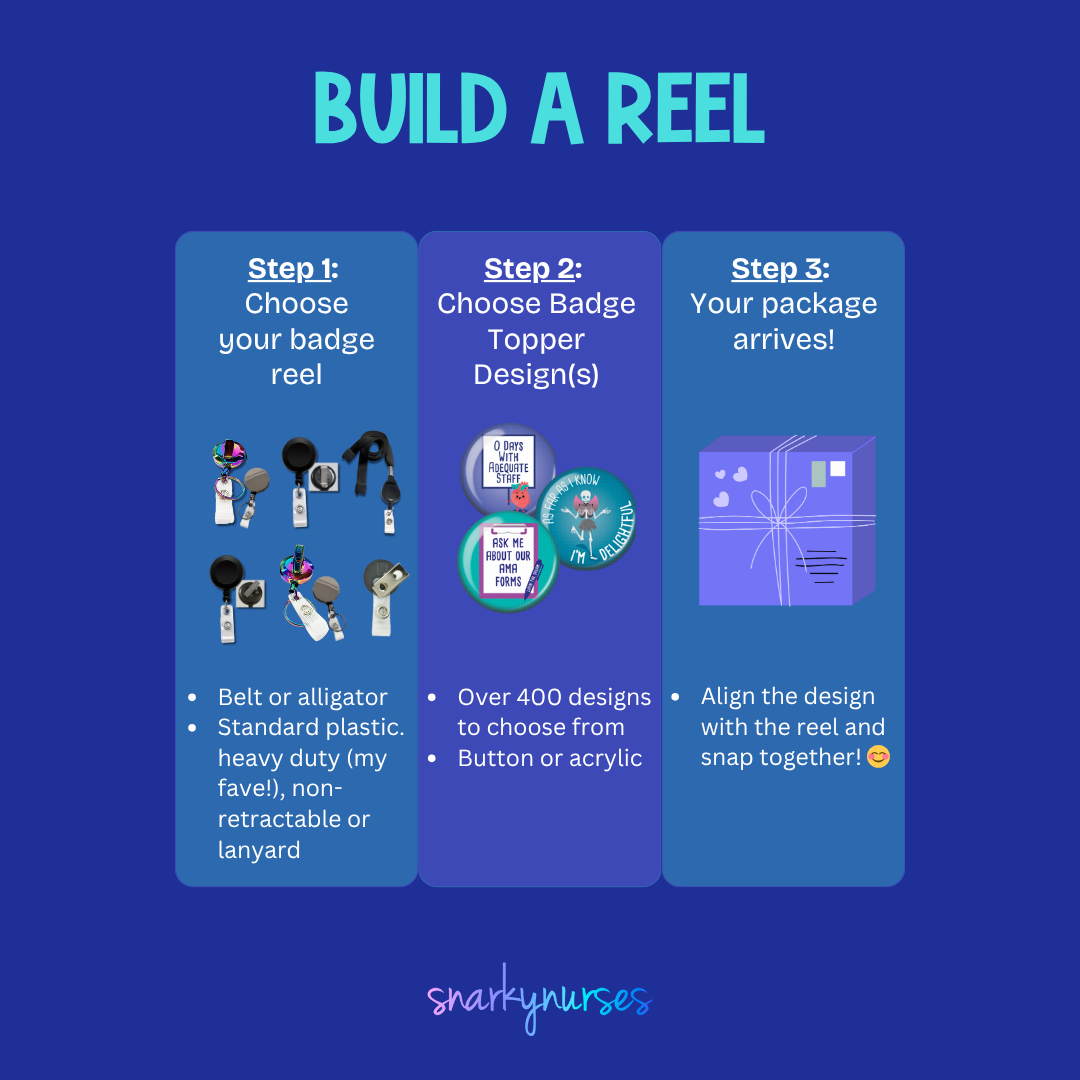
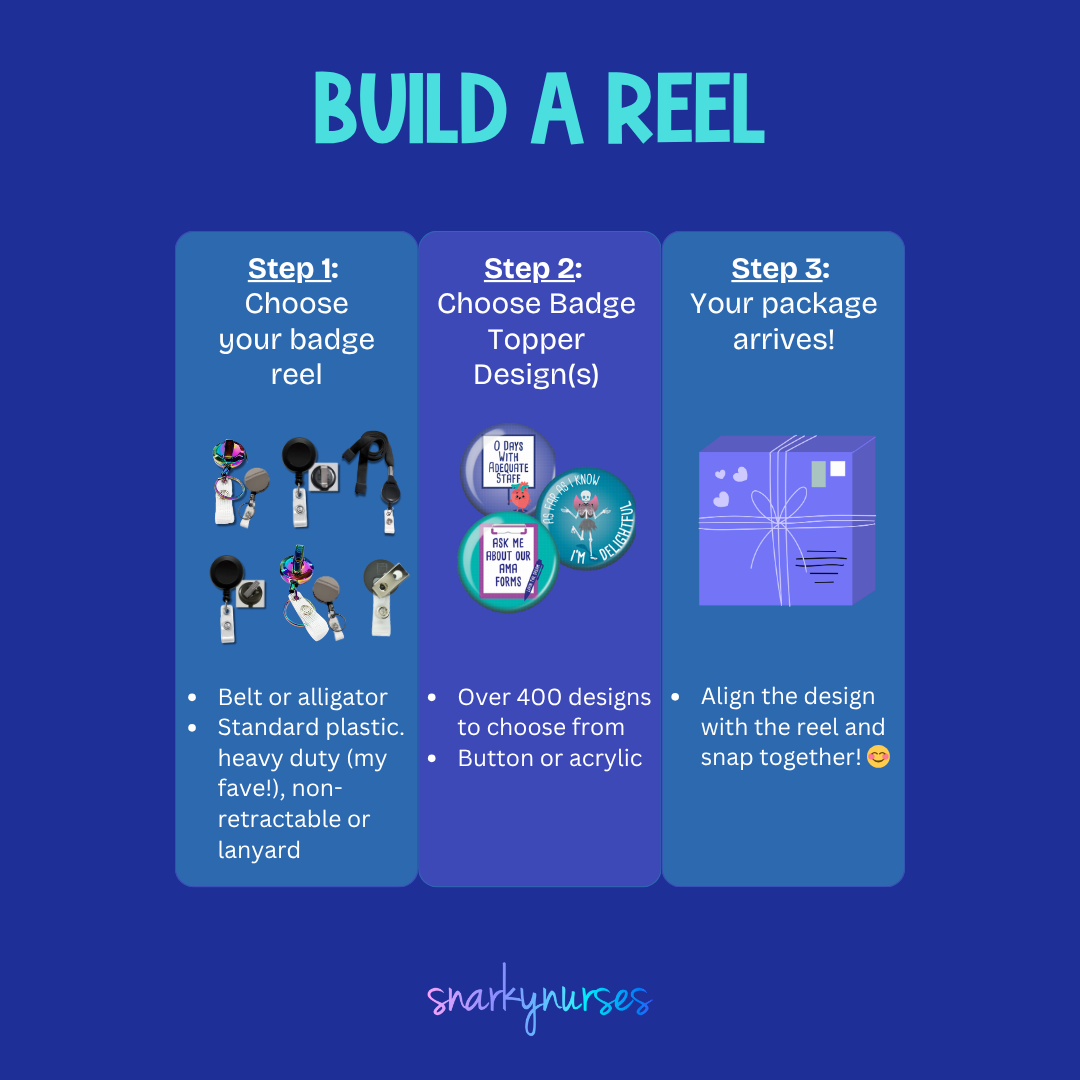
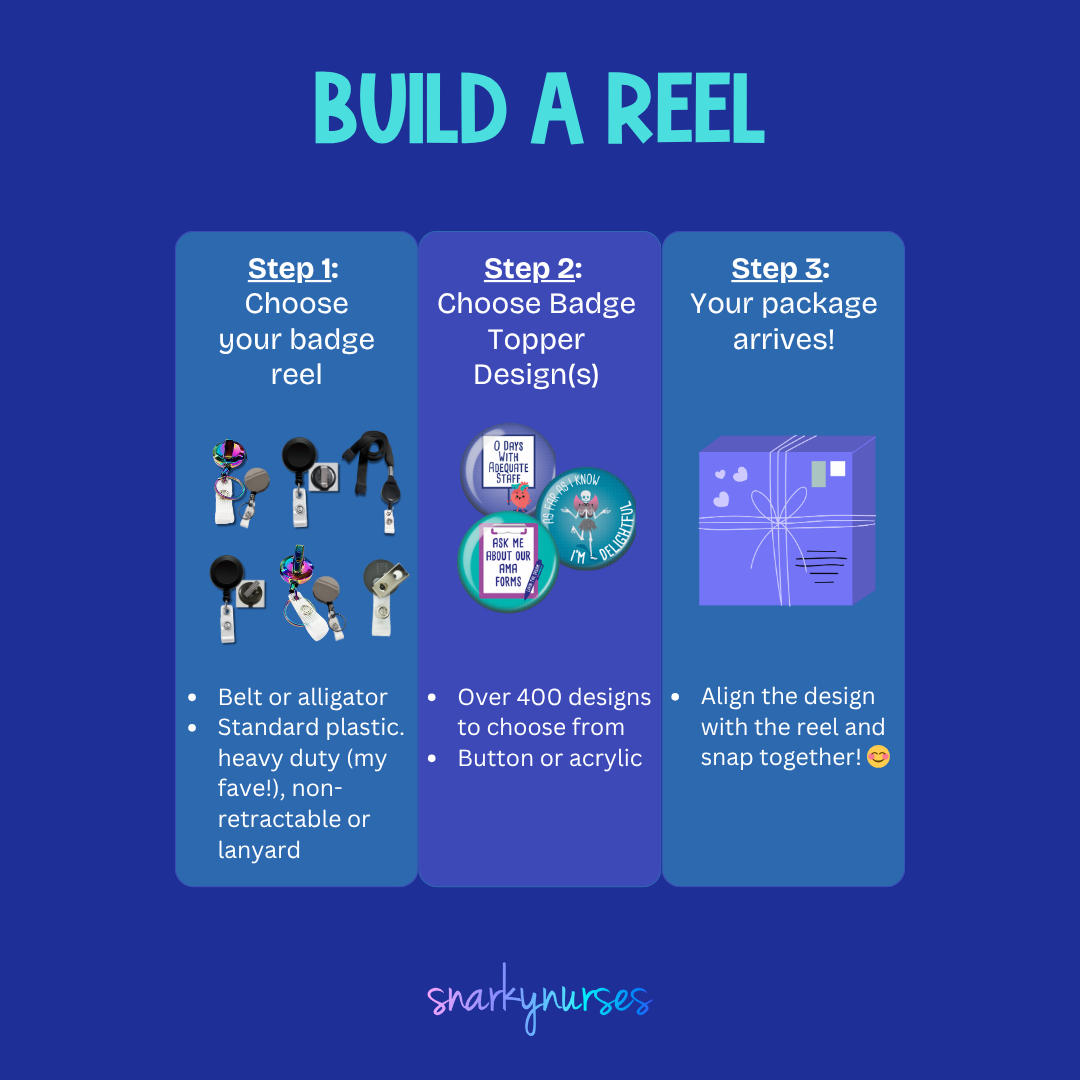
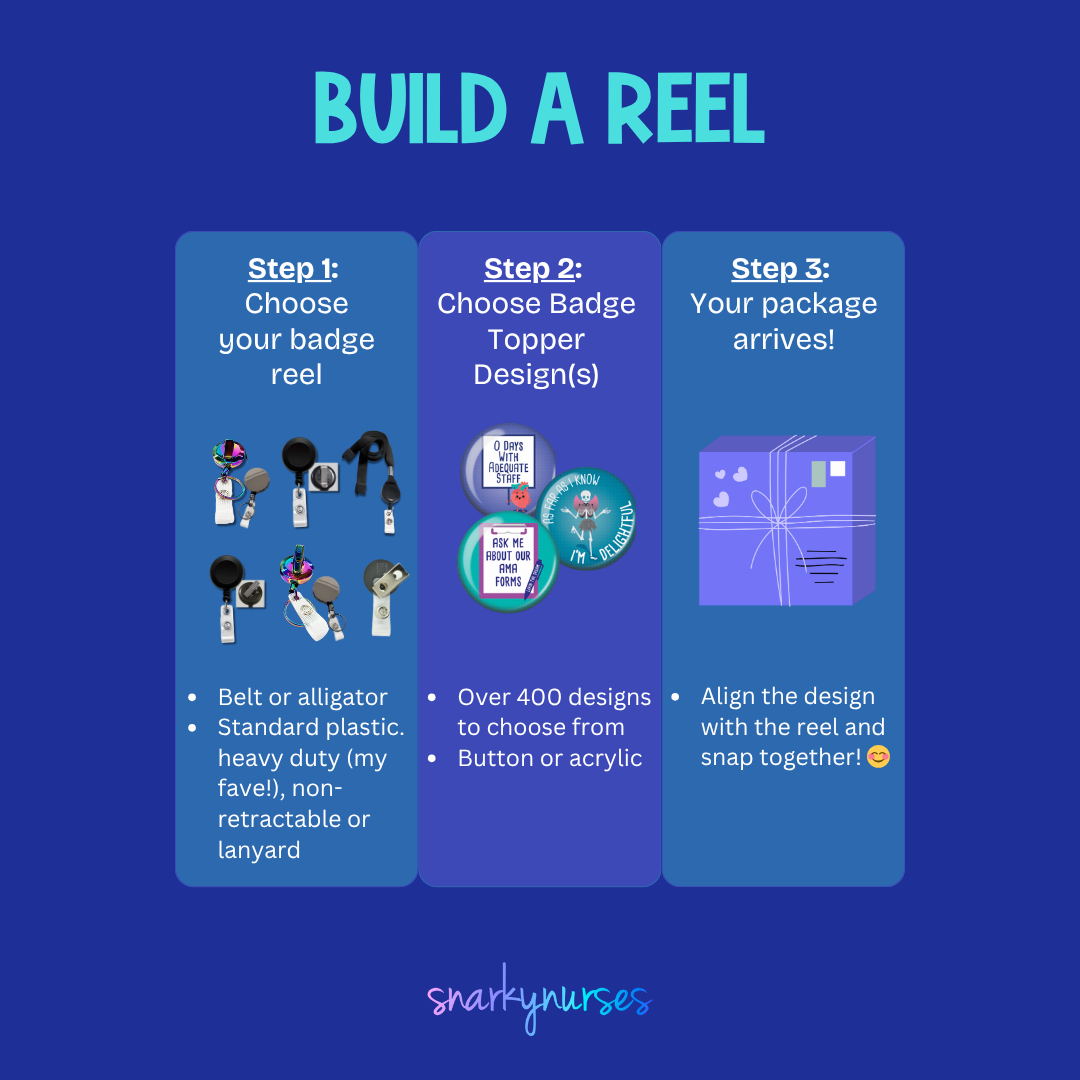
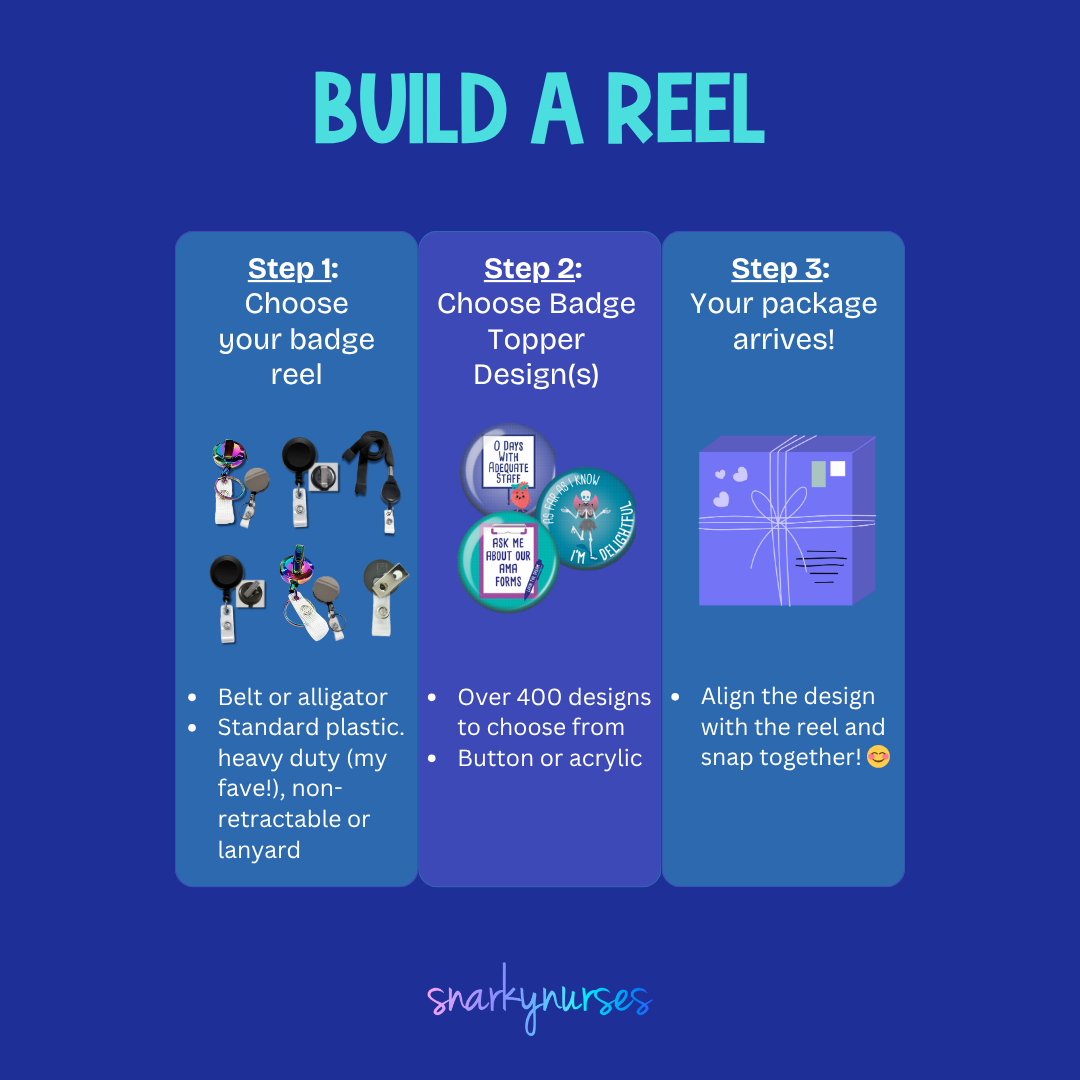
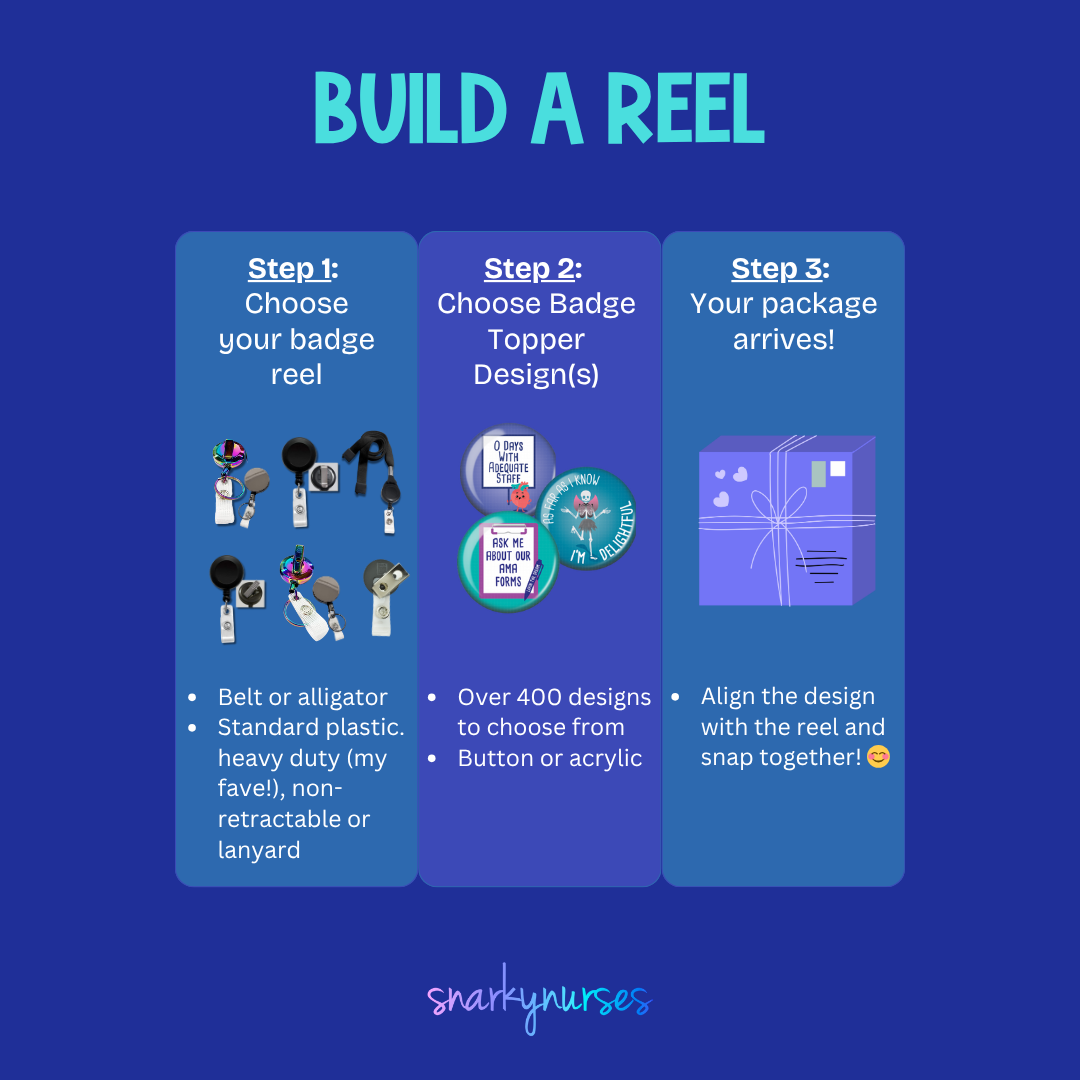
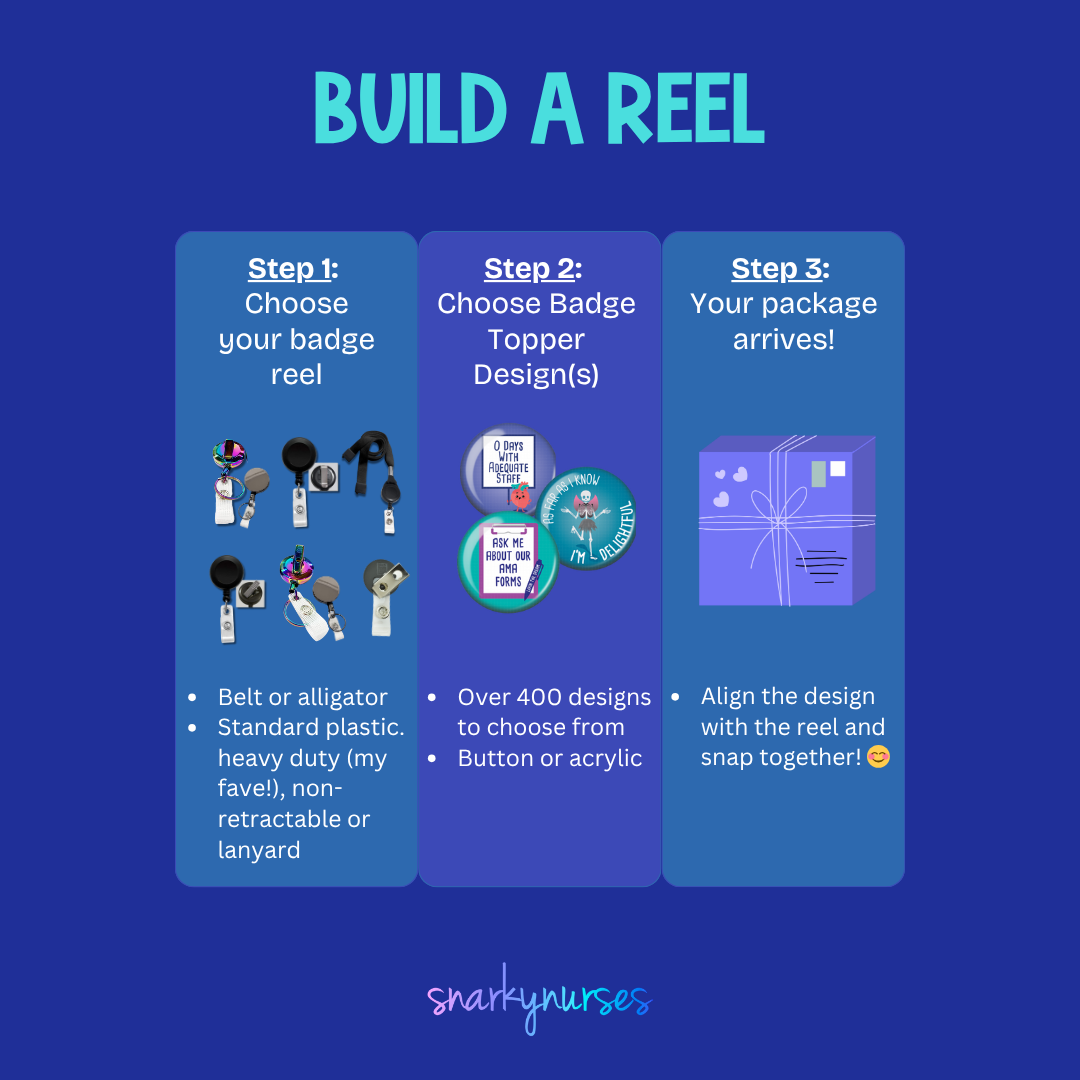
A black button with the word "PIVOT!" written on it in white text.The image is a step-by-step guide on how to build a reel, with three sections labeled Step 1, Step 2, and Step 3. It provides instructions on choosing a badge to attach to the reel, choosing a badge design, and aligning the design with the reel.
Button Badge Topper: PIVOT! Sale price$5.50 USD
A black and white image with the text "SALTY LIKE NORMAL SALINE" written on it.A pink button with the text "SALTY LIKE NORMAL SALINE" printed on it.
Sold outA black button with teal and white text that says "HAPPY CLAMPER".The image is a step-by-step guide on how to build a reel, with three sections labeled Step 1, Step 2, and Step 3. It provides instructions on choosing a badge to attach to the reel, choosing a badge design, and aligning the design with the reel.
A black button with teal text that says "HI MY NAME IS... NURSEEEE!"The image is a step-by-step guide on how to build a reel, with three sections labeled Step 1, Step 2, and Step 3. It provides instructions on choosing a badge to attach to the reel, choosing a badge design, and aligning the design with the reel.
A black button with the text "IT'S FINE I'M FINE EVERYTHING'S FINE" printed on it.A blue button with the text "IT'S FINE I'M FINE EVERYTHING'S FINE" printed on it.
A green button with a graphic of a fire inside a trash can, accompanied by the text "I'm fine, it's fine everything's fine".A blue button with a graphic of a fire inside a trash can, accompanied by the text "I'm fine, it's fine everything's fine".
A black button with a graphic design depicting a person in a hospital gown and an IV pole, along with the text "I GOT YOUR BACK" written on it.The image is a step-by-step guide on how to build a reel, with three sections labeled Step 1, Step 2, and Step 3. It provides instructions on choosing a badge to attach to the reel, choosing a badge design, and aligning the design with the reel.
Sold outA circular object with a repeating pattern of white skeletons in various poses, including standing, sitting, and dancing, against a black background.The image is a step-by-step guide on how to build a reel, with three sections labeled Step 1, Step 2, and Step 3. It provides instructions on choosing a badge to attach to the reel, choosing a badge design, and aligning the design with the reel.
Button Badge Topper: Skeletons Sale price$5.50 USD
A black button with a water droplet and the text "glit it like it's hot" printed on it.A pink button with a blue water droplet and the text "glt it like it's hot" on it.
A round, black plate with a repeating pattern of white pumpkins in various colors, including pink, purple, and teal, against a black background.The image is a step-by-step guide on how to build a reel, with three sections labeled Step 1, Step 2, and Step 3. It provides instructions on choosing a badge to attach to the reel, choosing a badge design, and aligning the design with the reel.
Button Badge Topper: Pumpkins Sale price$5.50 USD
A black and yellow button with the text "HOT MESS EXPRESS" and an illustration of a train with flames on it.The image is a step-by-step guide on how to build a reel, with three sections labeled Step 1, Step 2, and Step 3. It provides instructions on choosing a badge to attach to the reel, choosing a badge design, and aligning the design with the reel.
A black and teal button with the text "I FIND THIS HUMERUS" printed on it.The image is a step-by-step guide on how to build a reel, with three sections labeled Step 1, Step 2, and Step 3. It provides instructions on choosing a badge to attach to the reel, choosing a badge design, and aligning the design with the reel.
A black button with a pink sock and the text "MAKE IT RAIN" printed on it.The image is a step-by-step guide on how to build a reel, with three sections labeled Step 1, Step 2, and Step 3. It provides instructions on choosing a badge to attach to the reel, choosing a badge design, and aligning the design with the reel.
A black and white button with the text "They see me rollin, they hatin" printed on it.The image is a step-by-step guide on how to build a reel, with three sections labeled Step 1, Step 2, and Step 3. It provides instructions on choosing a badge to attach to the reel, choosing a badge design, and aligning the design with the reel.
A blue and black button with the text "TAKE A RIDE ATIVAN ON THE VAN" printed on it.A pink and black button with the text "TAKE A RIDE ATIVAN ON THE VAN" printed on it.
A black and white button with a portrait of a woman and the text "Go with the FLO" printed on it.The image is a step-by-step guide on how to build a reel, with three sections labeled Step 1, Step 2, and Step 3. It provides instructions on choosing a badge to attach to the reel, choosing a badge design, and aligning the design with the reel.
A blue button with a thought bubble containing the text "WTF" and two cartoon eyes.The image is a step-by-step guide on how to build a reel, with three sections labeled Step 1, Step 2, and Step 3. It provides instructions on choosing a badge to attach to the reel, choosing a badge design, and aligning the design with the reel.
Button Badge Topper: WTF Sale price$5.50 USD
A black button with a white cord and a pink button, displaying the text "CALL DON'T FALL" in white letters.The image is a step-by-step guide on how to build a reel, with three sections labeled Step 1, Step 2, and Step 3. It provides instructions on choosing a badge to attach to the reel, choosing a badge design, and aligning the design with the reel.
A black and white image featuring the text "ATIVAN & CHILL" in a bold, sans-serif font.The image is a step-by-step guide on how to build a reel, with three sections labeled Step 1, Step 2, and Step 3. It provides instructions on choosing a badge to attach to the reel, choosing a badge design, and aligning the design with the reel.
A black button with the text "OH FOR FOX SAKE" and an illustration of a fox.The image is a step-by-step guide on how to build a reel, with three sections labeled Step 1, Step 2, and Step 3. It provides instructions on choosing a badge to attach to the reel, choosing a badge design, and aligning the design with the reel.
A blue button with a face design and text on it.The image is a step-by-step guide on how to build a reel, with three sections labeled Step 1, Step 2, and Step 3. It provides instructions on choosing a badge to attach to the reel, choosing a badge design, and aligning the design with the reel.
A round, colorful pin with heart-shaped designs and the names of various people written on them.The image is a step-by-step guide on how to build a reel, with three sections labeled Step 1, Step 2, and Step 3. It provides instructions on choosing a badge to attach to the reel, choosing a badge design, and aligning the design with the reel.
A black button with the text "ZERO GIVEN" and an illustration of a fox.The image is a step-by-step guide on how to build a reel, with three sections labeled Step 1, Step 2, and Step 3. It provides instructions on choosing a badge to attach to the reel, choosing a badge design, and aligning the design with the reel.
A blue button with a black cloud-like shape and a sad expression.The image is a step-by-step guide on how to build a reel, with three sections labeled Step 1, Step 2, and Step 3. It provides instructions on choosing a badge to attach to the reel, choosing a badge design, and aligning the design with the reel.
A button with a yellow and green color scheme, featuring a question in white text that reads "Can I get a witness?"The image is a step-by-step guide on how to build a reel, with three sections labeled Step 1, Step 2, and Step 3. It provides instructions on choosing a badge to attach to the reel, choosing a badge design, and aligning the design with the reel.
A turquoise button with the text "HOLD ON! I'M COUNTING!" printed on it.The image is a step-by-step guide on how to build a reel, with three sections labeled Step 1, Step 2, and Step 3. It provides instructions on choosing a badge to attach to the reel, choosing a badge design, and aligning the design with the reel.
A blue button with a cartoon image of a person wearing a face mask and the text "I PROMISE I'M SMILING" printed on it.A blue button with a cartoon image of a person wearing a face mask and the text "I PROMISE I'M SMILING" printed on it.
A blue button with a sloth illustration and the text "LEAVE THE REST TO ME" printed on it.The image is a step-by-step guide on how to build a reel, with three sections labeled Step 1, Step 2, and Step 3. It provides instructions on choosing a badge to attach to the reel, choosing a badge design, and aligning the design with the reel.
A blue button with a cartoon donkey and the text "Legal Drug Mule" printed on it.The image is a step-by-step guide on how to build a reel, with three sections labeled Step 1, Step 2, and Step 3. It provides instructions on choosing a badge to attach to the reel, choosing a badge design, and aligning the design with the reel.
A colorful, whimsical illustration of a cupcake or dessert character standing in front of a red curtain, with a teal background.The image is a step-by-step guide on how to build a reel, with three sections labeled Step 1, Step 2, and Step 3. It provides instructions on choosing a badge to attach to the reel, choosing a badge design, and aligning the design with the reel.
Button Badge Topper: Sh*tshow Sale price$5.50 USD
a black button with white text and a pink plus sign.The image is a step-by-step guide on how to build a reel, with three sections labeled Step 1, Step 2, and Step 3. It provides instructions on choosing a badge to attach to the reel, choosing a badge design, and aligning the design with the reel.
A blue button with yellow text that says "Welcome to the Shift Show".The image is a step-by-step guide on how to build a reel, with three sections labeled Step 1, Step 2, and Step 3. It provides instructions on choosing a badge to attach to the reel, choosing a badge design, and aligning the design with the reel.
A turquoise button with a white paper cutout of a person's legs and the text "Have you seen my brain?"The image is a step-by-step guide on how to build a reel, with three sections labeled Step 1, Step 2, and Step 3. It provides instructions on choosing a badge to attach to the reel, choosing a badge design, and aligning the design with the reel.
A blue button with a black and white image of a woman's face and the text "WHAT WOULD FLO DO?"The image is a step-by-step guide on how to build a reel, with three sections labeled Step 1, Step 2, and Step 3. It provides instructions on choosing a badge to attach to the reel, choosing a badge design, and aligning the design with the reel.
Sold outA turquoise button with the text "OH SNAP!" printed on it.The image is a step-by-step guide on how to build a reel, with three sections labeled Step 1, Step 2, and Step 3. It provides instructions on choosing a badge to attach to the reel, choosing a badge design, and aligning the design with the reel.
Button Badge Topper: Oh Snap! Sale price$5.50 USD
A turquoise button with a cartoon character and the text "IDK, JUST WORK HERE" printed on it.A turquoise button with a cartoon girl and the text "IDK, JUST WORK HERE" printed on it.
Sold outa black button with a white text design that reads "CALM YOUR RASS DOWN".The image is a step-by-step guide on how to build a reel, with three sections labeled Step 1, Step 2, and Step 3. It provides instructions on choosing a badge to attach to the reel, choosing a badge design, and aligning the design with the reel.
A blue button with a white text that reads "YOU CRUSHED IT!"The image is a step-by-step guide on how to build a reel, with three sections labeled Step 1, Step 2, and Step 3. It provides instructions on choosing a badge to attach to the reel, choosing a badge design, and aligning the design with the reel.
A black button with the text "IT SURE IS QUIET..." and two red dice on a white background.The image is a step-by-step guide on how to build a reel, with three sections labeled Step 1, Step 2, and Step 3. It provides instructions on choosing a badge to attach to the reel, choosing a badge design, and aligning the design with the reel.
Sold outA blue button with the text "YOU ROC" on it, along with a yellow bottle icon.The image is a step-by-step guide on how to build a reel, with three sections labeled Step 1, Step 2, and Step 3. It provides instructions on choosing a badge to attach to the reel, choosing a badge design, and aligning the design with the reel.
Button Badge Topper: You Roc Sale price$5.50 USD
A round button with a cartoon image of a brown, smiling toilet and the text "FLoat Nurse" written on it.The image is a step-by-step guide on how to build a reel, with three sections labeled Step 1, Step 2, and Step 3. It provides instructions on choosing a badge to attach to the reel, choosing a badge design, and aligning the design with the reel.
Button Badge Topper: Float Poo Sale price$5.50 USD
A blue button with a white phone icon and the text "YOU CAN'T TOUCH THIS" printed on it.The image is a step-by-step guide on how to build a reel, with three sections labeled Step 1, Step 2, and Step 3. It provides instructions on choosing a badge to attach to the reel, choosing a badge design, and aligning the design with the reel.
A black button with a cartoon avocado character and the text "I'M EXTRA" printed on it.The image is a step-by-step guide on how to build a reel, with three sections labeled Step 1, Step 2, and Step 3. It provides instructions on choosing a badge to attach to the reel, choosing a badge design, and aligning the design with the reel.
Button Badge Topper: I'm Extra Sale price$5.50 USD
A circular button with a turkey sandwich image and the text "Ask us about our turkey sandwiches" written around it.The image is a step-by-step guide on how to build a reel, with three sections labeled Step 1, Step 2, and Step 3. It provides instructions on choosing a badge to attach to the reel, choosing a badge design, and aligning the design with the reel.
A blue button with the text "COLD WARM" and two hand icons, one larger and one smaller, against a white background.The image is a step-by-step guide on how to build a reel, with three sections labeled Step 1, Step 2, and Step 3. It provides instructions on choosing a badge to attach to the reel, choosing a badge design, and aligning the design with the reel.
A person holding an umbrella with a pattern of brown poop faces on it, against a teal background.The image is a step-by-step guide on how to build a reel, with three sections labeled Step 1, Step 2, and Step 3. It provides instructions on choosing a badge to attach to the reel, choosing a badge design, and aligning the design with the reel.
A round button with a graphic design featuring a cactus plant surrounded by three potted plants, with the text "WHAT THE FUCCUENT" written around the cactus.The image is a step-by-step guide on how to build a reel, with three sections labeled Step 1, Step 2, and Step 3. It provides instructions on choosing a badge to attach to the reel, choosing a badge design, and aligning the design with the reel.

Recently viewed