Skip to content

Cart

Your cart is empty

Products

Sort by

1659 products

A turquoise button with a clipboard and a pen, displaying the text "Ask me about our AMA Forms" in purple.The image is a step-by-step guide on how to build a reel, with three sections labeled Step 1, Step 2, and Step 3. It provides instructions on choosing a badge to attach to the reel, choosing a badge design, and aligning the design with the reel.
A round button with a cartoon image of a pink cow wearing a cowboy hat and wings, along with the text "Ask me about the flying cowgirl" written around the image.The image is a step-by-step guide on how to build a reel, with three sections labeled Step 1, Step 2, and Step 3. It provides instructions on choosing a badge to attach to the reel, choosing a badge design, and aligning the design with the reel.
A blue button with a message about burritos.A button with a message about burritos.
A circular button with a turkey sandwich image and the text "Ask us about our turkey sandwiches" written around it.The image is a step-by-step guide on how to build a reel, with three sections labeled Step 1, Step 2, and Step 3. It provides instructions on choosing a badge to attach to the reel, choosing a badge design, and aligning the design with the reel.
A blue button with a white needle and text that reads "Ask us about our vaccinations".The image is a step-by-step guide on how to build a reel, with three sections labeled Step 1, Step 2, and Step 3. It provides instructions on choosing a badge to attach to the reel, choosing a badge design, and aligning the design with the reel.
A black button with a colorful design and text on it.The image is a step-by-step guide on how to build a reel, with three sections labeled Step 1, Step 2, and Step 3. It provides instructions on choosing a badge to attach to the reel, choosing a badge design, and aligning the design with the reel.
A black and white image featuring the text "ATIVAN & CHILL" in a bold, sans-serif font.The image is a step-by-step guide on how to build a reel, with three sections labeled Step 1, Step 2, and Step 3. It provides instructions on choosing a badge to attach to the reel, choosing a badge design, and aligning the design with the reel.
A black button with the text "BAD & BOUGIE" printed on it.The image is a step-by-step guide on how to build a reel, with three sections labeled Step 1, Step 2, and Step 3. It provides instructions on choosing a badge to attach to the reel, choosing a badge design, and aligning the design with the reel.
A teal-colored button with a white heart and the text "Be a kind human" printed on it.The image is a step-by-step guide on how to build a reel, with three sections labeled Step 1, Step 2, and Step 3. It provides instructions on choosing a badge to attach to the reel, choosing a badge design, and aligning the design with the reel.
Sold outA black and white heart-shaped button with the text "BE A NICE HUMAN" printed on it.
A black button with a red smiley face and the text "BE POSITIVE" printed on it.
A round button with the text "BE WISE MOBILIZE" printed on it, along with an illustration of a walker.The image is a step-by-step guide on how to build a reel, with three sections labeled Step 1, Step 2, and Step 3. It provides instructions on choosing a badge to attach to the reel, choosing a badge design, and aligning the design with the reel.
A black button with the text "Be you" in a colorful, rainbow-style font.The image is a step-by-step guide on how to build a reel, with three sections labeled Step 1, Step 2, and Step 3. It provides instructions on choosing a badge to attach to the reel, choosing a badge design, and aligning the design with the reel.
Button Badge Topper: Be You Sale price$5.50 USD
a black button with a pink heart and a blue heart, along with the text "BECAUSE WE UNDERSTAND BOTH HEARTS" written around the edges.The image is a step-by-step guide on how to build a reel, with three sections labeled Step 1, Step 2, and Step 3. It provides instructions on choosing a badge to attach to the reel, choosing a badge design, and aligning the design with the reel.
Sold outA blue button with a cartoon bee and the text "BE KIND" printed on it.The image is a step-by-step guide on how to build a reel, with three sections labeled Step 1, Step 2, and Step 3. It provides instructions on choosing a badge to attach to the reel, choosing a badge design, and aligning the design with the reel.
Button Badge Topper: Bee Kind Sale price$5.50 USD
A blue button with a black cloud-like shape and a sad expression.The image is a step-by-step guide on how to build a reel, with three sections labeled Step 1, Step 2, and Step 3. It provides instructions on choosing a badge to attach to the reel, choosing a badge design, and aligning the design with the reel.
A pink button with the word "BLANCHABLE" printed on it.The image is a step-by-step guide on how to build a reel, with three sections labeled Step 1, Step 2, and Step 3. It provides instructions on choosing a badge to attach to the reel, choosing a badge design, and aligning the design with the reel.
A blue heart-shaped object with a detailed illustration of a human heart inside it.The image is a step-by-step guide on how to build a reel, with three sections labeled Step 1, Step 2, and Step 3. It provides instructions on choosing a badge to attach to the reel, choosing a badge design, and aligning the design with the reel.
A blue circular object with a depiction of lungs on it.The image is a step-by-step guide on how to build a reel, with three sections labeled Step 1, Step 2, and Step 3. It provides instructions on choosing a badge to attach to the reel, choosing a badge design, and aligning the design with the reel.
Sold outA blue circular object with a colorful, abstract depiction of a human heart in the center.The image is a step-by-step guide on how to build a reel, with three sections labeled Step 1, Step 2, and Step 3. It provides instructions on choosing a badge to attach to the reel, choosing a badge design, and aligning the design with the reel.
A black button with a white ghost wearing a nurse's cap and the text "BOO BOO CREW" printed on it.The image is a step-by-step guide on how to build a reel, with three sections labeled Step 1, Step 2, and Step 3. It provides instructions on choosing a badge to attach to the reel, choosing a badge design, and aligning the design with the reel.
Sold outA black button with a cartoon image of a duck wearing a hat and boots, along with the text "Born to Yap Forced to Chart".
A blue button with a cartoon duck wearing a cowboy hat and boots, along with the text "Born to yap forced to chart".The image is a step-by-step guide on how to build a reel, with three sections labeled Step 1, Step 2, and Step 3. It provides instructions on choosing a badge to attach to the reel, choosing a badge design, and aligning the design with the reel.
A blue button with a cartoon heart and the word "BREATHE" written on it.The image is a step-by-step guide on how to build a reel, with three sections labeled Step 1, Step 2, and Step 3. It provides instructions on choosing a badge to attach to the reel, choosing a badge design, and aligning the design with the reel.
Button Badge Topper: Breathe Sale price$5.50 USD
A black button with a white cord and a pink button, displaying the text "CALL DON'T FALL" in white letters.The image is a step-by-step guide on how to build a reel, with three sections labeled Step 1, Step 2, and Step 3. It provides instructions on choosing a badge to attach to the reel, choosing a badge design, and aligning the design with the reel.
Sold outa black button with a white text design that reads "CALM YOUR RASS DOWN".The image is a step-by-step guide on how to build a reel, with three sections labeled Step 1, Step 2, and Step 3. It provides instructions on choosing a badge to attach to the reel, choosing a badge design, and aligning the design with the reel.
A button with a yellow and green color scheme, featuring a question in white text that reads "Can I get a witness?"The image is a step-by-step guide on how to build a reel, with three sections labeled Step 1, Step 2, and Step 3. It provides instructions on choosing a badge to attach to the reel, choosing a badge design, and aligning the design with the reel.
A round button with a cartoon-style illustration of a skeleton standing on a sinking ship.The image is a step-by-step guide on how to build a reel, with three sections labeled Step 1, Step 2, and Step 3. It provides instructions on choosing a badge to attach to the reel, choosing a badge design, and aligning the design with the reel.
A cartoon heart character is depicted running on a treadmill, with a green heart symbol on its head.The image is a step-by-step guide on how to build a reel, with three sections labeled Step 1, Step 2, and Step 3. It provides instructions on choosing a badge to attach to the reel, choosing a badge design, and aligning the design with the reel.
A black and pink button with an illustration of a pink octopus wearing a crown and surrounded by various objects, including a phone, a cup, and a book.The image is a step-by-step guide on how to build a reel, with three sections labeled Step 1, Step 2, and Step 3. It provides instructions on choosing a badge to attach to the reel, choosing a badge design, and aligning the design with the reel.
A round, green button with a cartoon heart and the text "CHASING HOMEOSTAS" written on it.The image is a step-by-step guide on how to build a reel, with three sections labeled Step 1, Step 2, and Step 3. It provides instructions on choosing a badge to attach to the reel, choosing a badge design, and aligning the design with the reel.
A black button with a red bag and the text "Coffee is my blood type" printed on it.The image is a step-by-step guide on how to build a reel, with three sections labeled Step 1, Step 2, and Step 3. It provides instructions on choosing a badge to attach to the reel, choosing a badge design, and aligning the design with the reel.
A black button with a colorful design featuring a pair of hands wrapped around a blanket, along with the text "GOLD HANDS WARM BLANKETS" written around the edges.The image is a step-by-step guide on how to build a reel, with three sections labeled Step 1, Step 2, and Step 3. It provides instructions on choosing a badge to attach to the reel, choosing a badge design, and aligning the design with the reel.
A blue button with the text "COLD WARM" and two hand icons, one larger and one smaller, against a white background.The image is a step-by-step guide on how to build a reel, with three sections labeled Step 1, Step 2, and Step 3. It provides instructions on choosing a badge to attach to the reel, choosing a badge design, and aligning the design with the reel.
A blue button with a menorah and the text "COME ON BABY LIGHT MY MENORAH" printed on it.The image is a step-by-step guide on how to build a reel, with three sections labeled Step 1, Step 2, and Step 3. It provides instructions on choosing a badge to attach to the reel, choosing a badge design, and aligning the design with the reel.
A blue button with the text "CUP TO MOUTH" and an illustration of pills.The image is a step-by-step guide on how to build a reel, with three sections labeled Step 1, Step 2, and Step 3. It provides instructions on choosing a badge to attach to the reel, choosing a badge design, and aligning the design with the reel.
A blue button with a white paper attached to it, featuring a Santa Claus message and various holiday-themed illustrations.The image is a step-by-step guide on how to build a reel, with three sections labeled Step 1, Step 2, and Step 3. It provides instructions on choosing a badge to attach to the reel, choosing a badge design, and aligning the design with the reel.
A green button with a red cap and the text "THE HALL'S" printed on it, surrounded by snowflakes.The image is a step-by-step guide on how to build a reel, with three sections labeled Step 1, Step 2, and Step 3. It provides instructions on choosing a badge to attach to the reel, choosing a badge design, and aligning the design with the reel.
A blue button with a white text message that reads "Did you check the fridge?"The image is a step-by-step guide on how to build a reel, with three sections labeled Step 1, Step 2, and Step 3. It provides instructions on choosing a badge to attach to the reel, choosing a badge design, and aligning the design with the reel.
A blue button with a skeleton wearing a green outfit and the text "Do as I say, not as I do" printed on it.The image is a step-by-step guide on how to build a reel, with three sections labeled Step 1, Step 2, and Step 3. It provides instructions on choosing a badge to attach to the reel, choosing a badge design, and aligning the design with the reel.
A blue button with a cartoon cat and the text "DON'T STESS MEOWT" printed on it.The image is a step-by-step guide on how to build a reel, with three sections labeled Step 1, Step 2, and Step 3. It provides instructions on choosing a badge to attach to the reel, choosing a badge design, and aligning the design with the reel.
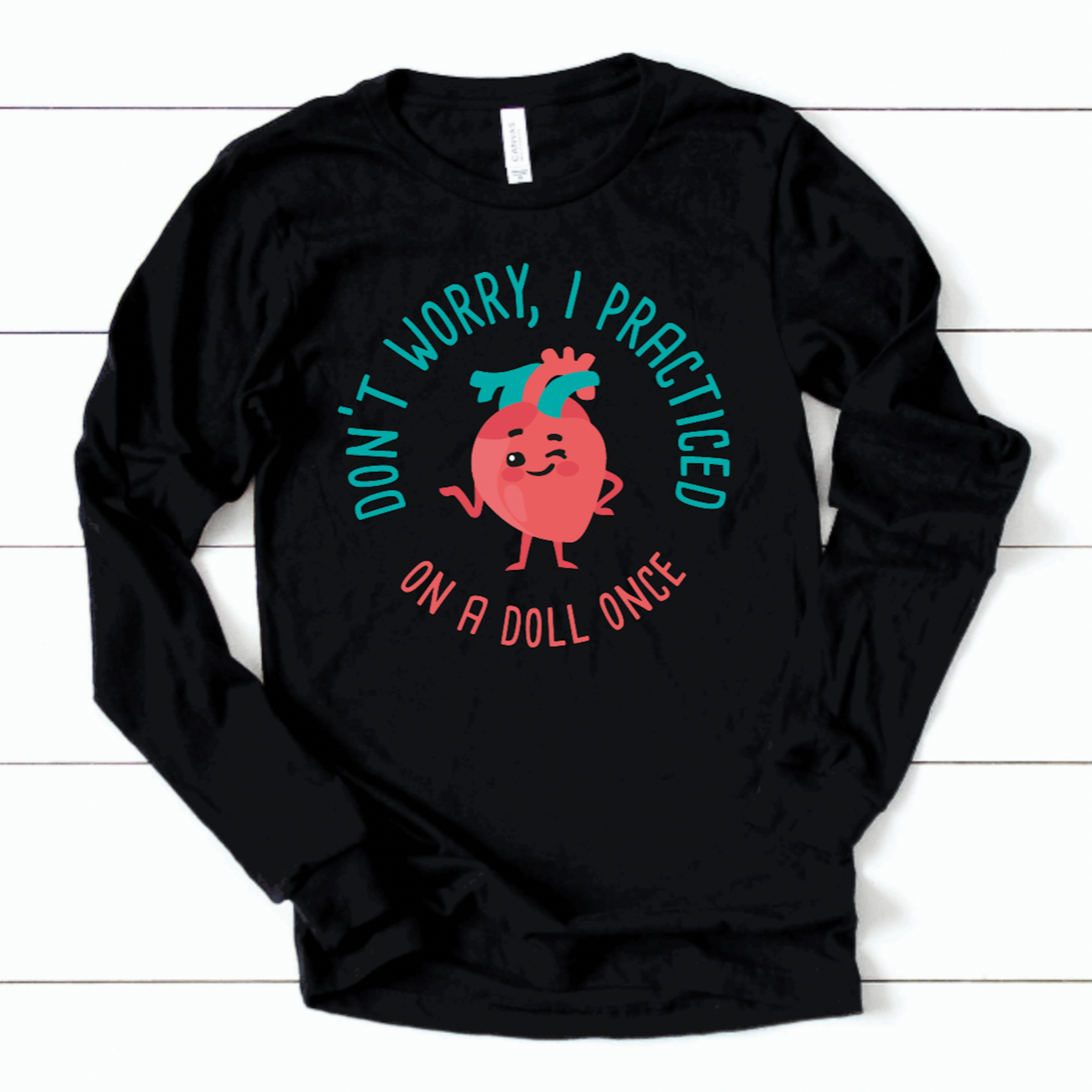
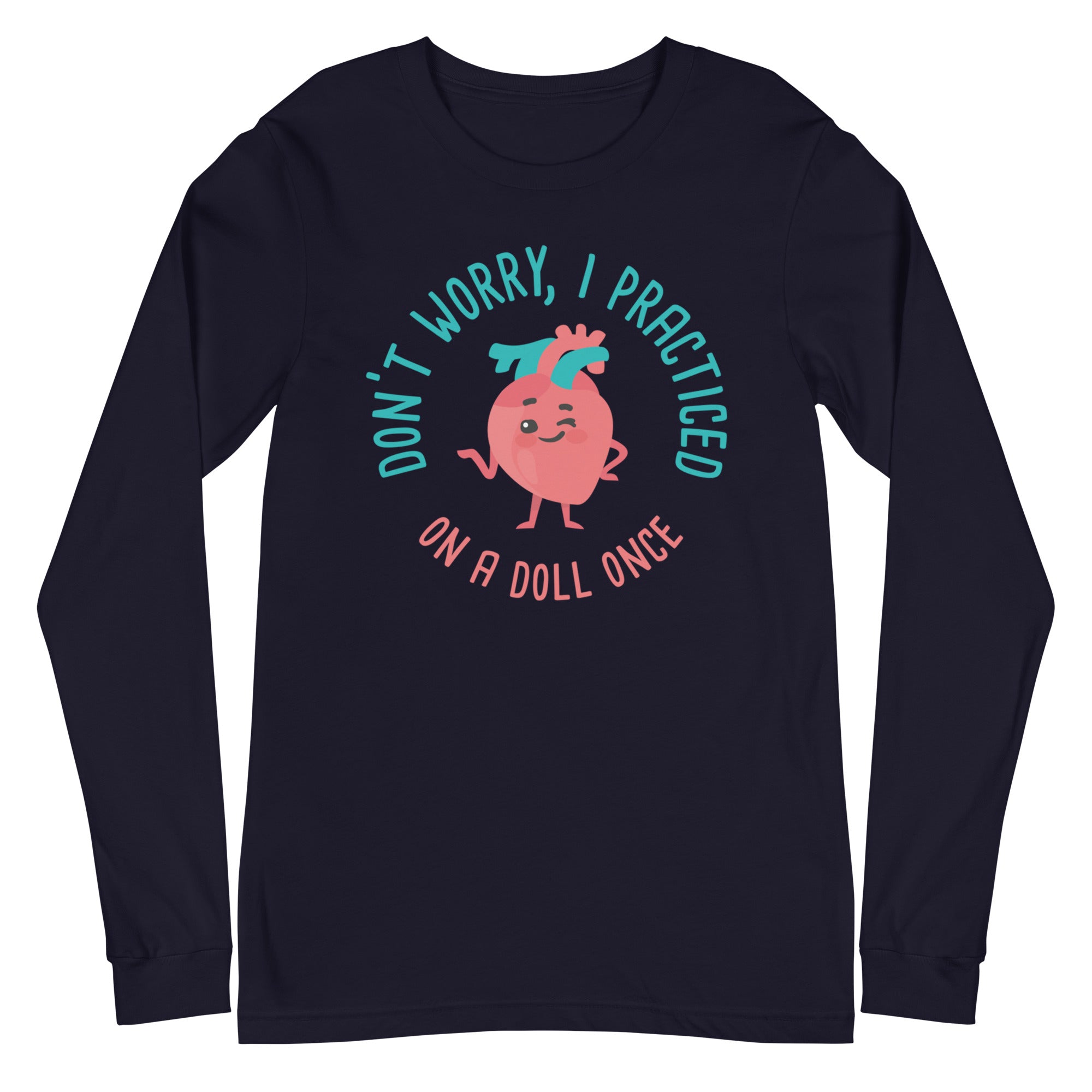
A blue button with a cartoon heart and the text "Don't worry, I practiced on a doll once" printed on it.The image is a step-by-step guide on how to build a reel, with three sections labeled Step 1, Step 2, and Step 3. It provides instructions on choosing a badge to attach to the reel, choosing a badge design, and aligning the design with the reel.
A round button featuring a cartoon image of two reindeer, one wearing a red Santa hat and the other wearing a red scarf with the word "DONNER" written on it.The image is a step-by-step guide on how to build a reel, with three sections labeled Step 1, Step 2, and Step 3. It provides instructions on choosing a badge to attach to the reel, choosing a badge design, and aligning the design with the reel.
A black button with a white text design and a pair of pink socks.The image is a step-by-step guide on how to build a reel, with three sections labeled Step 1, Step 2, and Step 3. It provides instructions on choosing a badge to attach to the reel, choosing a badge design, and aligning the design with the reel.
A blue circular button with the text "DSP" and stars on a night sky background.The image is a step-by-step guide on how to build a reel, with three sections labeled Step 1, Step 2, and Step 3. It provides instructions on choosing a badge to attach to the reel, choosing a badge design, and aligning the design with the reel.
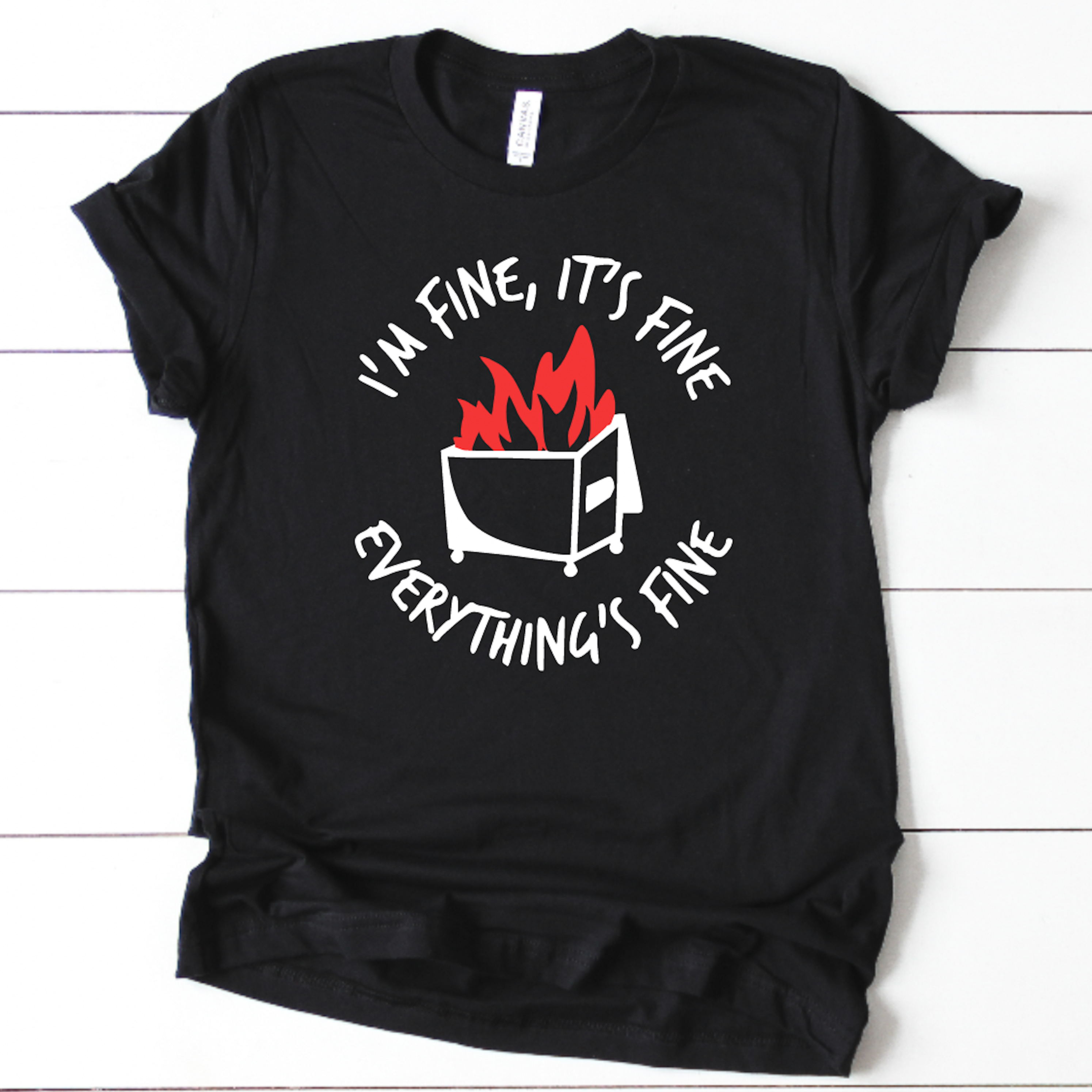
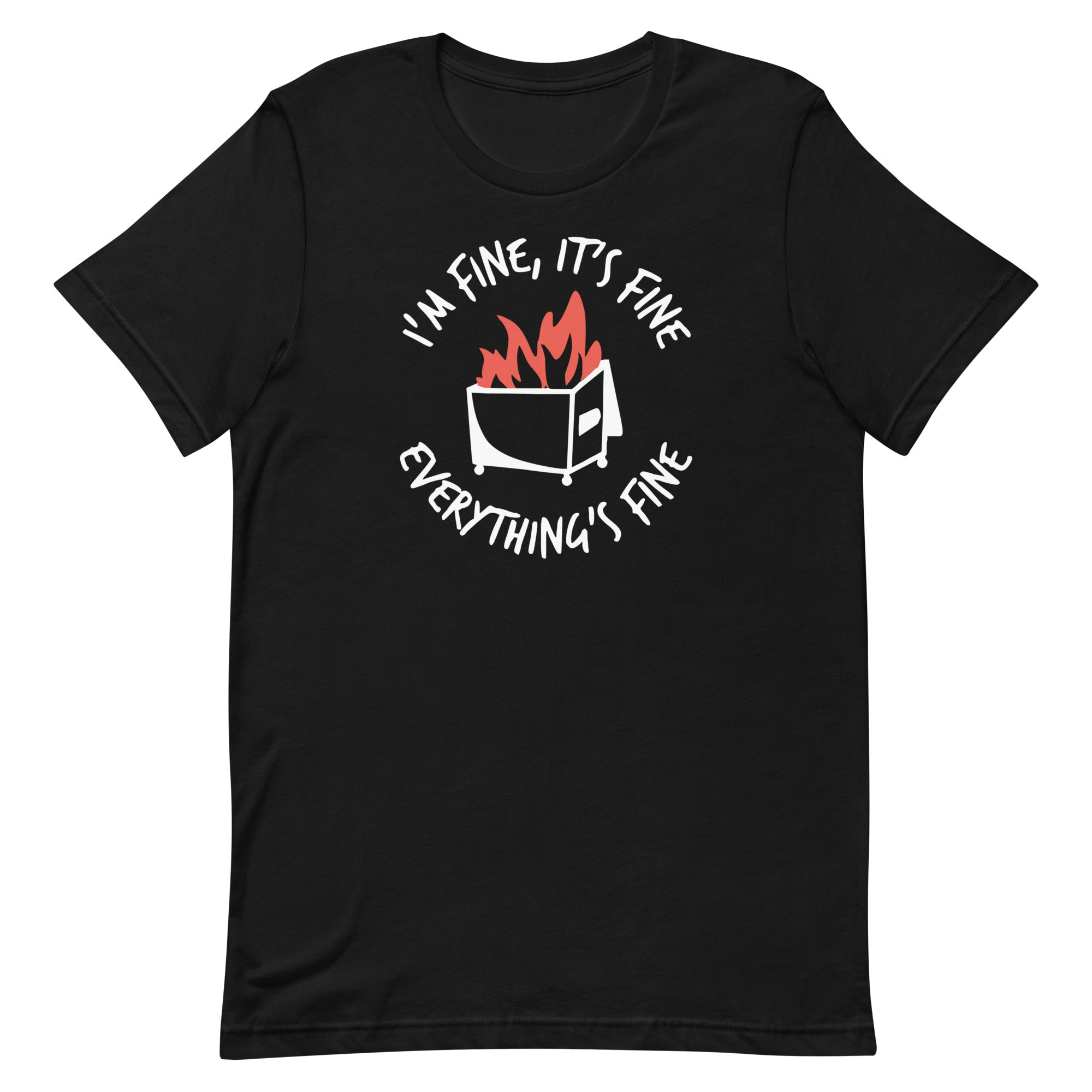
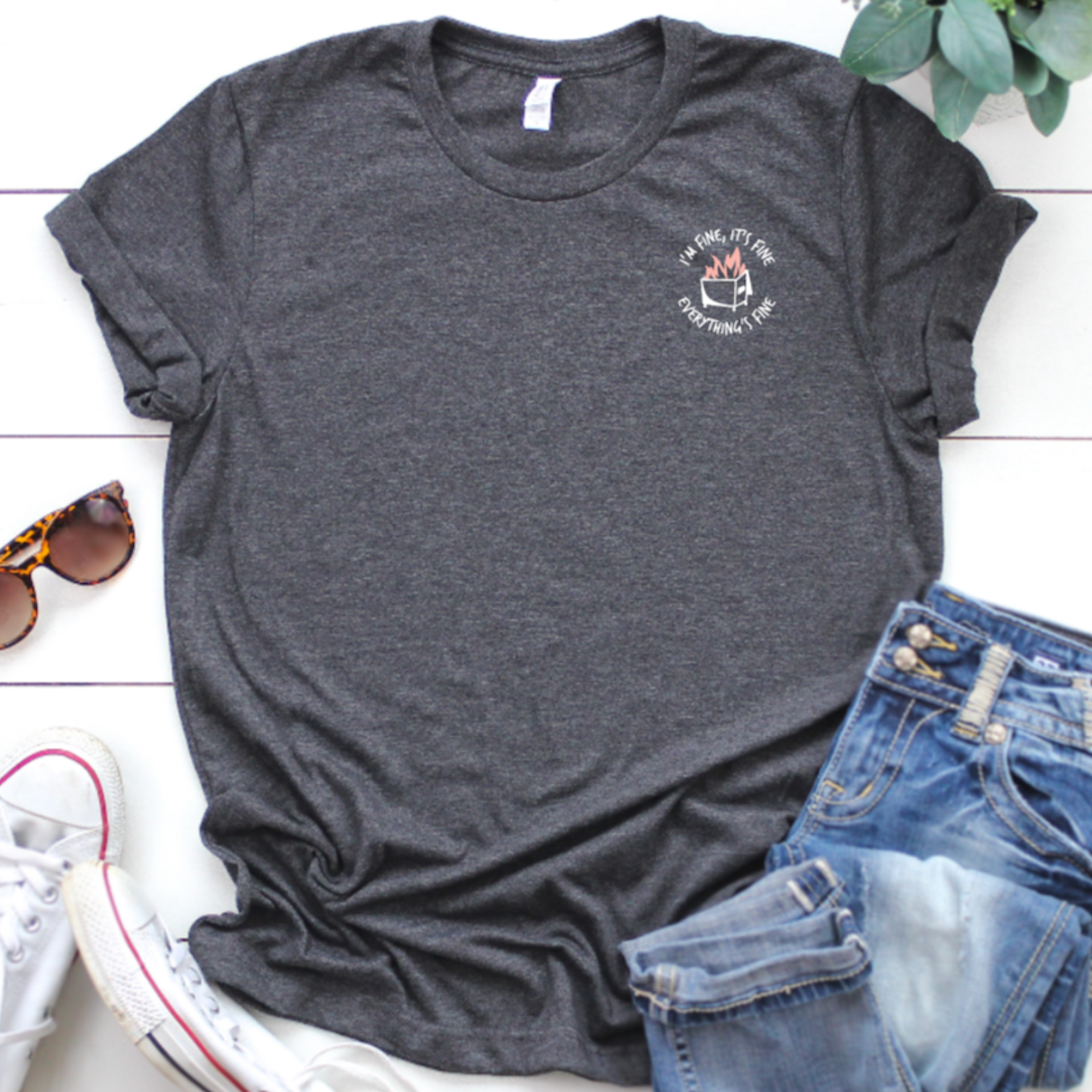
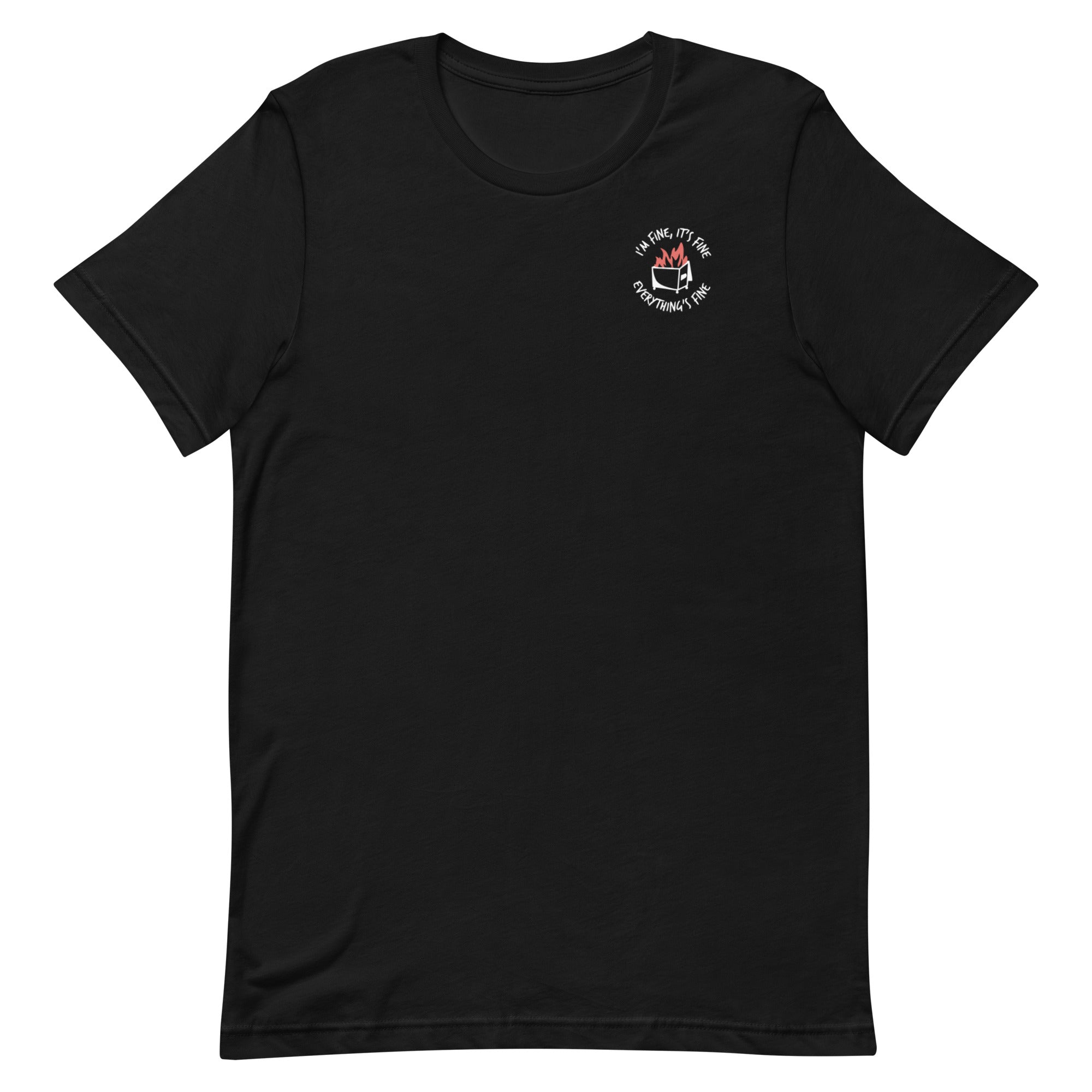
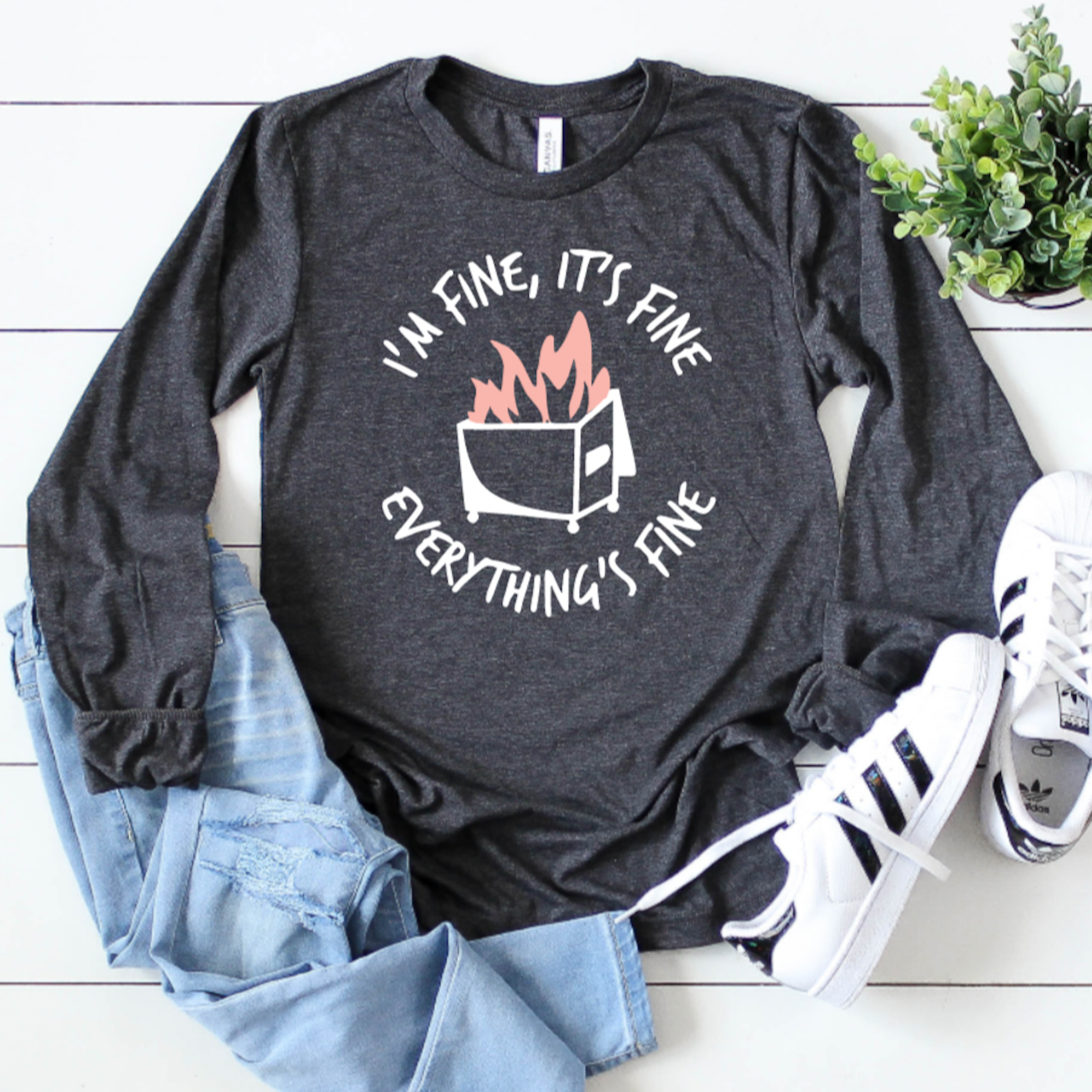
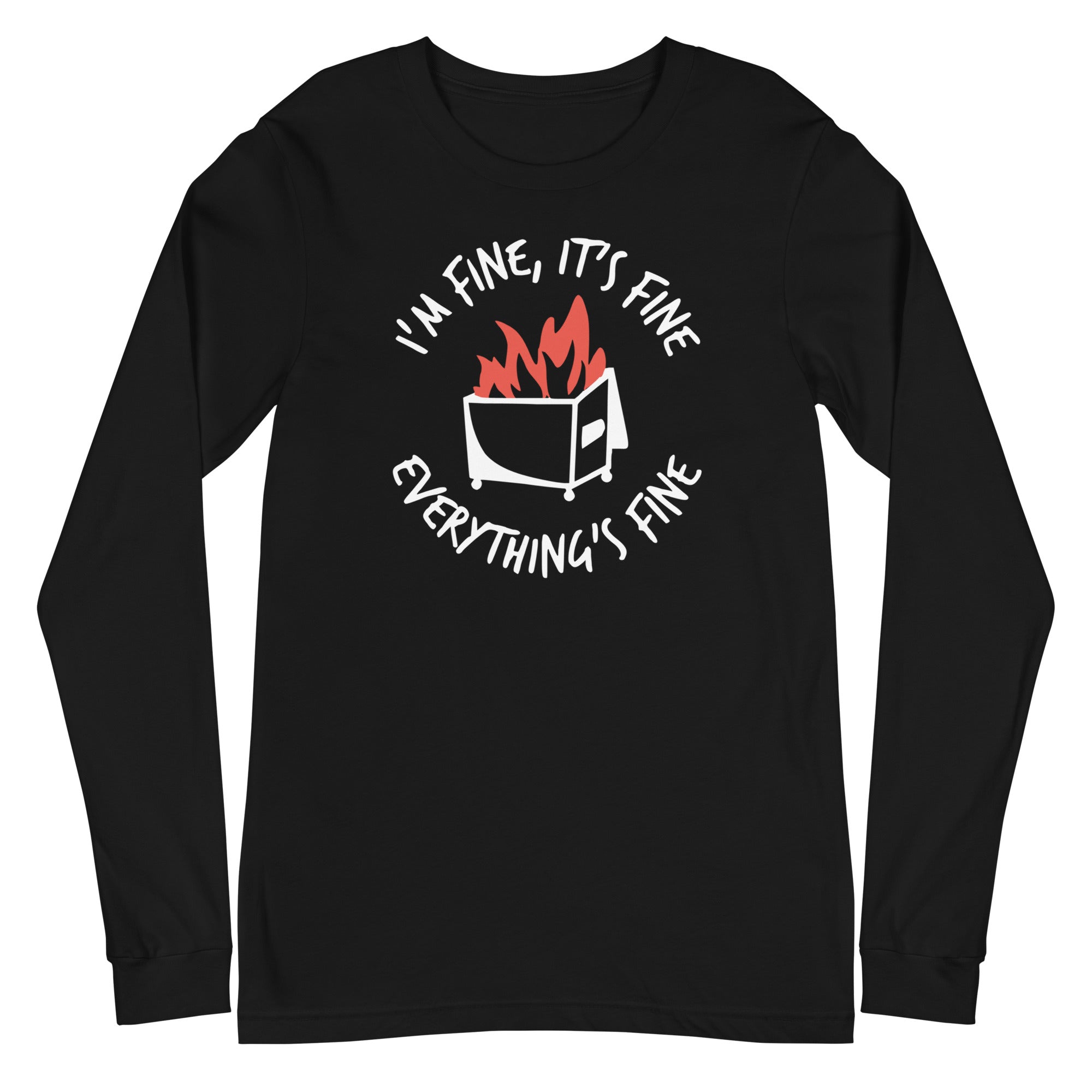
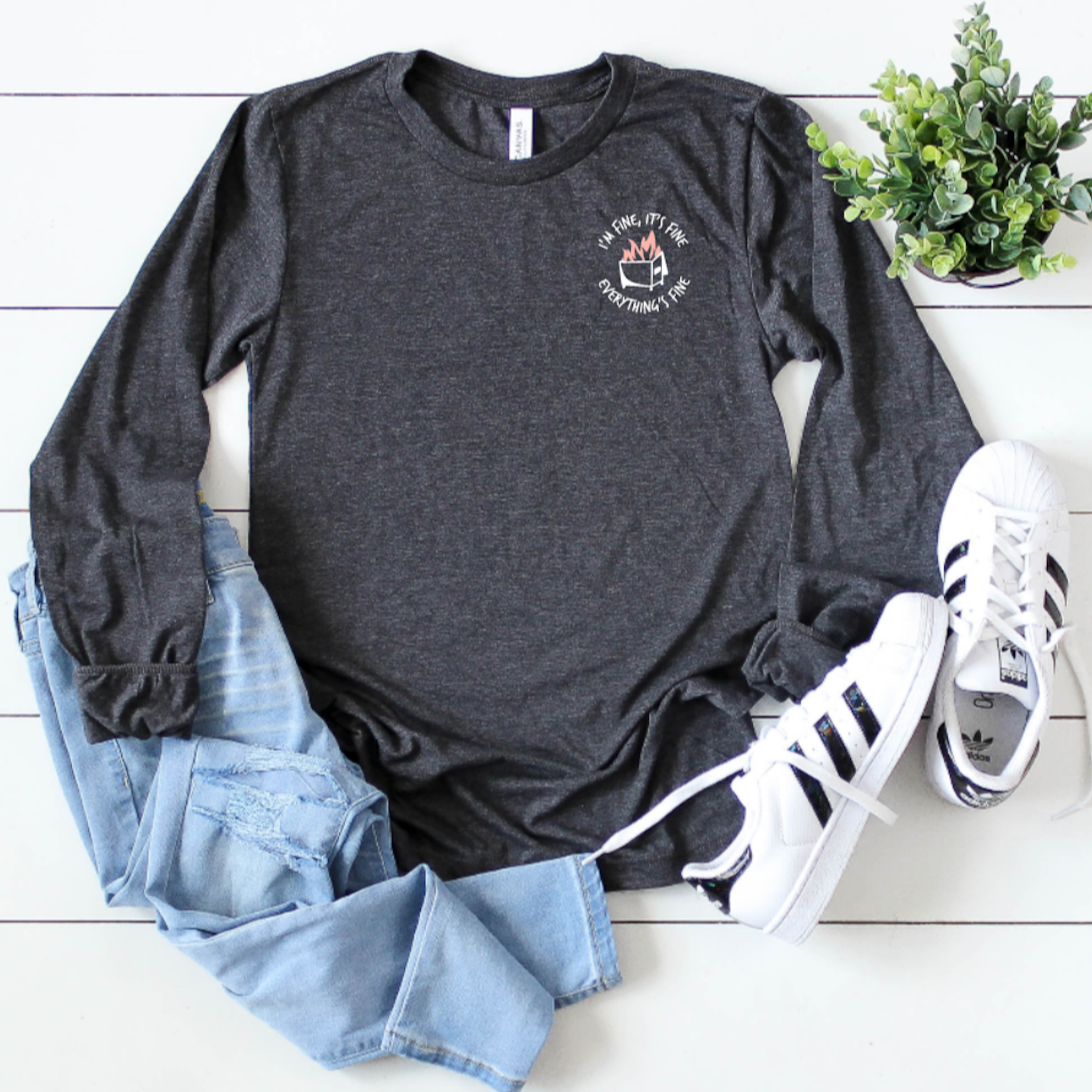
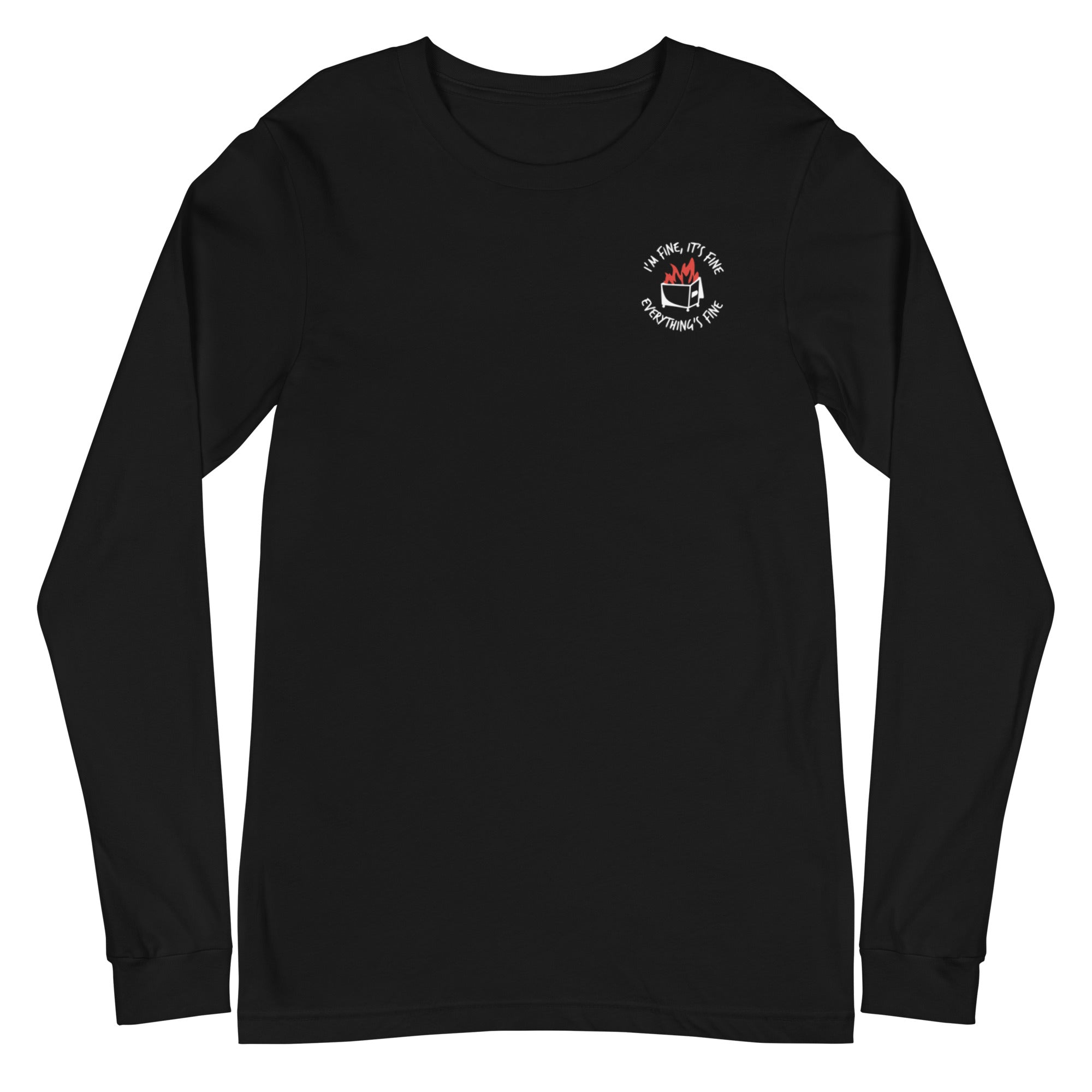
A green button with a graphic of a fire inside a trash can, accompanied by the text "I'm fine, it's fine everything's fine".A blue button with a graphic of a fire inside a trash can, accompanied by the text "I'm fine, it's fine everything's fine".
A round button with a cartoon image of a woman holding a baby and the text "EAT LOCAL" written on it.The image is a step-by-step guide on how to build a reel, with three sections labeled Step 1, Step 2, and Step 3. It provides instructions on choosing a badge to attach to the reel, choosing a badge design, and aligning the design with the reel.
Button Badge Topper: Eat Local Sale price$5.50 USD
a black button with the text "ECMO going with the flow!" written on it in a stylized font.The image is a step-by-step guide on how to build a reel, with three sections labeled Step 1, Step 2, and Step 3. It provides instructions on choosing a badge to attach to the reel, choosing a badge design, and aligning the design with the reel.

Recently viewed