Skip to content

Cart

Your cart is empty

Products

Sort by

1659 products

A blue button with a cartoon image of three smiling babies wrapped in blankets, along with the text "I LOVE MEETING NEW PEOPLE".The image is a step-by-step guide on how to build a reel, with three sections labeled Step 1, Step 2, and Step 3. It provides instructions on choosing a badge to attach to the reel, choosing a badge design, and aligning the design with the reel.
A black button with a skeleton and the text "I LOVE MY JOB" printed on it.The image is a step-by-step guide on how to build a reel, with three sections labeled Step 1, Step 2, and Step 3. It provides instructions on choosing a badge to attach to the reel, choosing a badge design, and aligning the design with the reel.
A purple button with the text "I LOVE TINY HUMANS" and two baby footprints in pink and blue colors.The image is a step-by-step guide on how to build a reel, with three sections labeled Step 1, Step 2, and Step 3. It provides instructions on choosing a badge to attach to the reel, choosing a badge design, and aligning the design with the reel.
A blue button with a cartoon character and the text "I love you a latke" written on it.The image is a step-by-step guide on how to build a reel, with three sections labeled Step 1, Step 2, and Step 3. It provides instructions on choosing a badge to attach to the reel, choosing a badge design, and aligning the design with the reel.
A blue button with a cartoon image of a person wearing a face mask and the text "I PROMISE I'M SMILING" printed on it.A blue button with a cartoon image of a person wearing a face mask and the text "I PROMISE I'M SMILING" printed on it.
Sold outA blue button with the text "I'D LIKE THE HOUSE WHITE" and an illustration of a yellow bag with the letters "TPN" on it.The image is a step-by-step guide on how to build a reel, with three sections labeled Step 1, Step 2, and Step 3. It provides instructions on choosing a badge to attach to the reel, choosing a badge design, and aligning the design with the reel.
A round button with three cartoon children and the text "I'd PICU OVER ANYONE" on it.The image is a step-by-step guide on how to build a reel, with three sections labeled Step 1, Step 2, and Step 3. It provides instructions on choosing a badge to attach to the reel, choosing a badge design, and aligning the design with the reel.
Sold outA turquoise button with a cartoon dog and the text "I'D RATHER BE HOME WITH MY DOG" printed on it.The image is a step-by-step guide on how to build a reel, with three sections labeled Step 1, Step 2, and Step 3. It provides instructions on choosing a badge to attach to the reel, choosing a badge design, and aligning the design with the reel.
Sold outA blue button with a crescent moon and stars, along with the text "I'm a big fan of sleep" written in white.The image is a step-by-step guide on how to build a reel, with three sections labeled Step 1, Step 2, and Step 3. It provides instructions on choosing a badge to attach to the reel, choosing a badge design, and aligning the design with the reel.
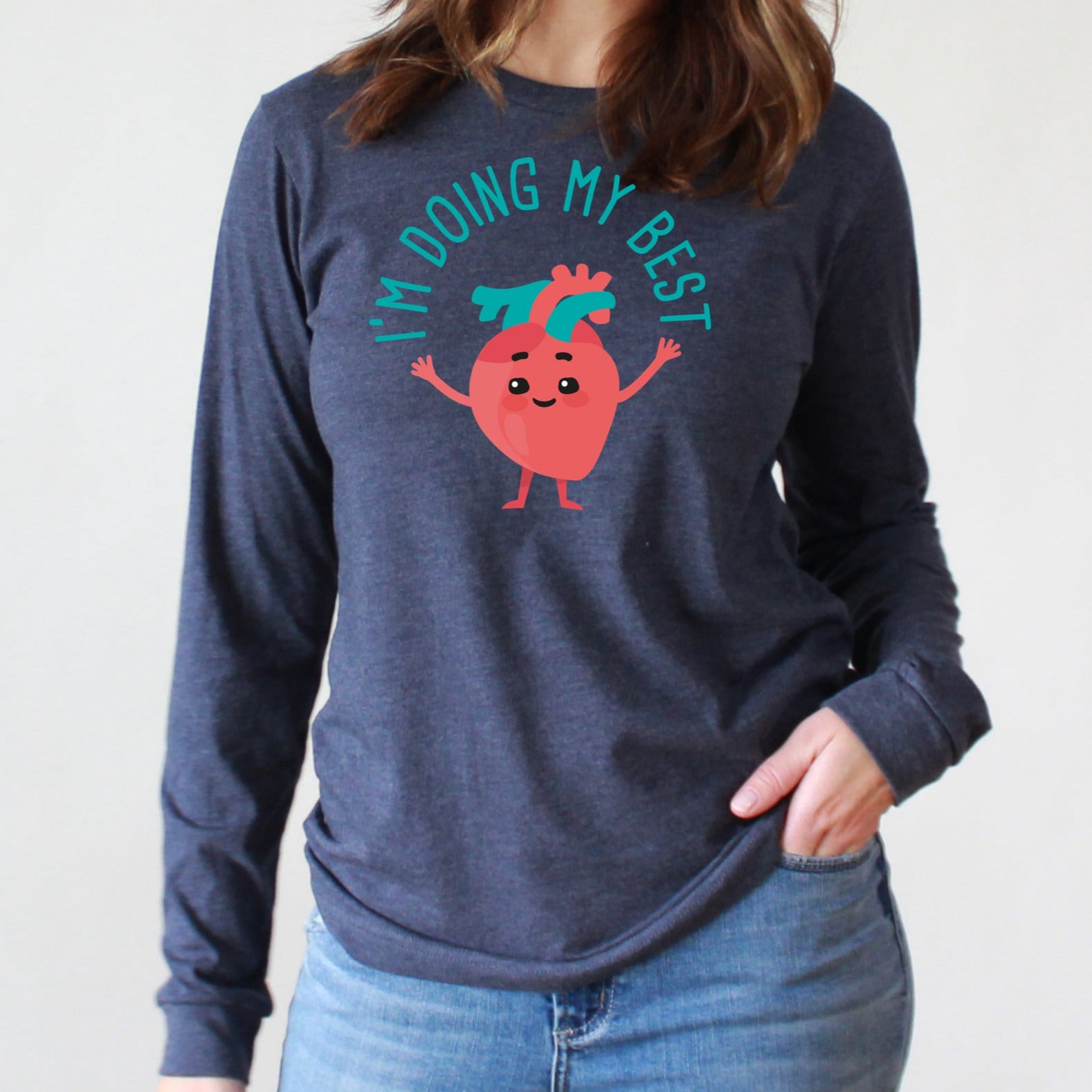
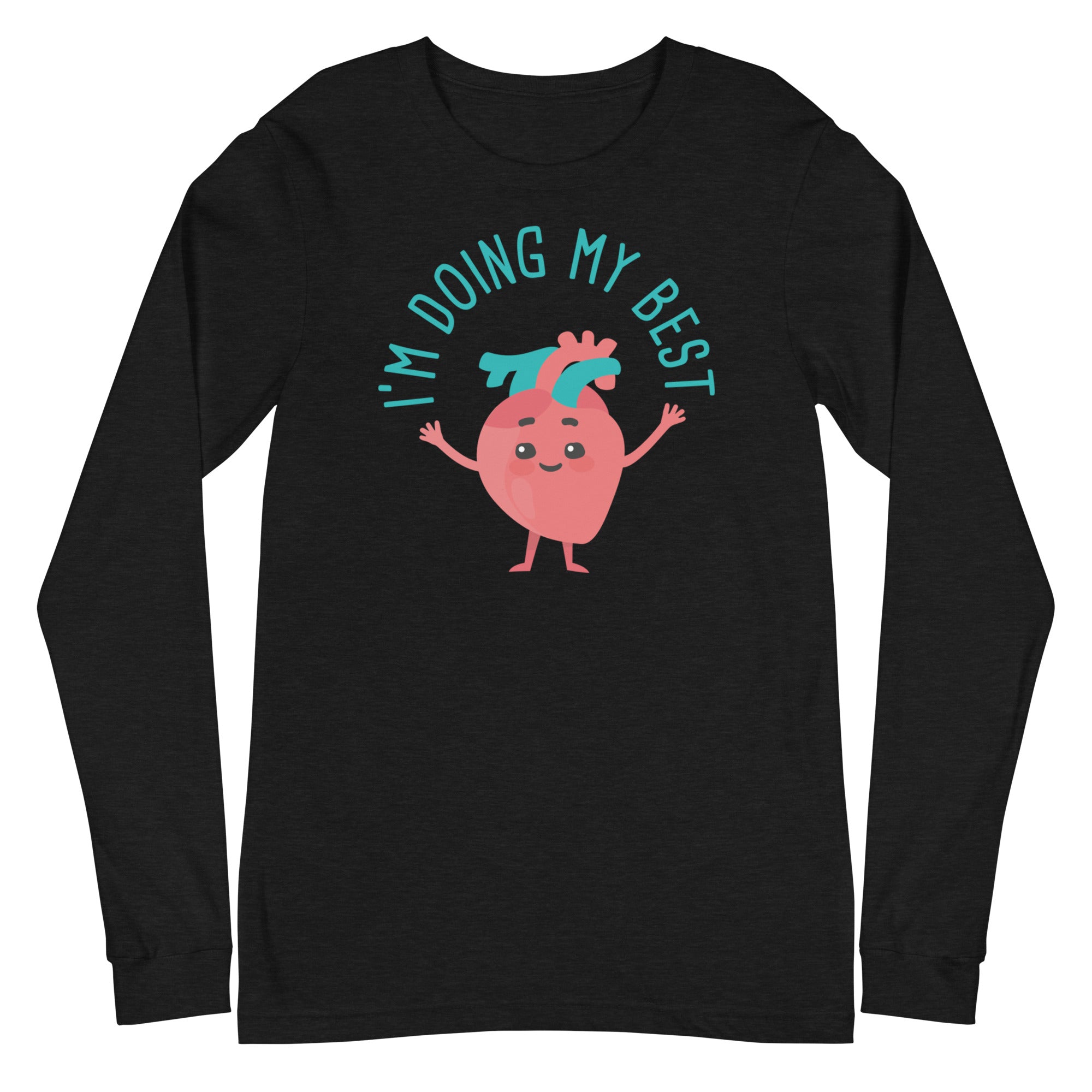
A blue button with a cartoon heart character on it, displaying the text "I'M DOING MY BEST"The image is a step-by-step guide on how to build a reel, with three sections labeled Step 1, Step 2, and Step 3. It provides instructions on choosing a badge to attach to the reel, choosing a badge design, and aligning the design with the reel.
A black button with a cartoon avocado character and the text "I'M EXTRA" printed on it.The image is a step-by-step guide on how to build a reel, with three sections labeled Step 1, Step 2, and Step 3. It provides instructions on choosing a badge to attach to the reel, choosing a badge design, and aligning the design with the reel.
Button Badge Topper: I'm Extra Sale price$5.50 USD
A black button with a skeleton and the text "I'm fine, it's fine, everything's fine" printed on it.The image is a step-by-step guide on how to build a reel, with three sections labeled Step 1, Step 2, and Step 3. It provides instructions on choosing a badge to attach to the reel, choosing a badge design, and aligning the design with the reel.
A blue button with a hand giving a thumbs up, surrounded by a water-like design, with the text "I'M FINE" written above it.The image is a step-by-step guide on how to build a reel, with three sections labeled Step 1, Step 2, and Step 3. It provides instructions on choosing a badge to attach to the reel, choosing a badge design, and aligning the design with the reel.
A black button with a cartoon koala and the text "I'm Koolafied" printed on it.The image is a step-by-step guide on how to build a reel, with three sections labeled Step 1, Step 2, and Step 3. It provides instructions on choosing a badge to attach to the reel, choosing a badge design, and aligning the design with the reel.
Sold outA blue button with a cartoon image of a pink jellyfish and the text "I'M NOT DEAD THIS IS JUST HOW I LOOK" printed on it.
Sold outA teal button with a smiley face and the text "I'M NOT THE NURSE" printed on it.The image is a step-by-step guide on how to build a reel, with three sections labeled Step 1, Step 2, and Step 3. It provides instructions on choosing a badge to attach to the reel, choosing a badge design, and aligning the design with the reel.
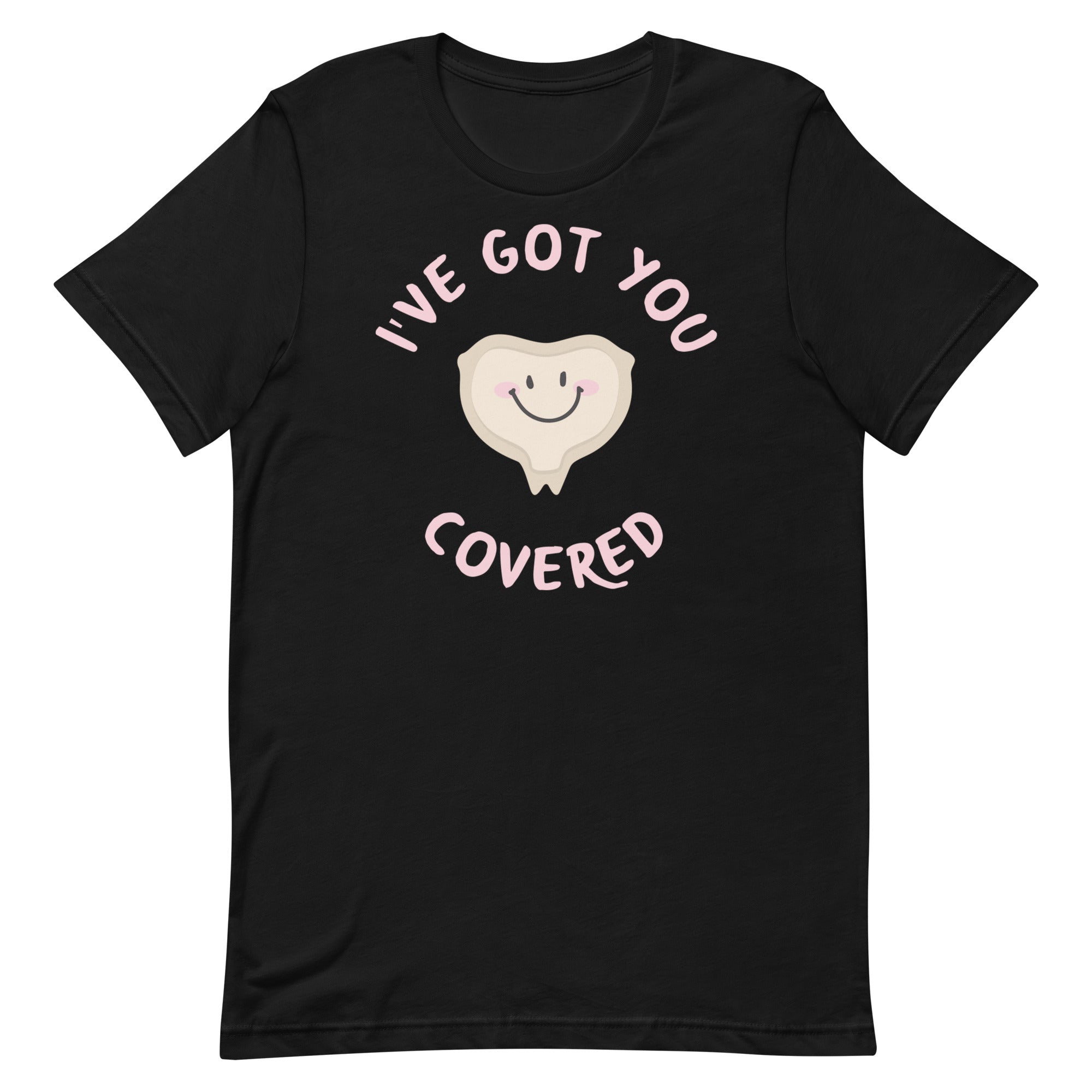
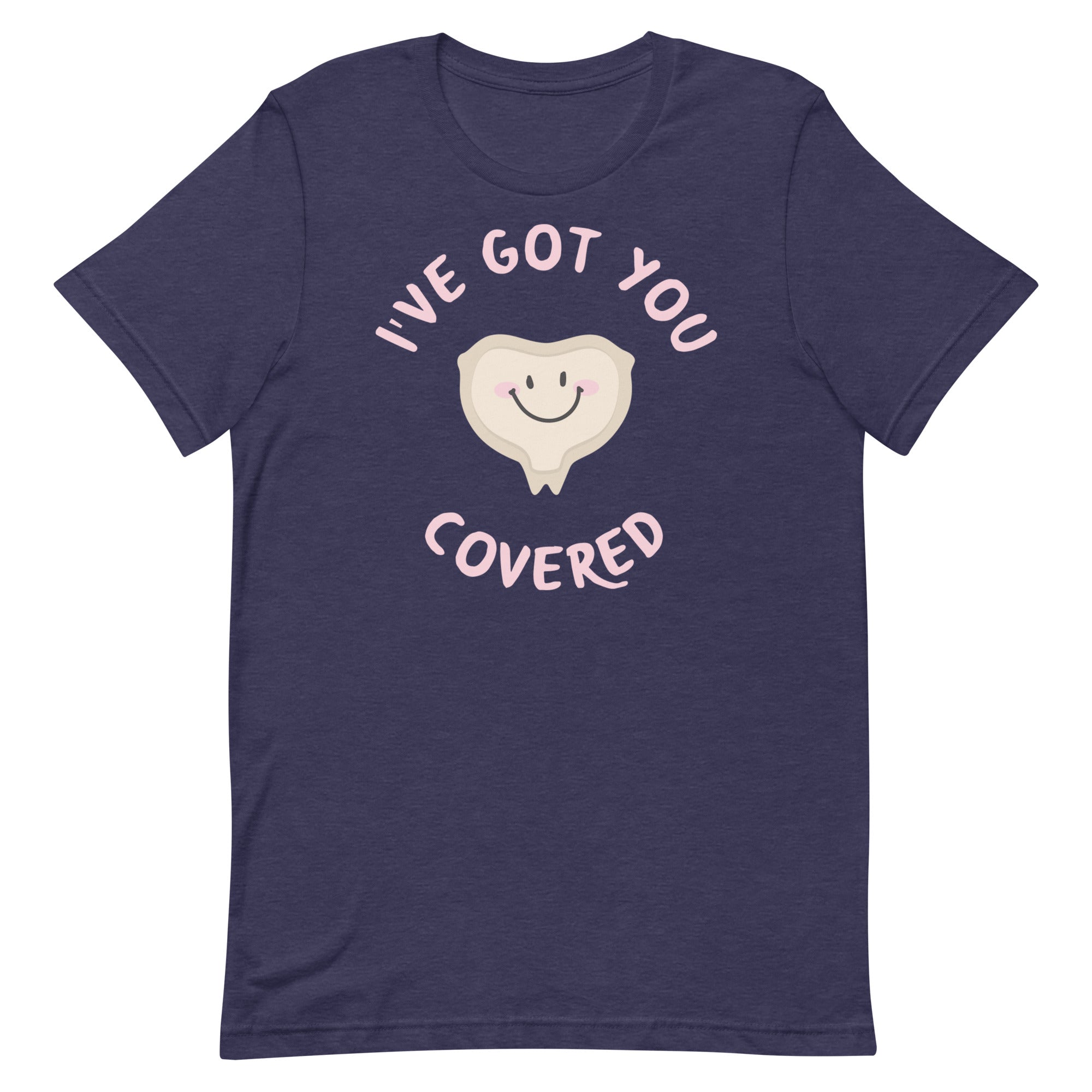
Sold outA blue button with a cartoon heart and the text "I'VE GOT YOU COVERED" on it.The image is a step-by-step guide on how to build a reel, with three sections labeled Step 1, Step 2, and Step 3. It provides instructions on choosing a badge to attach to the reel, choosing a badge design, and aligning the design with the reel.
a black button with a playful design. The text on the button reads "Iced Coffee Warm Heart", accompanied by a cartoon character of a heart.A round, teal-colored button with the text "Iced Coffee Warm Heart" and an illustration of a heart character next to a glass of iced coffee.
A turquoise button with a cartoon character and the text "IDK, JUST WORK HERE" printed on it.A turquoise button with a cartoon girl and the text "IDK, JUST WORK HERE" printed on it.
A purple button with the text "Immediately" written on it.The image is a step-by-step guide on how to build a reel, with three sections labeled Step 1, Step 2, and Step 3. It provides instructions on choosing a badge to attach to the reel, choosing a badge design, and aligning the design with the reel.
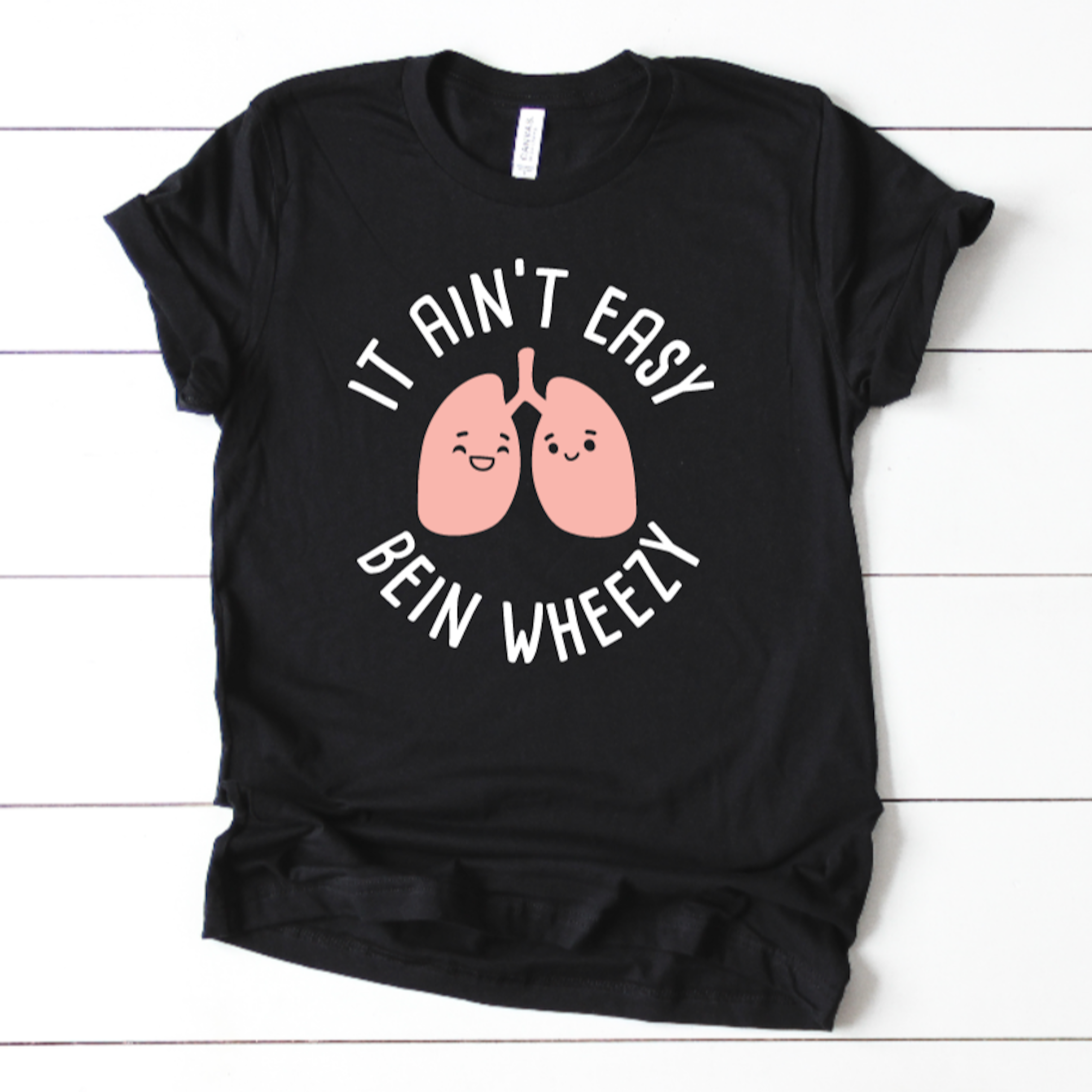
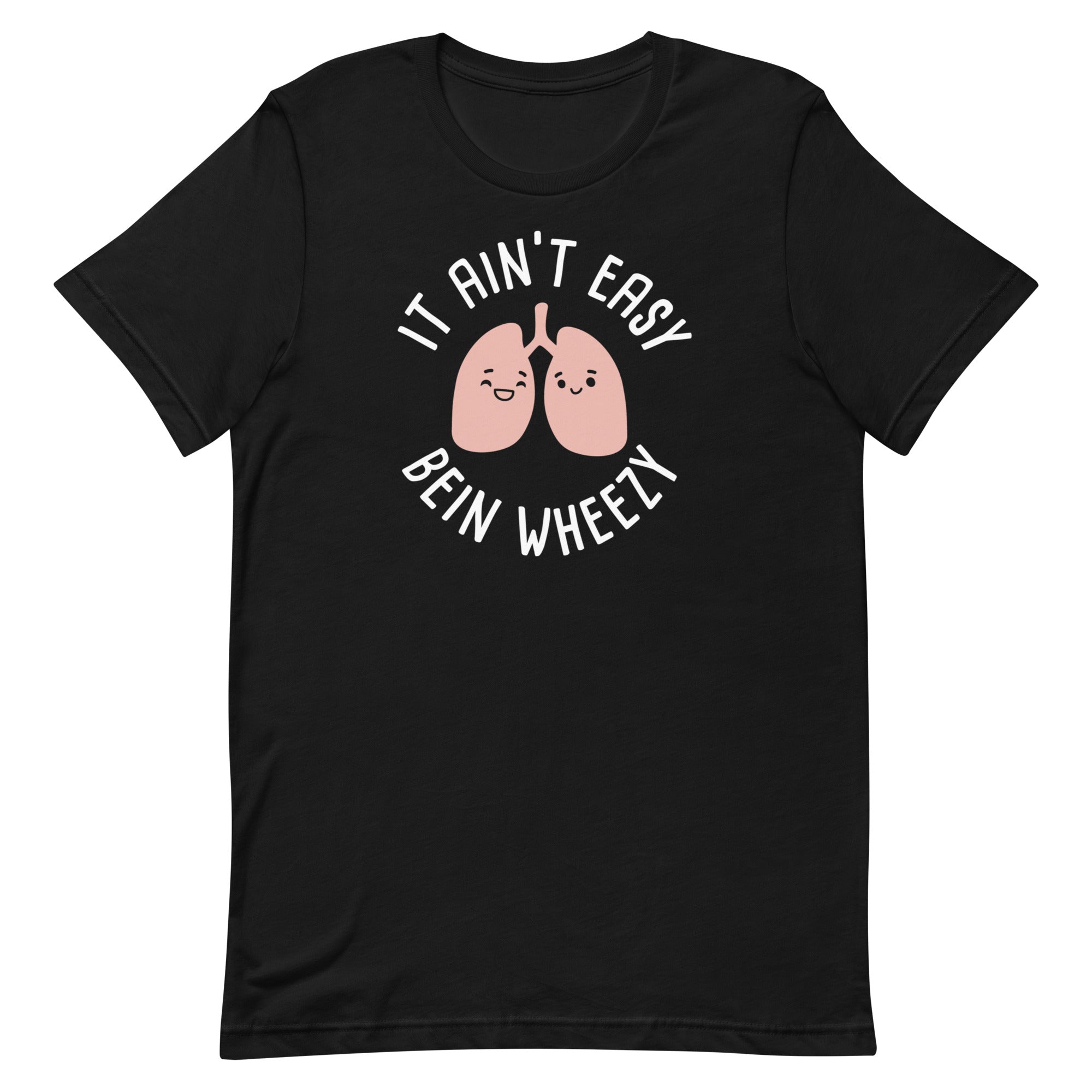
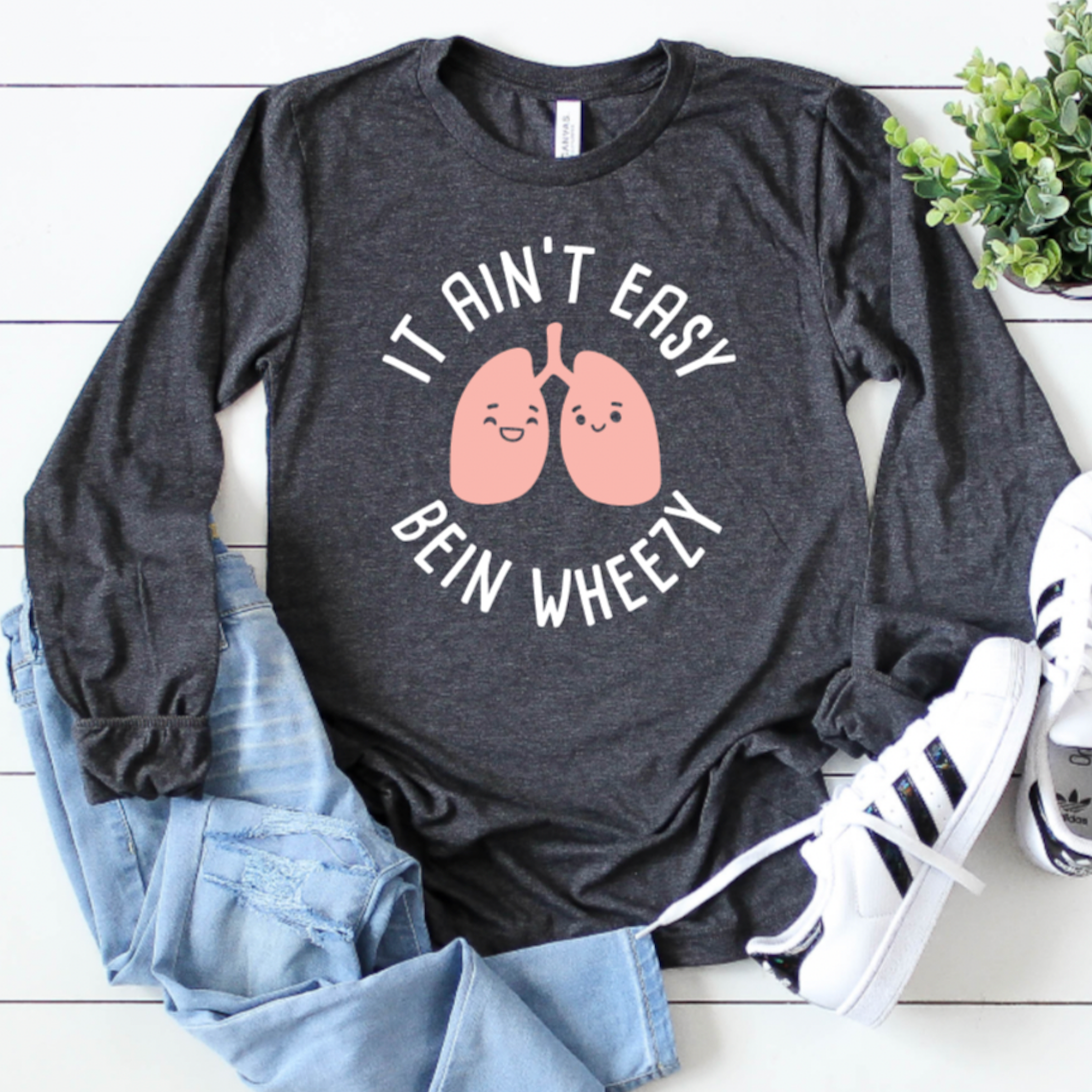
A black button with a cartoon image of two lungs and the text "IT AIN'T EASY BEIN WHEELY" printed on it.The image is a step-by-step guide on how to build a reel, with three sections labeled Step 1, Step 2, and Step 3. It provides instructions on choosing a badge to attach to the reel, choosing a badge design, and aligning the design with the reel.
A black button with the text "IT SURE IS QUIET..." and two red dice on a white background.The image is a step-by-step guide on how to build a reel, with three sections labeled Step 1, Step 2, and Step 3. It provides instructions on choosing a badge to attach to the reel, choosing a badge design, and aligning the design with the reel.
A black button with the text "IT'S FINE I'M FINE EVERYTHING'S FINE" printed on it.A blue button with the text "IT'S FINE I'M FINE EVERYTHING'S FINE" printed on it.
A circular button with a Christmas tree and flames in the background, accompanied by the text "I'm fine, it's fine everything's fine".The image is a step-by-step guide on how to build a reel, with three sections labeled Step 1, Step 2, and Step 3. It provides instructions on choosing a badge to attach to the reel, choosing a badge design, and aligning the design with the reel.
A black button with teal text that says "IT'S GOING TIBIA TERRIFIC DAY!"The image is a step-by-step guide on how to build a reel, with three sections labeled Step 1, Step 2, and Step 3. It provides instructions on choosing a badge to attach to the reel, choosing a badge design, and aligning the design with the reel.
A blue circular button with the text "It's Lit" and an illustration of a menorah with lit candles.The image is a step-by-step guide on how to build a reel, with three sections labeled Step 1, Step 2, and Step 3. It provides instructions on choosing a badge to attach to the reel, choosing a badge design, and aligning the design with the reel.
Button Badge Topper: It's Lit Sale price$5.50 USD
Sold outA black button with the text "IV LEAGUE" printed on it, along with a syringe icon.The image is a step-by-step guide on how to build a reel, with three sections labeled Step 1, Step 2, and Step 3. It provides instructions on choosing a badge to attach to the reel, choosing a badge design, and aligning the design with the reel.
Button Badge Topper: IV League Sale price$5.50 USD
A blue button with the text "JINGLE BELLS JINGLE BELLS" printed on it, along with a white telephone icon.The image is a step-by-step guide on how to build a reel, with three sections labeled Step 1, Step 2, and Step 3. It provides instructions on choosing a badge to attach to the reel, choosing a badge design, and aligning the design with the reel.
A round button with a beach scene and the text "Just another day in paradise" on it.The image is a step-by-step guide on how to build a reel, with three sections labeled Step 1, Step 2, and Step 3. It provides instructions on choosing a badge to attach to the reel, choosing a badge design, and aligning the design with the reel.
A black button with a cartoon image of two pink kidney beans wearing party hats and the text "KIDNEY'S LEAVE THE PARTY EARLY" printed on it.The image is a step-by-step guide on how to build a reel, with three sections labeled Step 1, Step 2, and Step 3. It provides instructions on choosing a badge to attach to the reel, choosing a badge design, and aligning the design with the reel.
A blue button with a cartoon balloon design and the text "KIDS > ADULTS" printed on it.The image is a step-by-step guide on how to build a reel, with three sections labeled Step 1, Step 2, and Step 3. It provides instructions on choosing a badge to attach to the reel, choosing a badge design, and aligning the design with the reel.
A blue button with a skeleton holding a phone and the text "LEADS ARE OFF" printed on it.The image is a step-by-step guide on how to build a reel, with three sections labeled Step 1, Step 2, and Step 3. It provides instructions on choosing a badge to attach to the reel, choosing a badge design, and aligning the design with the reel.
A blue button with a sloth illustration and the text "LEAVE THE REST TO ME" printed on it.The image is a step-by-step guide on how to build a reel, with three sections labeled Step 1, Step 2, and Step 3. It provides instructions on choosing a badge to attach to the reel, choosing a badge design, and aligning the design with the reel.
A blue button with a cartoon donkey and the text "Legal Drug Mule" printed on it.The image is a step-by-step guide on how to build a reel, with three sections labeled Step 1, Step 2, and Step 3. It provides instructions on choosing a badge to attach to the reel, choosing a badge design, and aligning the design with the reel.
A black button with a pink brain and the text "LEMME OVER THINK ABOUT IT" written around it.The image is a step-by-step guide on how to build a reel, with three sections labeled Step 1, Step 2, and Step 3. It provides instructions on choosing a badge to attach to the reel, choosing a badge design, and aligning the design with the reel.
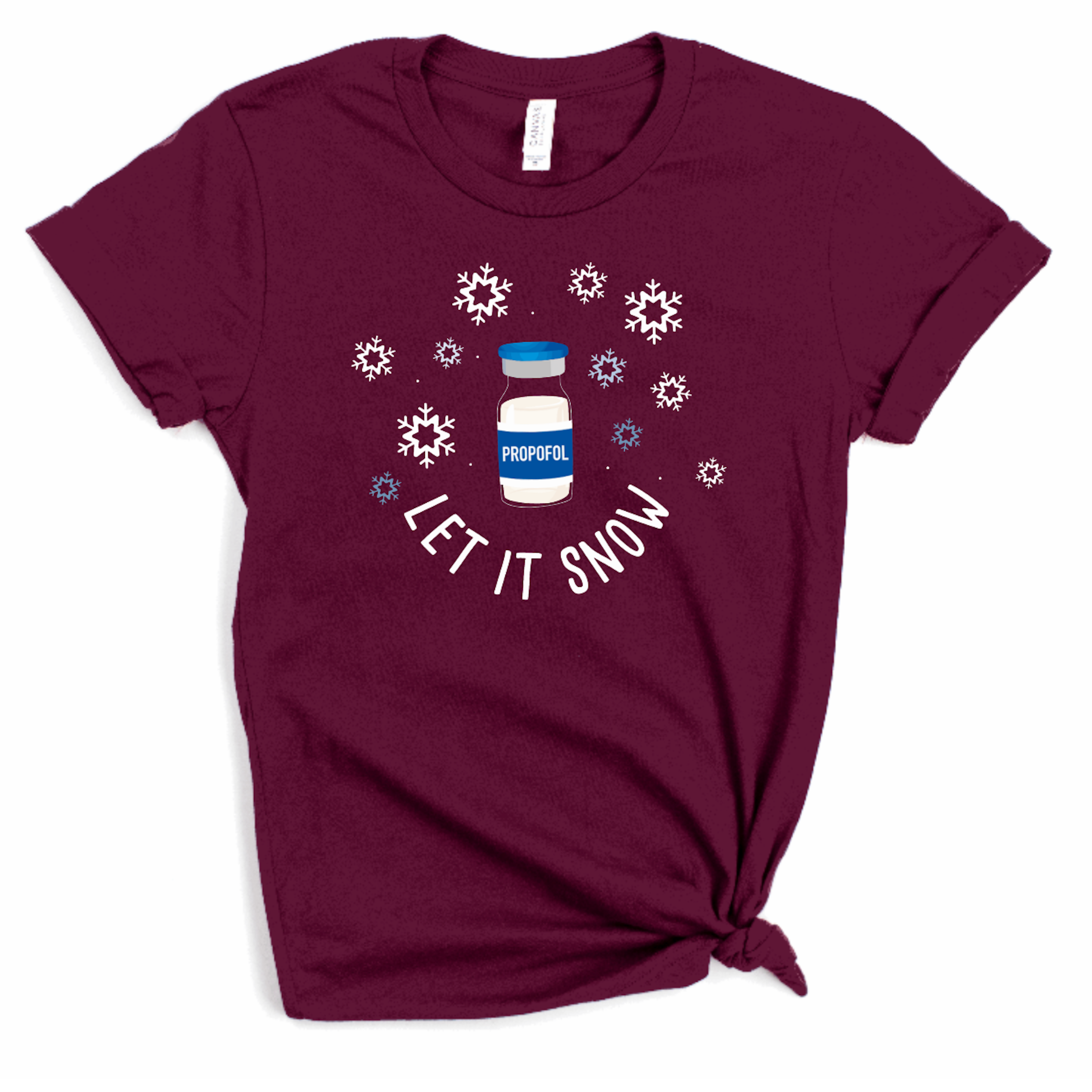
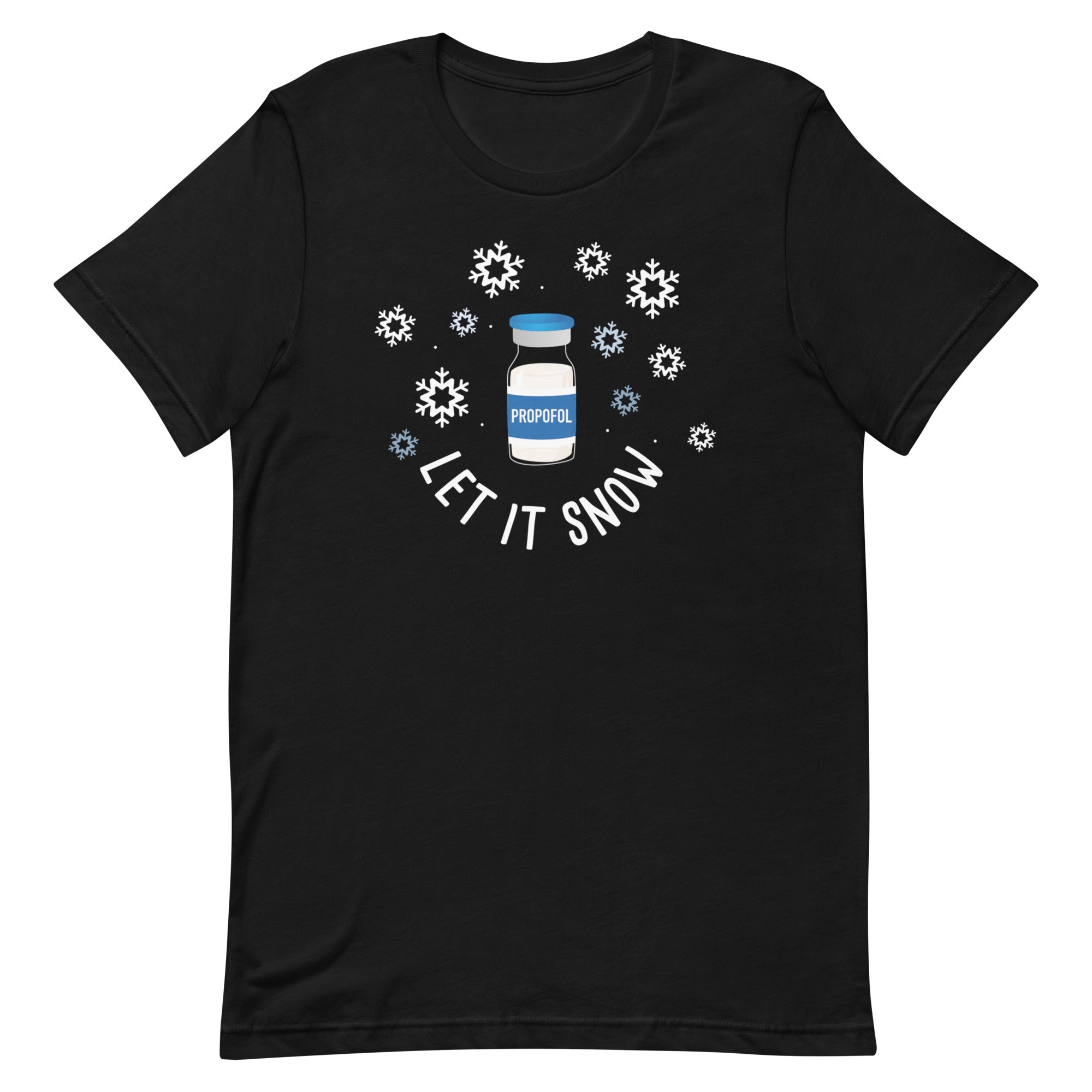
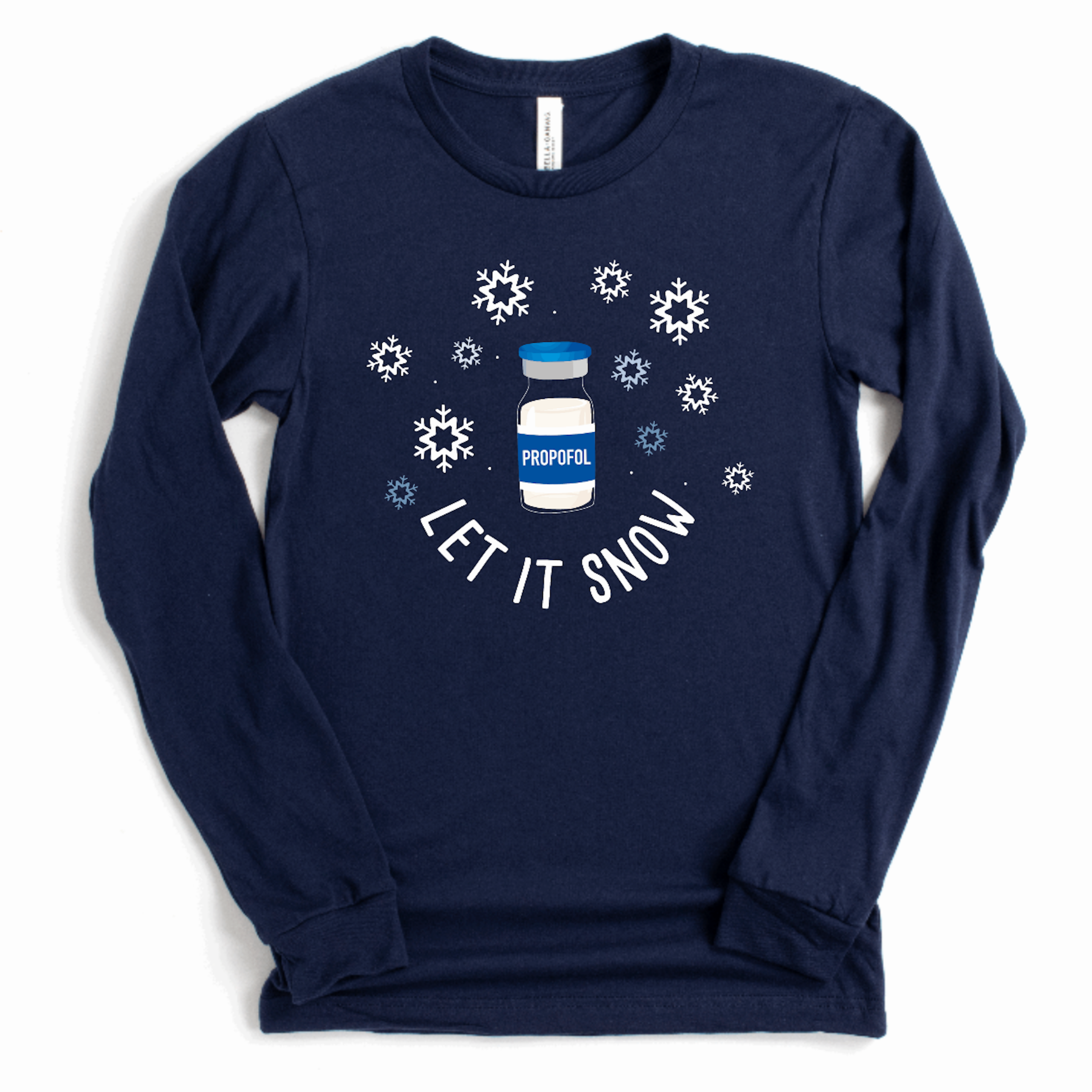
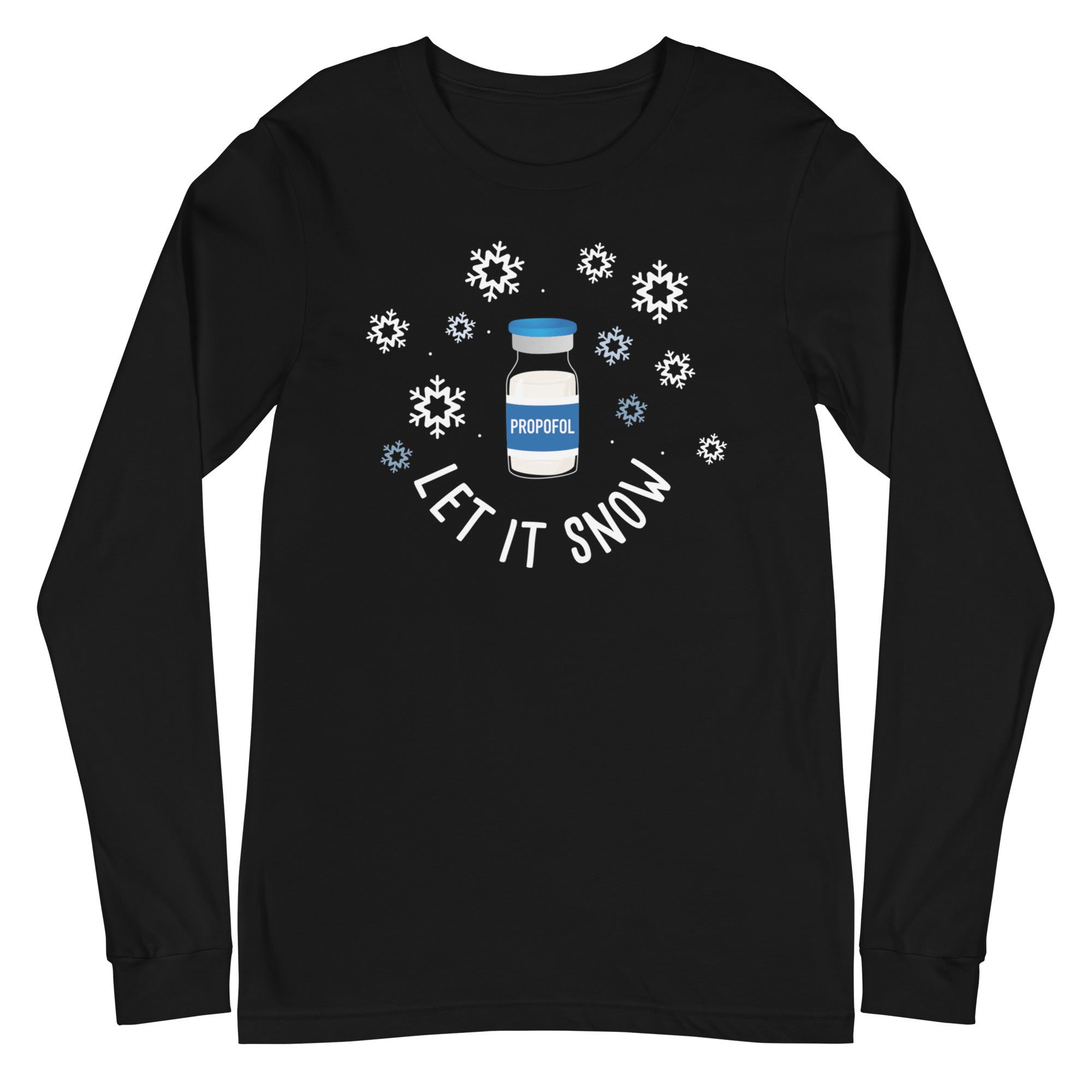
A blue button with a white snowflake pattern and a white text label that reads "LET IT SNOW".The image is a step-by-step guide on how to build a reel, with three sections labeled Step 1, Step 2, and Step 3. It provides instructions on choosing a badge to attach to the reel, choosing a badge design, and aligning the design with the reel.
A black circular button with a pink sock and the text "LET IT SNOW" printed on it.A turquoise button with a pair of pink socks and the text "LET IT SNOW" printed on it.
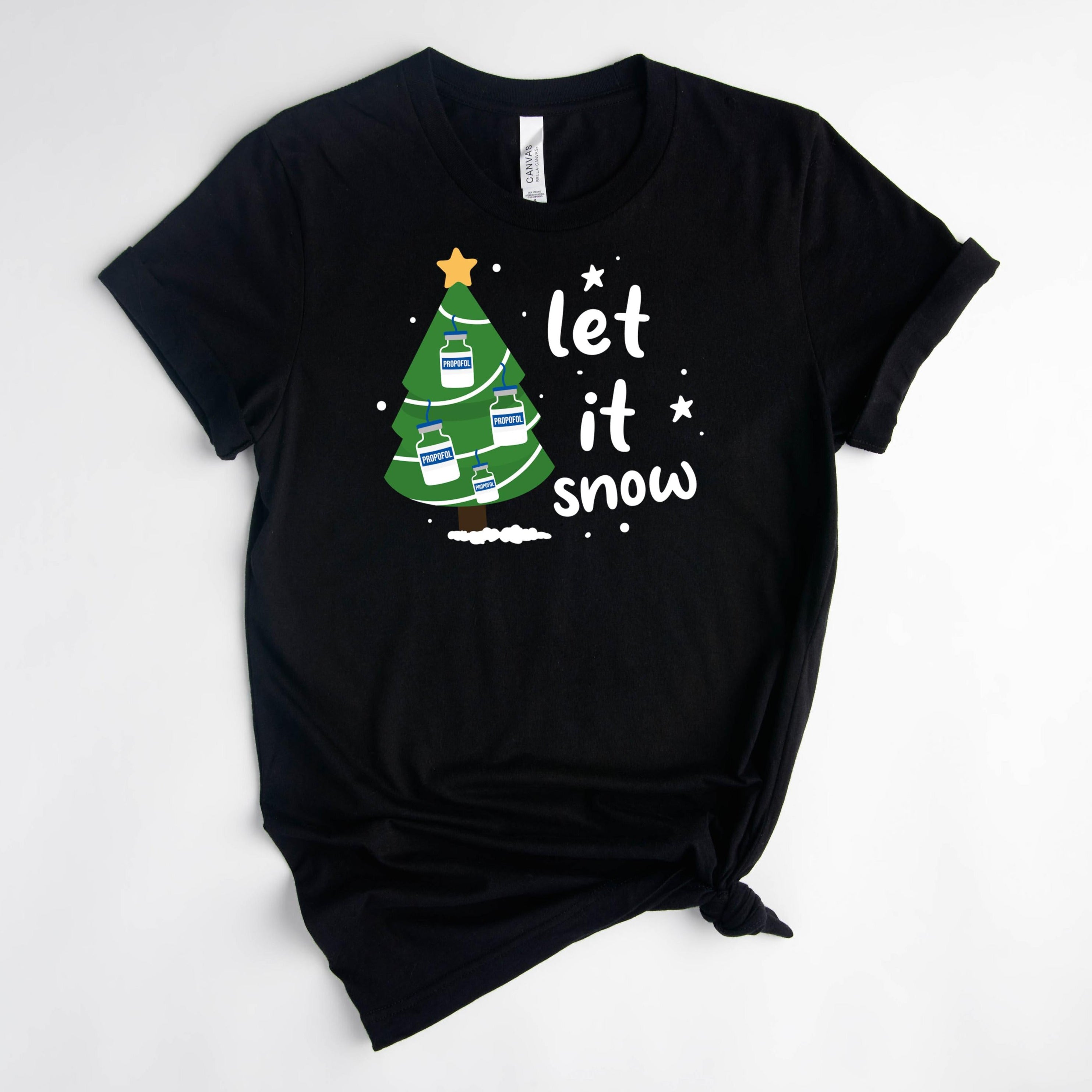
A blue circular button with a Christmas tree and the text "let it snow" on it.The image is a step-by-step guide on how to build a reel, with three sections labeled Step 1, Step 2, and Step 3. It provides instructions on choosing a badge to attach to the reel, choosing a badge design, and aligning the design with the reel.
A black button with a cartoon character and text on it.The image is a step-by-step guide on how to build a reel, with three sections labeled Step 1, Step 2, and Step 3. It provides instructions on choosing a badge to attach to the reel, choosing a badge design, and aligning the design with the reel.
A blue circular button with a cartoon image of a peanut and a Christmas tree, along with the text "ROC'N AROUND THE CHRISTMAS TREE".The image is a step-by-step guide on how to build a reel, with three sections labeled Step 1, Step 2, and Step 3. It provides instructions on choosing a badge to attach to the reel, choosing a badge design, and aligning the design with the reel.
A black button with a playful graphic of cartoon tacos and the text "LET'S TACO BOUT IT" printed on it.The image is a step-by-step guide on how to build a reel, with three sections labeled Step 1, Step 2, and Step 3. It provides instructions on choosing a badge to attach to the reel, choosing a badge design, and aligning the design with the reel.
Sold outA black and white circular badge with a skeleton wearing a pink hat and holding a cup of coffee.The image is a step-by-step guide on how to build a reel, with three sections labeled Step 1, Step 2, and Step 3. It provides instructions on choosing a badge to attach to the reel, choosing a badge design, and aligning the design with the reel.
A black and white circular button with a graphic design featuring a toothbrush and the text "LINED AND DINED" in teal and purple colors.
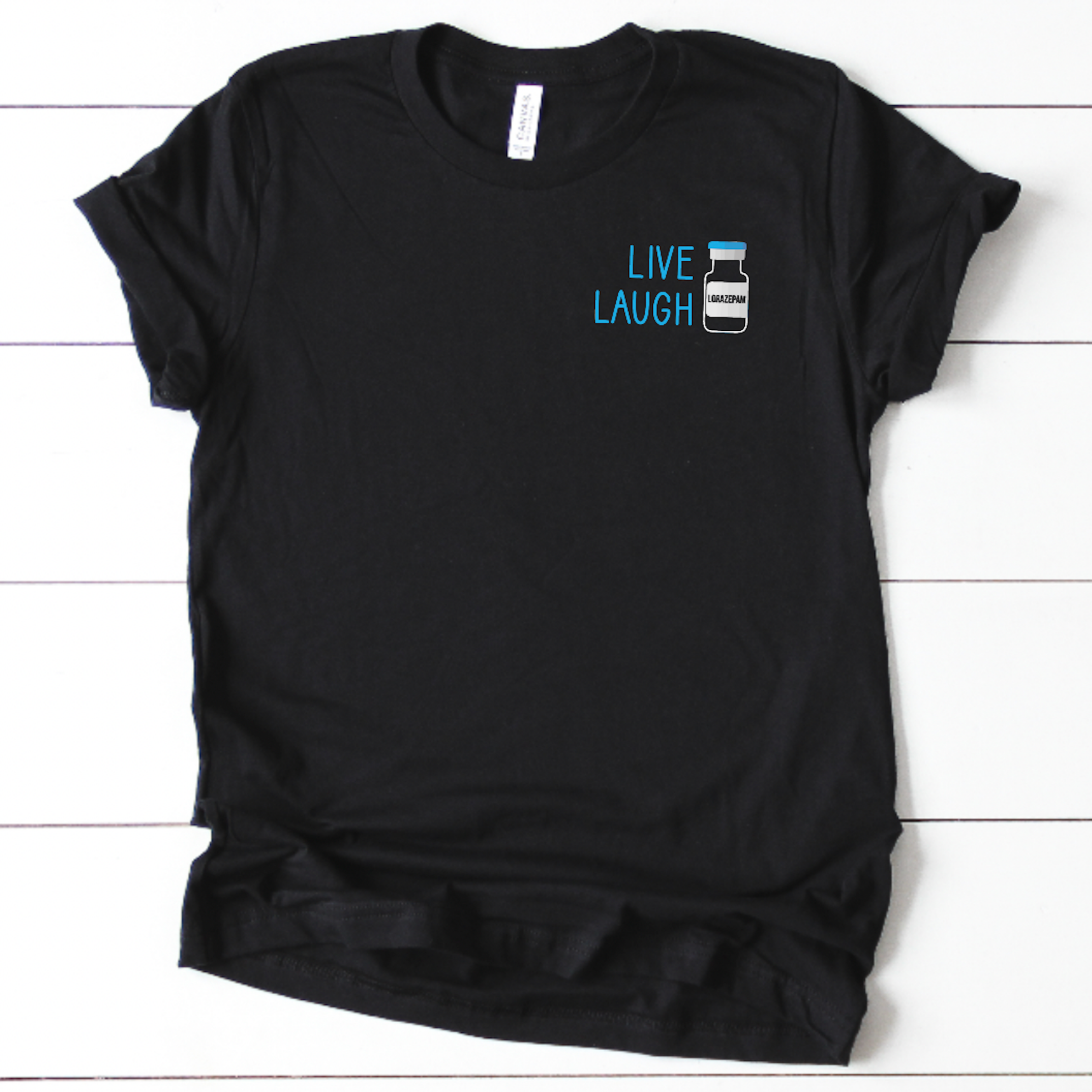
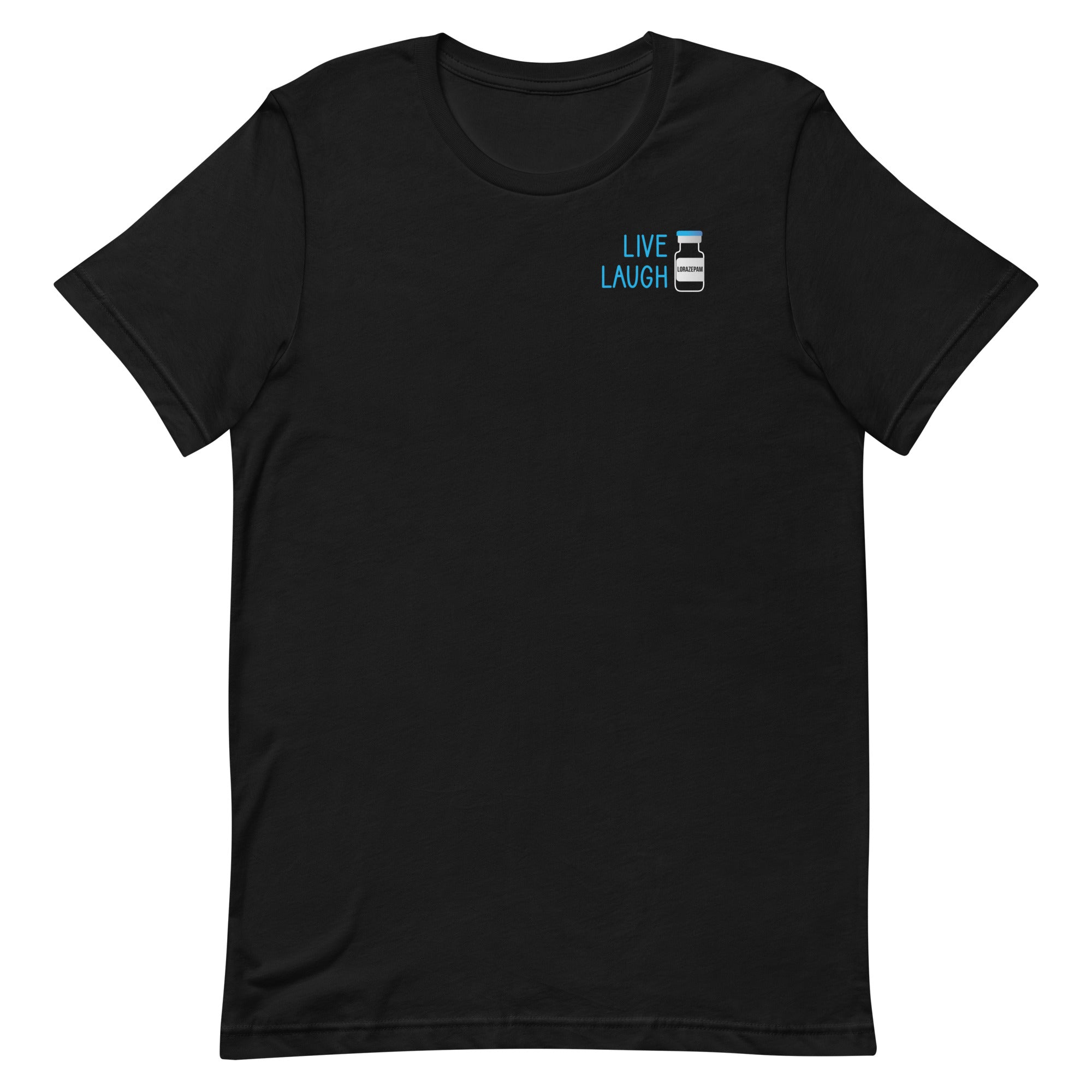
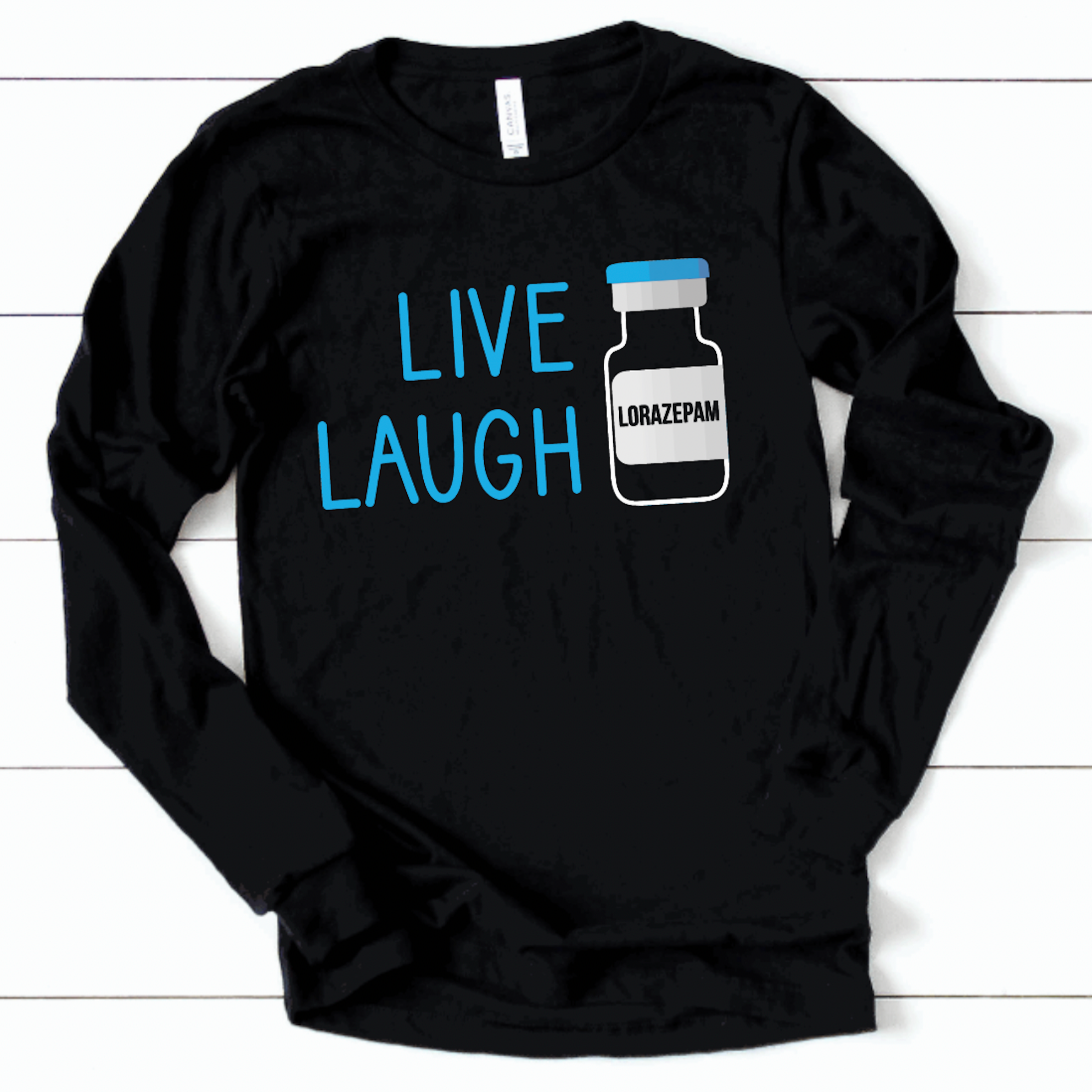
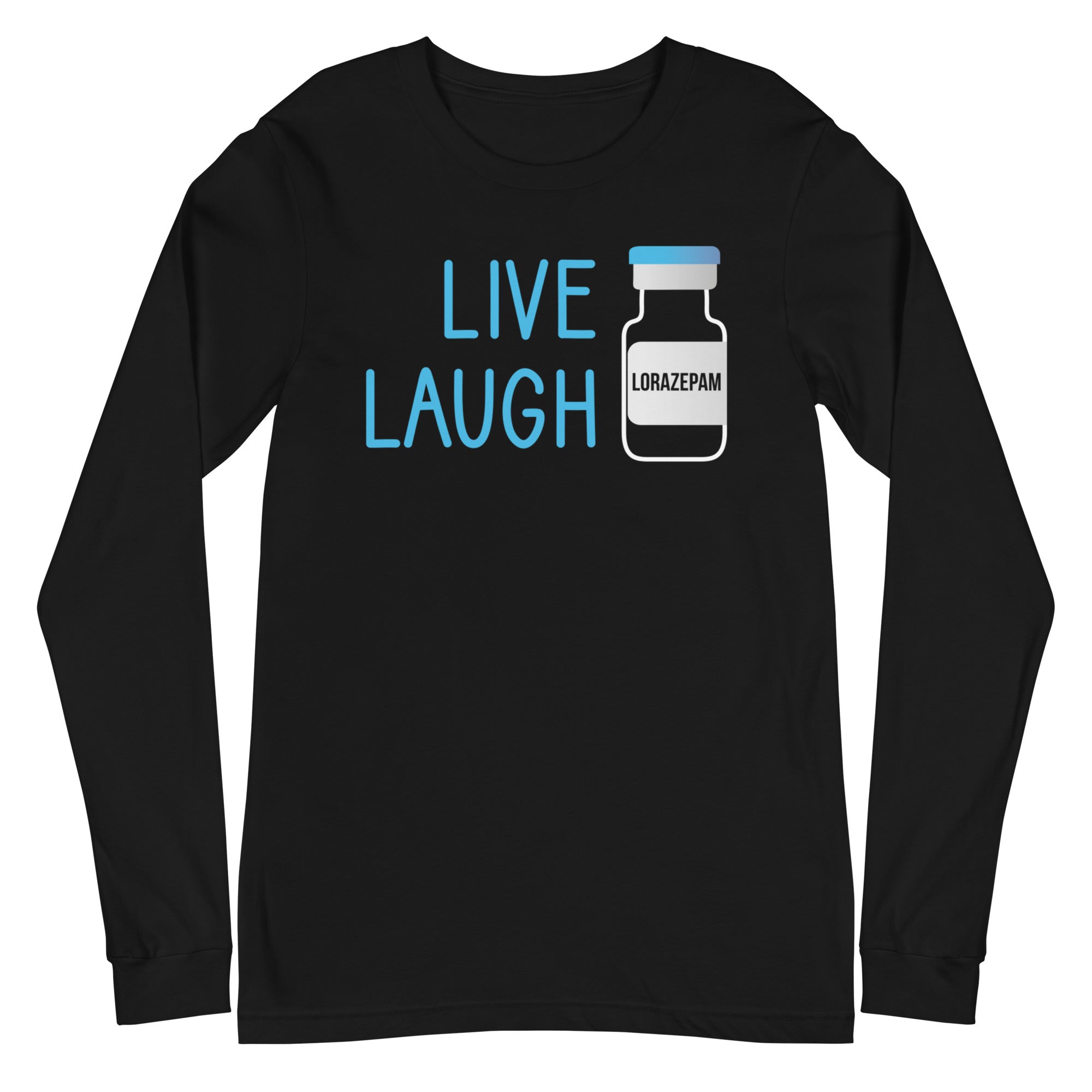
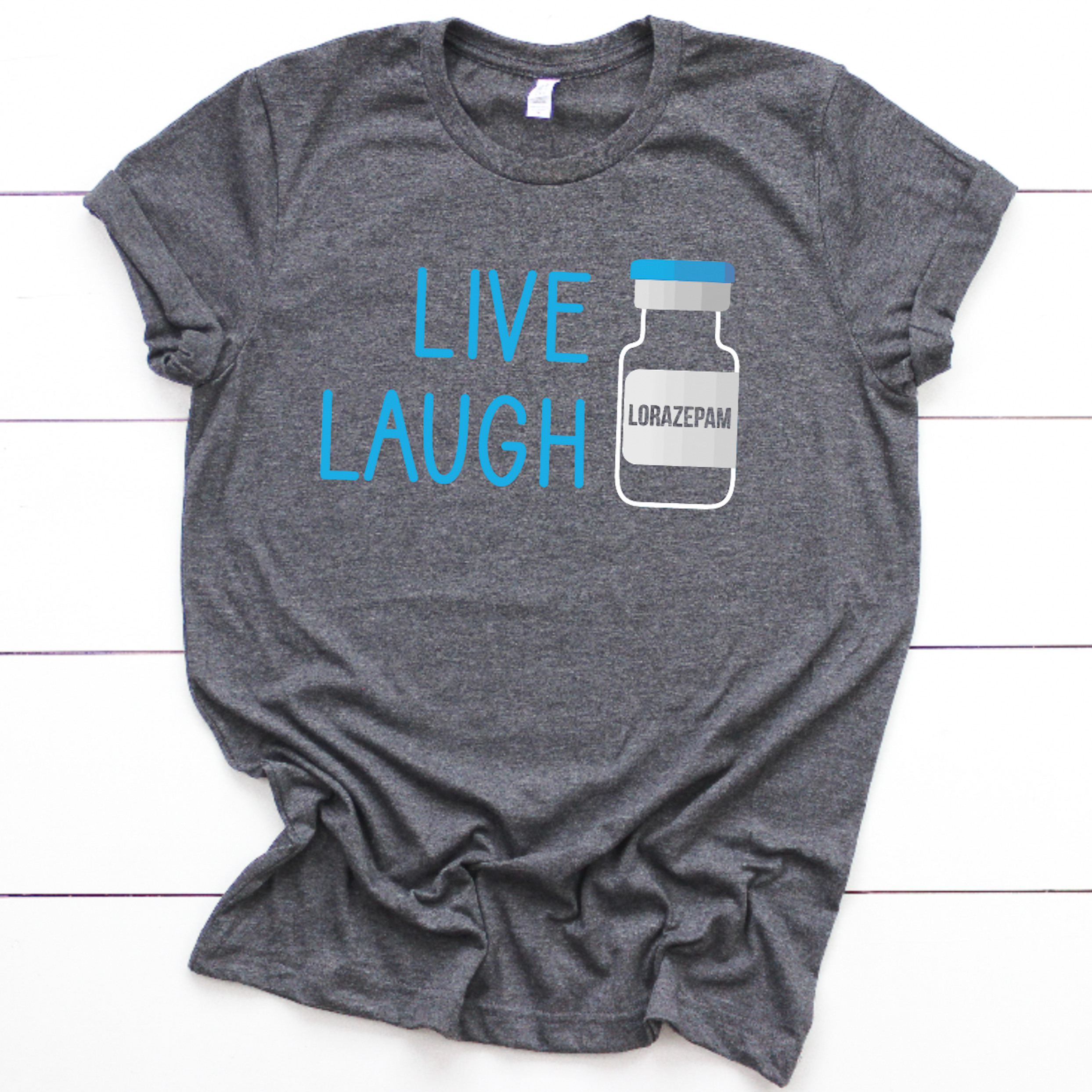
Sold outA black button with the text "LIVE LAUGH" and an image of a pill bottle with the text "LORAZEPAM" on it.The image is a step-by-step guide on how to build a reel, with three sections labeled Step 1, Step 2, and Step 3. It provides instructions on choosing a badge to attach to the reel, choosing a badge design, and aligning the design with the reel.
A black button with a pink liver character and the text "I'm a LIVER NOT A FIGHTER" printed on it.The image is a step-by-step guide on how to build a reel, with three sections labeled Step 1, Step 2, and Step 3. It provides instructions on choosing a badge to attach to the reel, choosing a badge design, and aligning the design with the reel.
A colorful button with the text "LIVIN THE DREAM" on it.The image is a step-by-step guide on how to build a reel, with three sections labeled Step 1, Step 2, and Step 3. It provides instructions on choosing a badge to attach to the reel, choosing a badge design, and aligning the design with the reel.
A turquoise button with a white llama illustration and the text "LLAMASTAY 6 FEET AWAY" printed on it.The image is a step-by-step guide on how to build a reel, with three sections labeled Step 1, Step 2, and Step 3. It provides instructions on choosing a badge to attach to the reel, choosing a badge design, and aligning the design with the reel.
A round button with a rainbow graphic and the text "LOVE is LOVE" printed on it.The image is a step-by-step guide on how to build a reel, with three sections labeled Step 1, Step 2, and Step 3. It provides instructions on choosing a badge to attach to the reel, choosing a badge design, and aligning the design with the reel.

Recently viewed