Skip to content

Cart

Your cart is empty

Products

Sort by

1659 products

A purple button with a white moon and a blue line on it, along with the text "ETT PHONE HOME" written on it.The image is a step-by-step guide on how to build a reel, with three sections labeled Step 1, Step 2, and Step 3. It provides instructions on choosing a badge to attach to the reel, choosing a badge design, and aligning the design with the reel.
A black button with white text that says "EVERYDAY I'M SUCIONING".The image is a step-by-step guide on how to build a reel, with three sections labeled Step 1, Step 2, and Step 3. It provides instructions on choosing a badge to attach to the reel, choosing a badge design, and aligning the design with the reel.
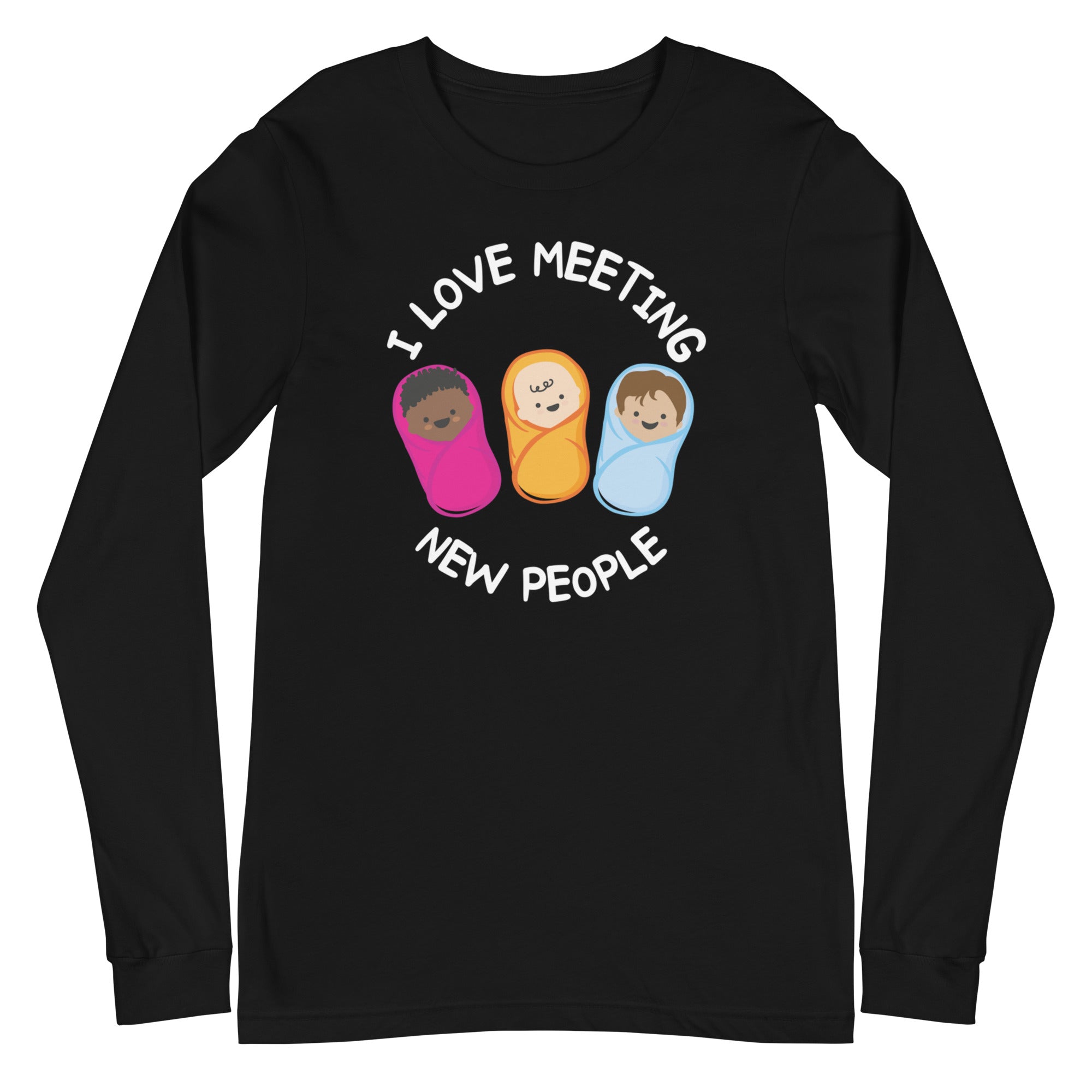
A blue button with three cartoon babies wrapped in blankets, along with the text "EVERYDAY I'M SWADDLEIN" printed on it.The image is a step-by-step guide on how to build a reel, with three sections labeled Step 1, Step 2, and Step 3. It provides instructions on choosing a badge to attach to the reel, choosing a badge design, and aligning the design with the reel.
A turquoise button with the text "EXPECT TO PLACENTA" and a pink wand with stars on it.The image is a step-by-step guide on how to build a reel, with three sections labeled Step 1, Step 2, and Step 3. It provides instructions on choosing a badge to attach to the reel, choosing a badge design, and aligning the design with the reel.
A green button with a white llama wearing a red scarf and a Santa hat, along with the text "FA LA LA LA llama" written in white.The image is a step-by-step guide on how to build a reel, with three sections labeled Step 1, Step 2, and Step 3. It provides instructions on choosing a badge to attach to the reel, choosing a badge design, and aligning the design with the reel.
A blue button with a cartoon image of a lung and the text "Face down SATs up" on it.A black button with a cartoon image of a lung and the text "FACE DOWN SAT'S UP" printed on it.
A blue button with a cartoon heart and the word "FAFO" written on it.The image is a step-by-step guide on how to build a reel, with three sections labeled Step 1, Step 2, and Step 3. It provides instructions on choosing a badge to attach to the reel, choosing a badge design, and aligning the design with the reel.
Button Badge Topper: FAFO Sale price$5.50 USD
A round brown button with a cartoon illustration of a fairy and the text "FECAL FAIRY" on it.The image is a step-by-step guide on how to build a reel, with three sections labeled Step 1, Step 2, and Step 3. It provides instructions on choosing a badge to attach to the reel, choosing a badge design, and aligning the design with the reel.
A blue button with a cartoon image of a woman holding a baby and the text "FED IS BEST!"The image is a step-by-step guide on how to build a reel, with three sections labeled Step 1, Step 2, and Step 3. It provides instructions on choosing a badge to attach to the reel, choosing a badge design, and aligning the design with the reel.
A round button with a yellow rubber duck floating on a blue body of water, with the text "FLoat Nurse" written around the edge.The image is a step-by-step guide on how to build a reel, with three sections labeled Step 1, Step 2, and Step 3. It provides instructions on choosing a badge to attach to the reel, choosing a badge design, and aligning the design with the reel.
A round button with a cartoon image of a brown, smiling toilet and the text "FLoat Nurse" written on it.The image is a step-by-step guide on how to build a reel, with three sections labeled Step 1, Step 2, and Step 3. It provides instructions on choosing a badge to attach to the reel, choosing a badge design, and aligning the design with the reel.
Button Badge Topper: Float Poo Sale price$5.50 USD
Sold outA round button with a green cactus and the text "Free Hugs" on it.The image is a step-by-step guide on how to build a reel, with three sections labeled Step 1, Step 2, and Step 3. It provides instructions on choosing a badge to attach to the reel, choosing a badge design, and aligning the design with the reel.
Button Badge Topper: Free Hugs Sale price$5.50 USD
A blue button with the text "FREE WAXING" and two white squares with red and green wires attached to them.
Sold outA red button with the text "FROM ER WITH LOVE" written on it, along with a wavy pattern of colorful lights.The image is a step-by-step guide on how to build a reel, with three sections labeled Step 1, Step 2, and Step 3. It provides instructions on choosing a badge to attach to the reel, choosing a badge design, and aligning the design with the reel.
A blue button with a white snowflake design on it.A red button with a white snowflake design on it.
Sold outA black circular object with a blue and teal floral design on it.The image is a step-by-step guide on how to build a reel, with three sections labeled Step 1, Step 2, and Step 3. It provides instructions on choosing a badge to attach to the reel, choosing a badge design, and aligning the design with the reel.
A black button with the text "FUTURE NURSE" in yellow and teal colors.The image is a step-by-step guide on how to build a reel, with three sections labeled Step 1, Step 2, and Step 3. It provides instructions on choosing a badge to attach to the reel, choosing a badge design, and aligning the design with the reel.
A round button with a rainbow graphic and the text "FUTURE RETIREE" on it.The image is a step-by-step guide on how to build a reel, with three sections labeled Step 1, Step 2, and Step 3. It provides instructions on choosing a badge to attach to the reel, choosing a badge design, and aligning the design with the reel.
A round button with a cartoon image of a pink whale and the text "GET WHALE SOON" written on it.The image is a step-by-step guide on how to build a reel, with three sections labeled Step 1, Step 2, and Step 3. It provides instructions on choosing a badge to attach to the reel, choosing a badge design, and aligning the design with the reel.
a black button with white text and a pink plus sign.The image is a step-by-step guide on how to build a reel, with three sections labeled Step 1, Step 2, and Step 3. It provides instructions on choosing a badge to attach to the reel, choosing a badge design, and aligning the design with the reel.
A purple button with a cartoon image of a gnome wearing a white hat with a pink cross and the word "NOPE" written below it.The image is a step-by-step guide on how to build a reel, with three sections labeled Step 1, Step 2, and Step 3. It provides instructions on choosing a badge to attach to the reel, choosing a badge design, and aligning the design with the reel.
Button Badge Topper: Gnope Sale price$5.50 USD
A black and white button with a portrait of a woman and the text "Go with the FLO" printed on it.The image is a step-by-step guide on how to build a reel, with three sections labeled Step 1, Step 2, and Step 3. It provides instructions on choosing a badge to attach to the reel, choosing a badge design, and aligning the design with the reel.
A black button with a water droplet and the text "glit it like it's hot" printed on it.A pink button with a blue water droplet and the text "glt it like it's hot" on it.
A black circular button with a sloth hanging upside down and the text "HANG IN THERE" written on it.The image is a step-by-step guide on how to build a reel, with three sections labeled Step 1, Step 2, and Step 3. It provides instructions on choosing a badge to attach to the reel, choosing a badge design, and aligning the design with the reel.
Sold outA black button with teal and white text that says "HAPPY CLAMPER".The image is a step-by-step guide on how to build a reel, with three sections labeled Step 1, Step 2, and Step 3. It provides instructions on choosing a badge to attach to the reel, choosing a badge design, and aligning the design with the reel.
A blue circular button with a Hanukkah menorah and the text "Happy Hanukkah" displayed on it.The image is a step-by-step guide on how to build a reel, with three sections labeled Step 1, Step 2, and Step 3. It provides instructions on choosing a badge to attach to the reel, choosing a badge design, and aligning the design with the reel.
A blue button with a white star pattern and a blue bottle labeled "PROPOFOL" in the center.The image is a step-by-step guide on how to build a reel, with three sections labeled Step 1, Step 2, and Step 3. It provides instructions on choosing a badge to attach to the reel, choosing a badge design, and aligning the design with the reel.
A round button with a cartoon image of a smiling character and a medical device, along with the text "HAPPY NAPPING".The image is a step-by-step guide on how to build a reel, with three sections labeled Step 1, Step 2, and Step 3. It provides instructions on choosing a badge to attach to the reel, choosing a badge design, and aligning the design with the reel.
A green button with a cartoon owl wearing a red hat and scarf, and the text "HAPPY OWLIDAYS" printed on it.The image is a step-by-step guide on how to build a reel, with three sections labeled Step 1, Step 2, and Step 3. It provides instructions on choosing a badge to attach to the reel, choosing a badge design, and aligning the design with the reel.
Sold outA round pin with a cartoon image of various berries and a message that says "Have a berry nice day".The image is a step-by-step guide on how to build a reel, with three sections labeled Step 1, Step 2, and Step 3. It provides instructions on choosing a badge to attach to the reel, choosing a badge design, and aligning the design with the reel.
A small pug dog wearing a Santa hat, with the text "Have a FETCHING CHRISTMAS" written around the dog.The image is a step-by-step guide on how to build a reel, with three sections labeled Step 1, Step 2, and Step 3. It provides instructions on choosing a badge to attach to the reel, choosing a badge design, and aligning the design with the reel.
A turquoise button with a white paper cutout of a person's legs and the text "Have you seen my brain?"The image is a step-by-step guide on how to build a reel, with three sections labeled Step 1, Step 2, and Step 3. It provides instructions on choosing a badge to attach to the reel, choosing a badge design, and aligning the design with the reel.
A purple button with a skeleton wearing a green dress and the text "HELP IS ON THE WAY DEAR" printed on it.The image is a step-by-step guide on how to build a reel, with three sections labeled Step 1, Step 2, and Step 3. It provides instructions on choosing a badge to attach to the reel, choosing a badge design, and aligning the design with the reel.
Sold outA blue button with the text "HERE FOR THE POTLUCKS" and illustrations of various food items, including a chocolate-covered donut, a slice of pizza, and a cookie.The image is a step-by-step guide on how to build a reel, with three sections labeled Step 1, Step 2, and Step 3. It provides instructions on choosing a badge to attach to the reel, choosing a badge design, and aligning the design with the reel.
A blue button with a skeleton holding a cup of tea and the text "HERE FOR THE TEA" written on it.The image is a step-by-step guide on how to build a reel, with three sections labeled Step 1, Step 2, and Step 3. It provides instructions on choosing a badge to attach to the reel, choosing a badge design, and aligning the design with the reel.
A black button with a cheerful orange pumpkin and the text "Hi Pumpkin!" printed on it.The image is a step-by-step guide on how to build a reel, with three sections labeled Step 1, Step 2, and Step 3. It provides instructions on choosing a badge to attach to the reel, choosing a badge design, and aligning the design with the reel.
A black button with teal text that says "HI MY NAME IS... NURSEEEE!"The image is a step-by-step guide on how to build a reel, with three sections labeled Step 1, Step 2, and Step 3. It provides instructions on choosing a badge to attach to the reel, choosing a badge design, and aligning the design with the reel.
A blue button with the text " Hide yo drinks, hide yo snax" and various food items such as pizza, chips, and a cup of coffee.The image is a step-by-step guide on how to build a reel, with three sections labeled Step 1, Step 2, and Step 3. It provides instructions on choosing a badge to attach to the reel, choosing a badge design, and aligning the design with the reel.
A turquoise button with the text "HOLD ON! I'M COUNTING!" printed on it.The image is a step-by-step guide on how to build a reel, with three sections labeled Step 1, Step 2, and Step 3. It provides instructions on choosing a badge to attach to the reel, choosing a badge design, and aligning the design with the reel.
A black circular object with a white outline and a red reindeer with antlers on top.The image is a step-by-step guide on how to build a reel, with three sections labeled Step 1, Step 2, and Step 3. It provides instructions on choosing a badge to attach to the reel, choosing a badge design, and aligning the design with the reel.
A black and yellow button with the text "HOT MESS EXPRESS" and an illustration of a train with flames on it.The image is a step-by-step guide on how to build a reel, with three sections labeled Step 1, Step 2, and Step 3. It provides instructions on choosing a badge to attach to the reel, choosing a badge design, and aligning the design with the reel.
Sold outA black button with a cartoon character and text on it.The image is a step-by-step guide on how to build a reel, with three sections labeled Step 1, Step 2, and Step 3. It provides instructions on choosing a badge to attach to the reel, choosing a badge design, and aligning the design with the reel.
A black and teal button with the text "I FIND THIS HUMERUS" printed on it.The image is a step-by-step guide on how to build a reel, with three sections labeled Step 1, Step 2, and Step 3. It provides instructions on choosing a badge to attach to the reel, choosing a badge design, and aligning the design with the reel.
Sold outA black button with a graphic of a blue brain cell and the text "I GET A LITTLE TOO EXCITED" printed on it.The image is a step-by-step guide on how to build a reel, with three sections labeled Step 1, Step 2, and Step 3. It provides instructions on choosing a badge to attach to the reel, choosing a badge design, and aligning the design with the reel.
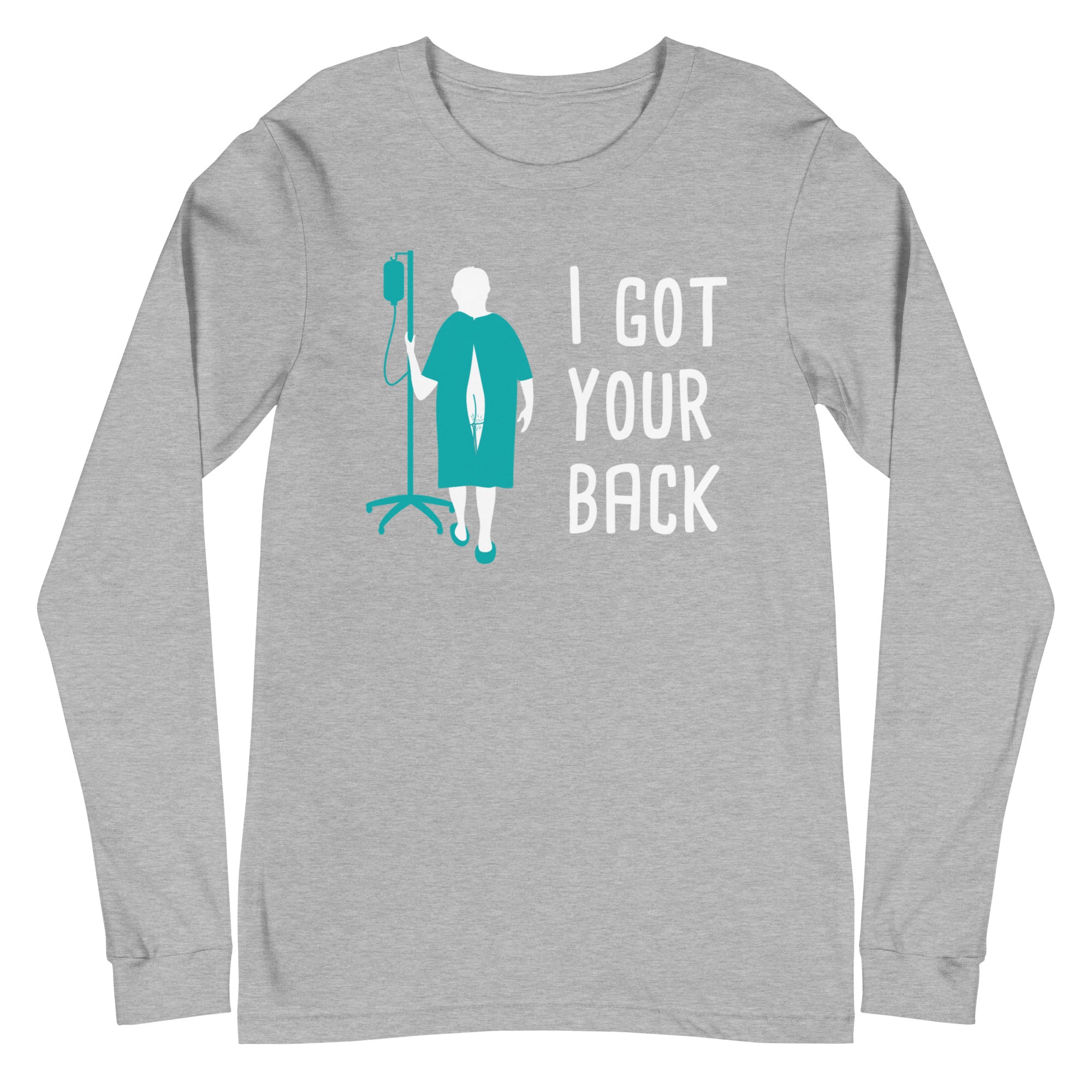
A black button with a graphic design depicting a person in a hospital gown and an IV pole, along with the text "I GOT YOUR BACK" written on it.The image is a step-by-step guide on how to build a reel, with three sections labeled Step 1, Step 2, and Step 3. It provides instructions on choosing a badge to attach to the reel, choosing a badge design, and aligning the design with the reel.
A teal-colored button with a white illustration of a smiling baby and the text "I HELP BABIES OUT" printed on it.The image is a step-by-step guide on how to build a reel, with three sections labeled Step 1, Step 2, and Step 3. It provides instructions on choosing a badge to attach to the reel, choosing a badge design, and aligning the design with the reel.
a black button with a white text message that reads "I LIKE BIG VEINS AND I CANNOT LIE".A turquoise button with the text "I LIKE BIG VEINS AND I CANNOT LIE" printed on it.
A black and teal button with a cartoon character on it.A black and teal button with a cartoon-style illustration of a person's face and the text "I LOVE IT WHEN YOU CALL ME BIG PAPR" around the edge.

Recently viewed