Skip to content

Cart

Your cart is empty

Products

Sort by

1659 products

A round, white button with a colorful, whimsical design depicting a happy, smiling face.The image is a step-by-step guide on how to build a reel, with three sections labeled Step 1, Step 2, and Step 3. It provides instructions on choosing a badge to attach to the reel, choosing a badge design, and aligning the design with the reel.
A circular button with a cloud-like design and colorful baby faces floating in the air.The image is a step-by-step guide on how to build a reel, with three sections labeled Step 1, Step 2, and Step 3. It provides instructions on choosing a badge to attach to the reel, choosing a badge design, and aligning the design with the reel.
A round button with a smiling yellow sun and the text "RASS & SHINE" written below it.The image is a step-by-step guide on how to build a reel, with three sections labeled Step 1, Step 2, and Step 3. It provides instructions on choosing a badge to attach to the reel, choosing a badge design, and aligning the design with the reel.
A turquoise button with a cartoon cat and the text "I'd rather be home with my cat" printed on it.The image is a step-by-step guide on how to build a reel, with three sections labeled Step 1, Step 2, and Step 3. It provides instructions on choosing a badge to attach to the reel, choosing a badge design, and aligning the design with the reel.
A round, colorful button with the text "Ray of Sunshine" written on it.The image is a step-by-step guide on how to build a reel, with three sections labeled Step 1, Step 2, and Step 3. It provides instructions on choosing a badge to attach to the reel, choosing a badge design, and aligning the design with the reel.
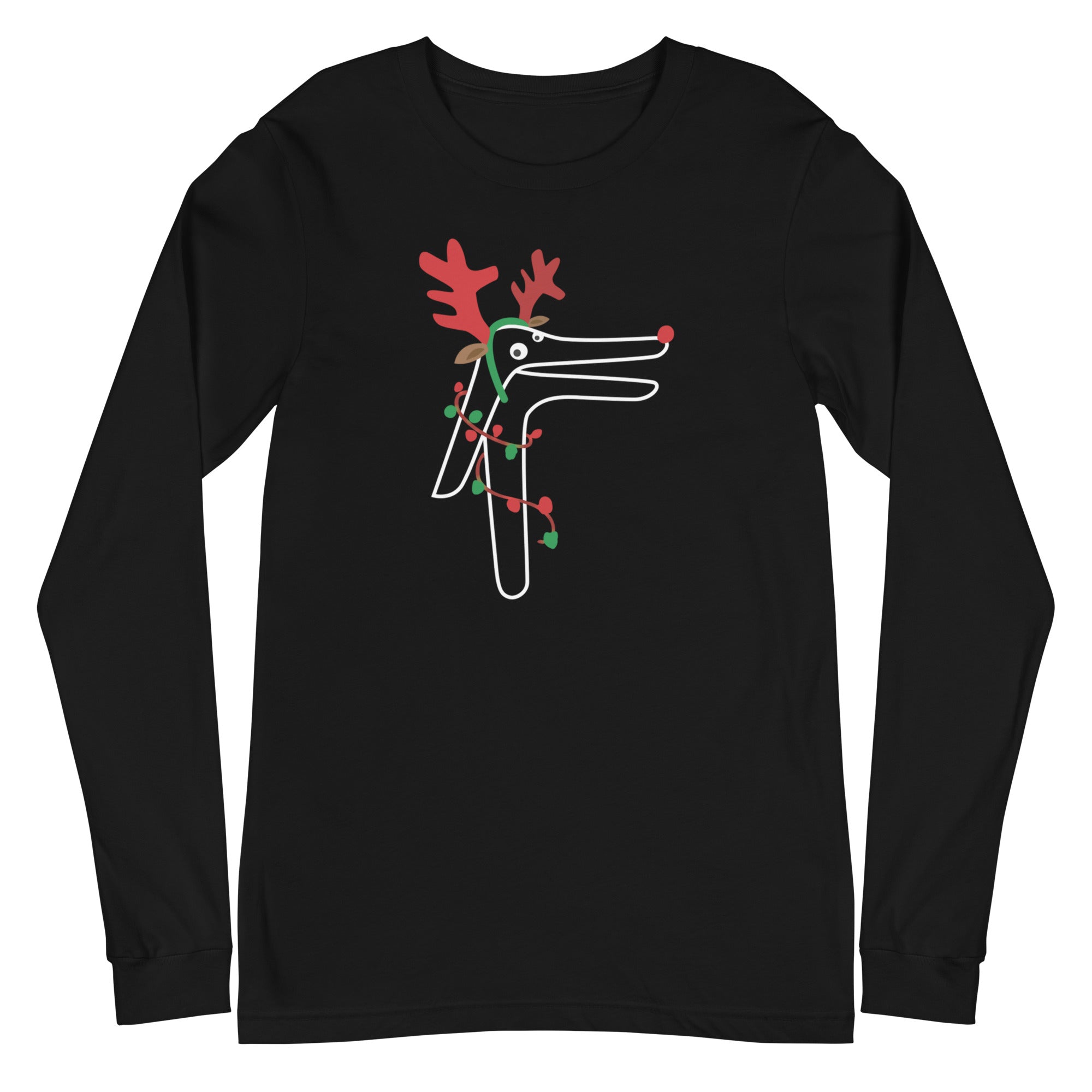
A cartoon reindeer wearing a red scarf and hat, with antlers and a snow globe, is depicted in the center of the image.The image is a step-by-step guide on how to build a reel, with three sections labeled Step 1, Step 2, and Step 3. It provides instructions on choosing a badge to attach to the reel, choosing a badge design, and aligning the design with the reel.
Button Badge Topper: Reindeer Sale price$5.50 USD
A blue button with a cartoon character and the text "RATHER NOT" on it.The image is a step-by-step guide on how to build a reel, with three sections labeled Step 1, Step 2, and Step 3. It provides instructions on choosing a badge to attach to the reel, choosing a badge design, and aligning the design with the reel.
A blue circular button with a cartoon image of a peanut and a Christmas tree, along with the text "ROC'N AROUND THE CHRISTMAS TREE".The image is a step-by-step guide on how to build a reel, with three sections labeled Step 1, Step 2, and Step 3. It provides instructions on choosing a badge to attach to the reel, choosing a badge design, and aligning the design with the reel.
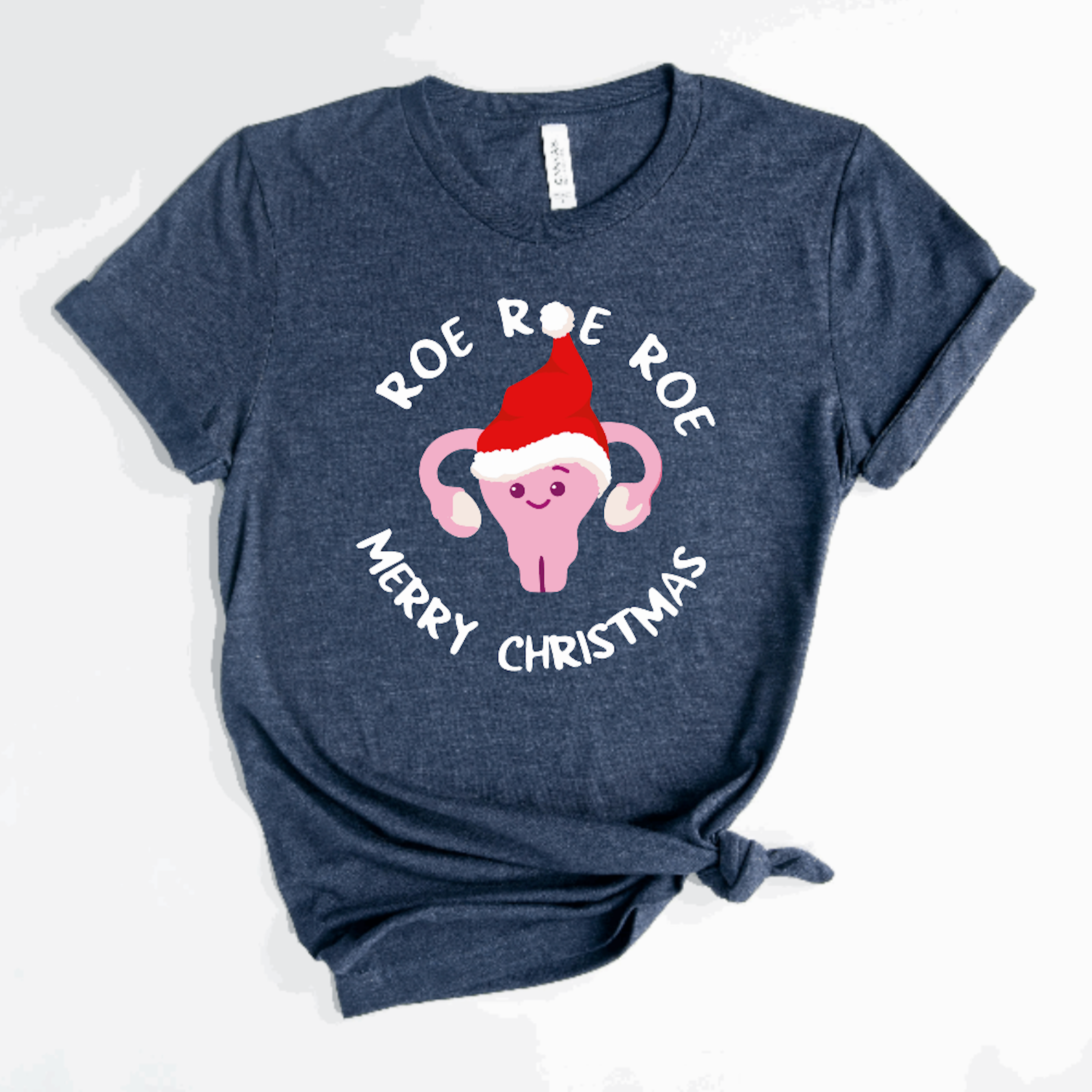
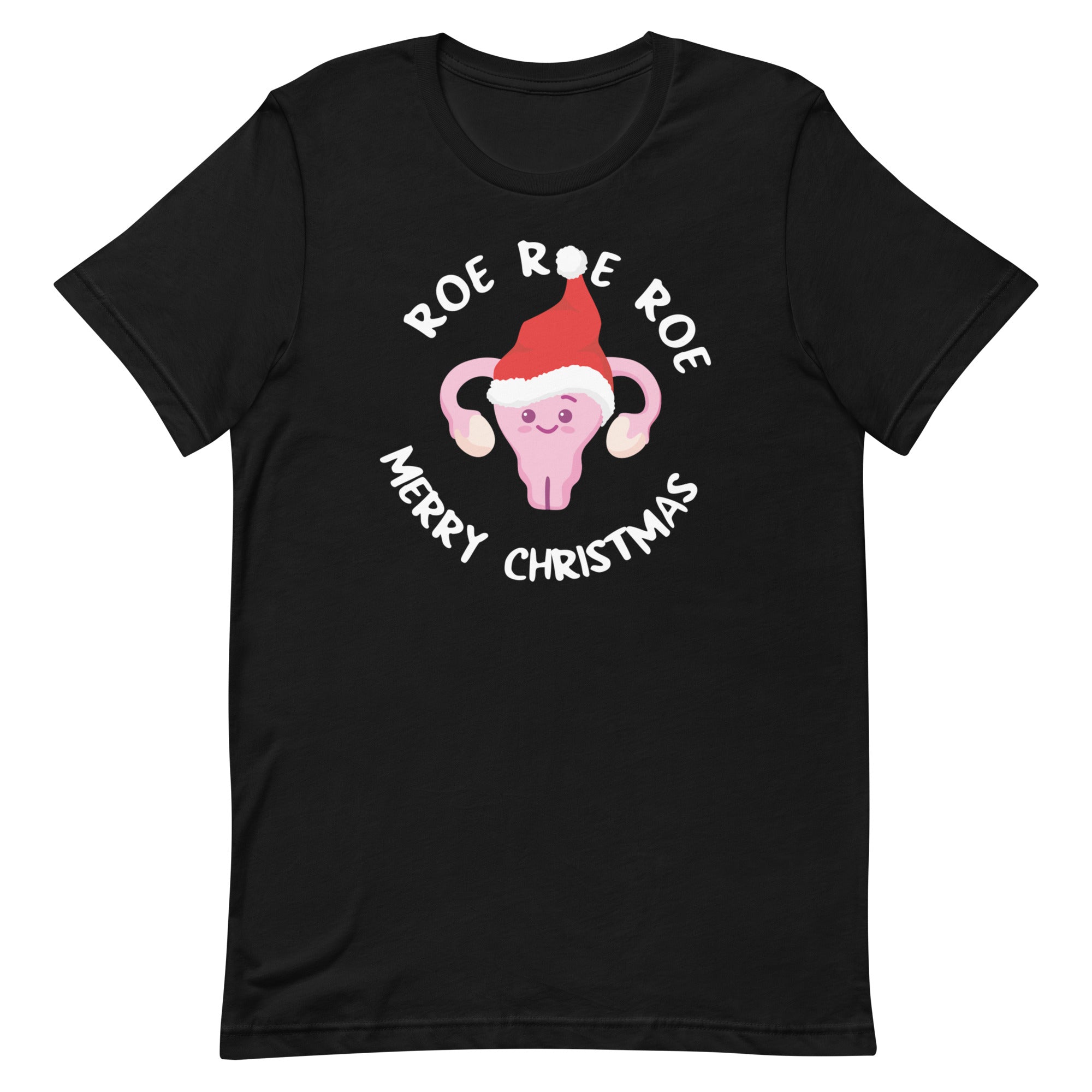
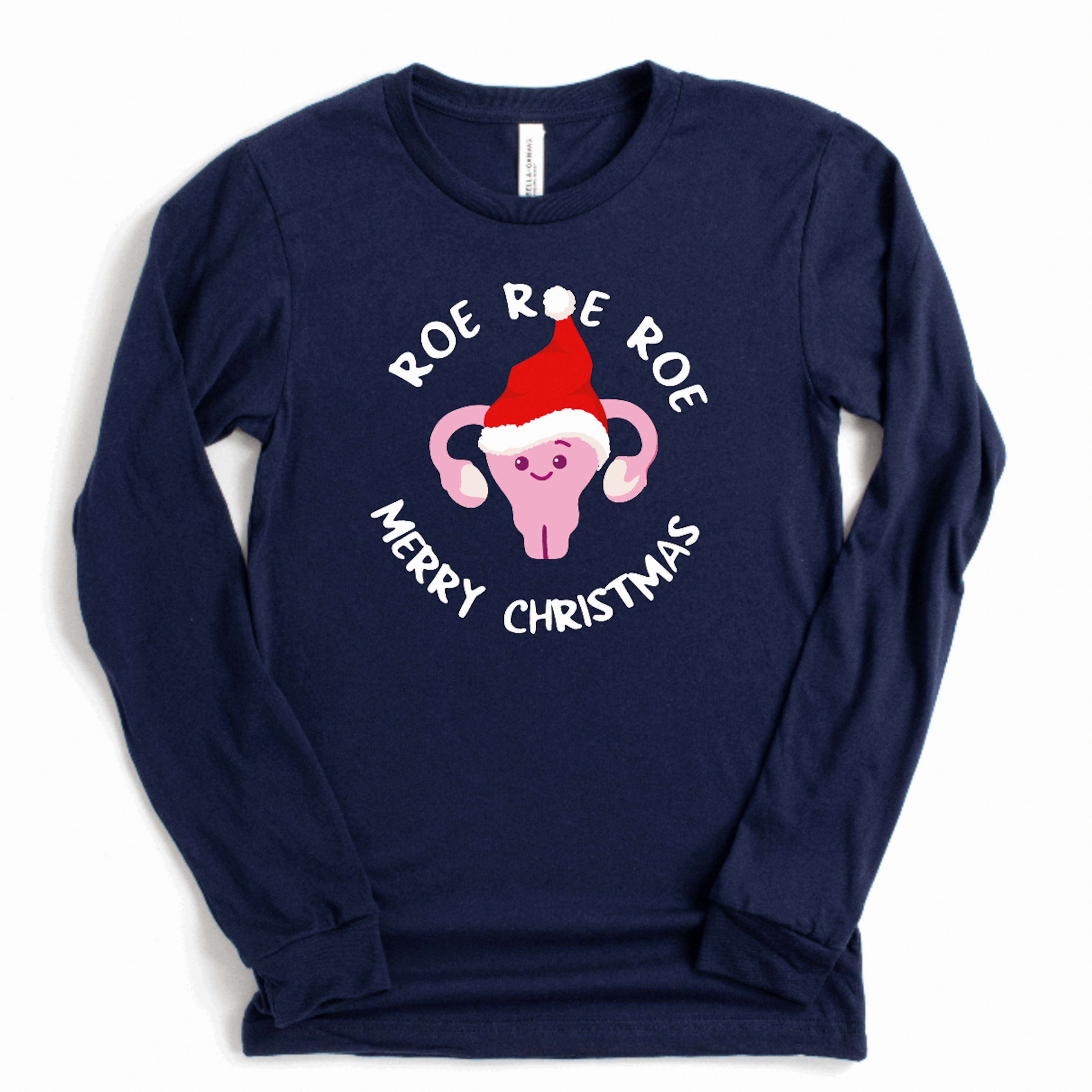
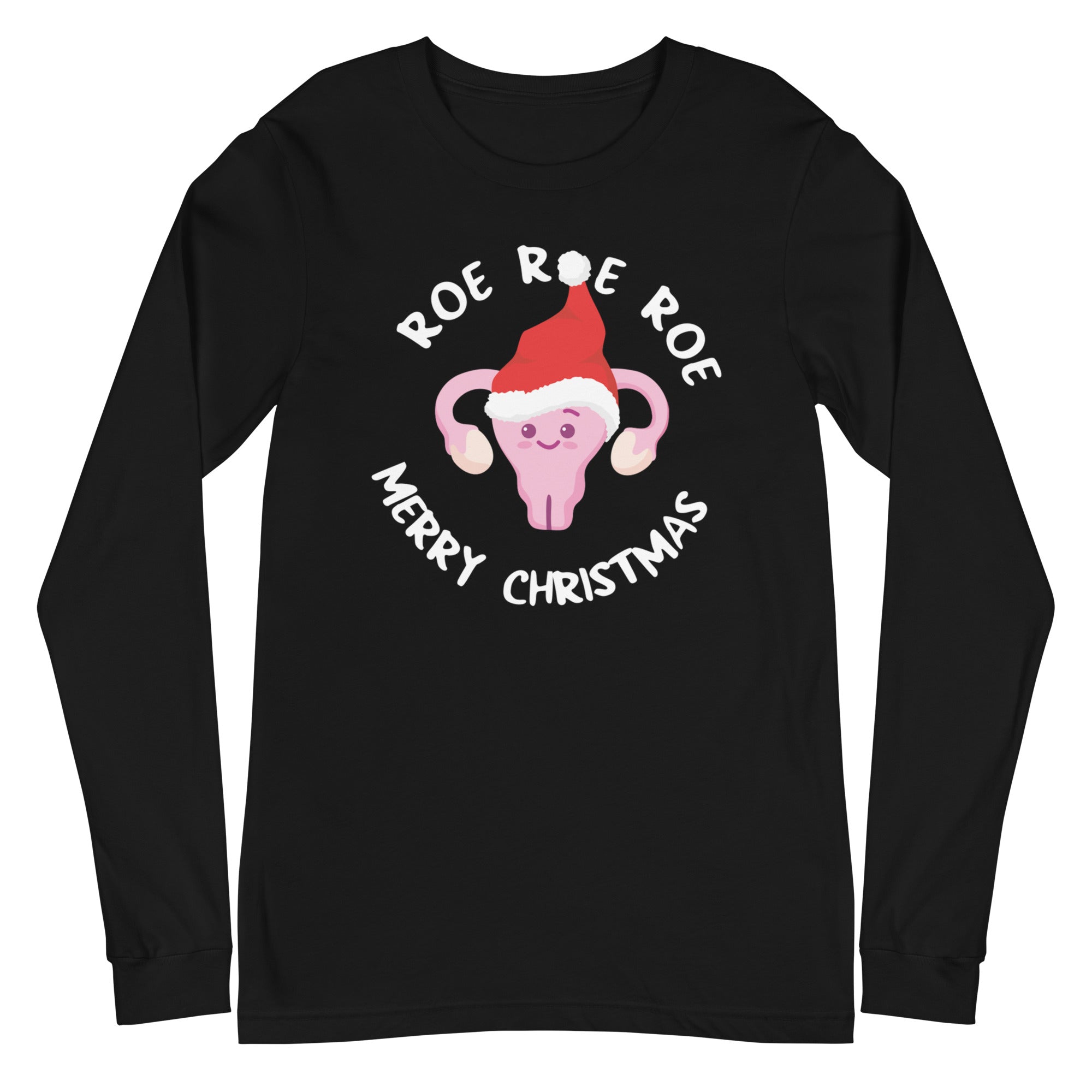
A blue button with a cartoon image of a pink character wearing a Santa hat and the text "Roe Roe Merry Christmas" around the edge.The image is a step-by-step guide on how to build a reel, with three sections labeled Step 1, Step 2, and Step 3. It provides instructions on choosing a badge to attach to the reel, choosing a badge design, and aligning the design with the reel.
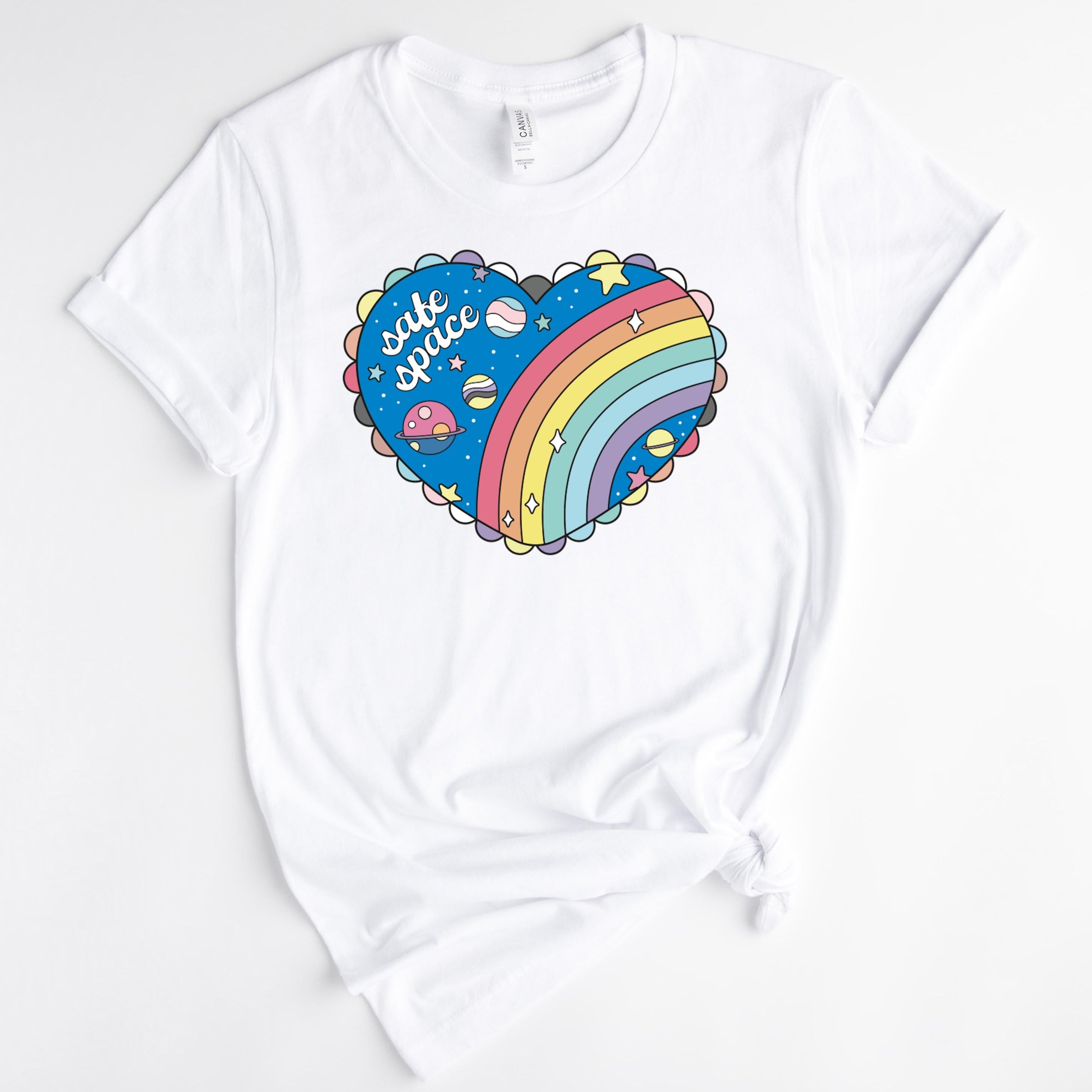
A blue circular object with a pink heart-shaped illustration on it.The image is a step-by-step guide on how to build a reel, with three sections labeled Step 1, Step 2, and Step 3. It provides instructions on choosing a badge to attach to the reel, choosing a badge design, and aligning the design with the reel.
A black button with white text and a graphic of scissors.The image is a step-by-step guide on how to build a reel, with three sections labeled Step 1, Step 2, and Step 3. It provides instructions on choosing a badge to attach to the reel, choosing a badge design, and aligning the design with the reel.
A black and white image with the text "SALTY LIKE NORMAL SALINE" written on it.A pink button with the text "SALTY LIKE NORMAL SALINE" printed on it.
Santa Claus holding a pole with two little elf children hanging from it.The image is a step-by-step guide on how to build a reel, with three sections labeled Step 1, Step 2, and Step 3. It provides instructions on choosing a badge to attach to the reel, choosing a badge design, and aligning the design with the reel.
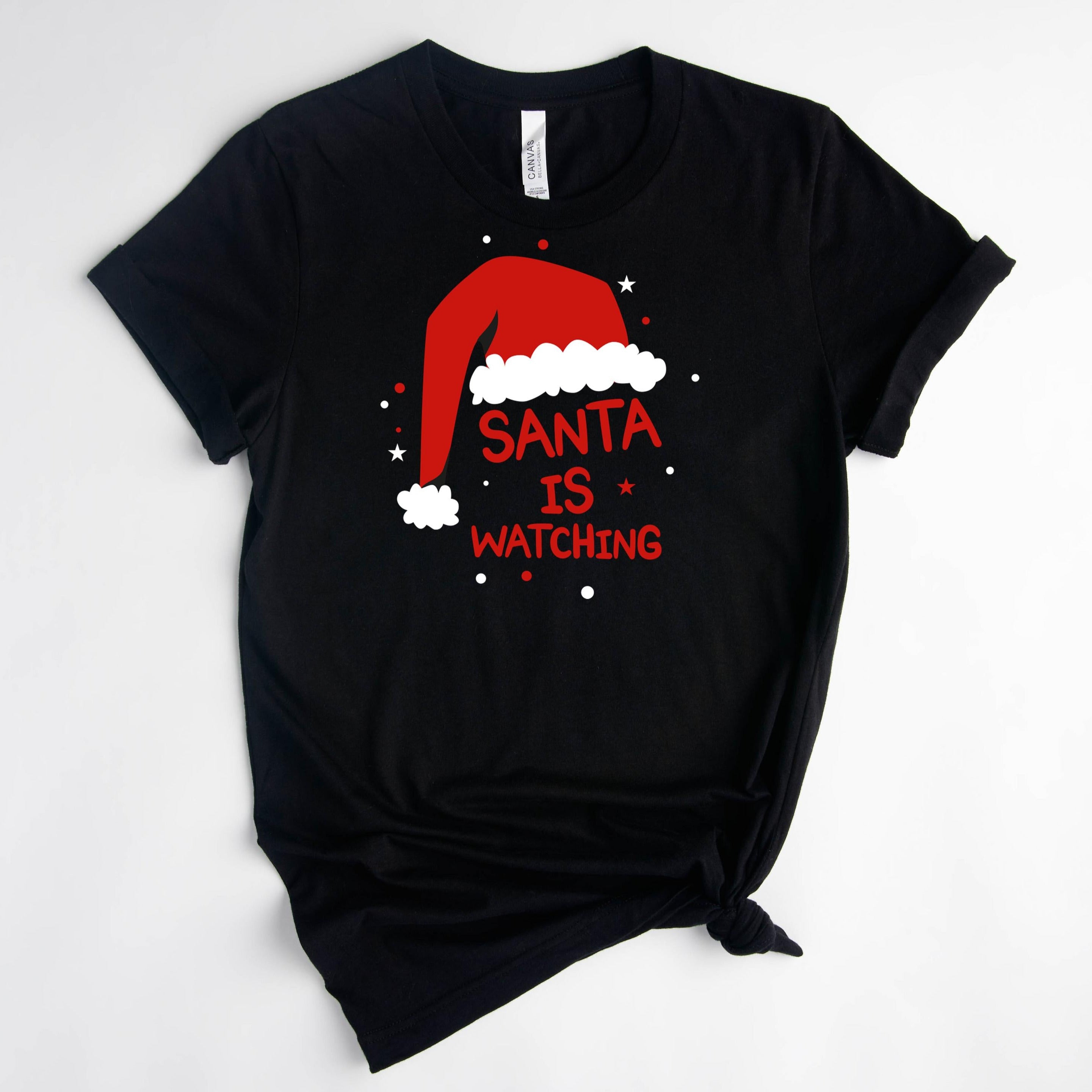
Santa hat with the text "Santa is watching"The image is a step-by-step guide on how to build a reel, with three sections labeled Step 1, Step 2, and Step 3. It provides instructions on choosing a badge to attach to the reel, choosing a badge design, and aligning the design with the reel.
Santa Claus riding a sleigh pulled by reindeer against a night sky with a crescent moon.The image is a step-by-step guide on how to build a reel, with three sections labeled Step 1, Step 2, and Step 3. It provides instructions on choosing a badge to attach to the reel, choosing a badge design, and aligning the design with the reel.
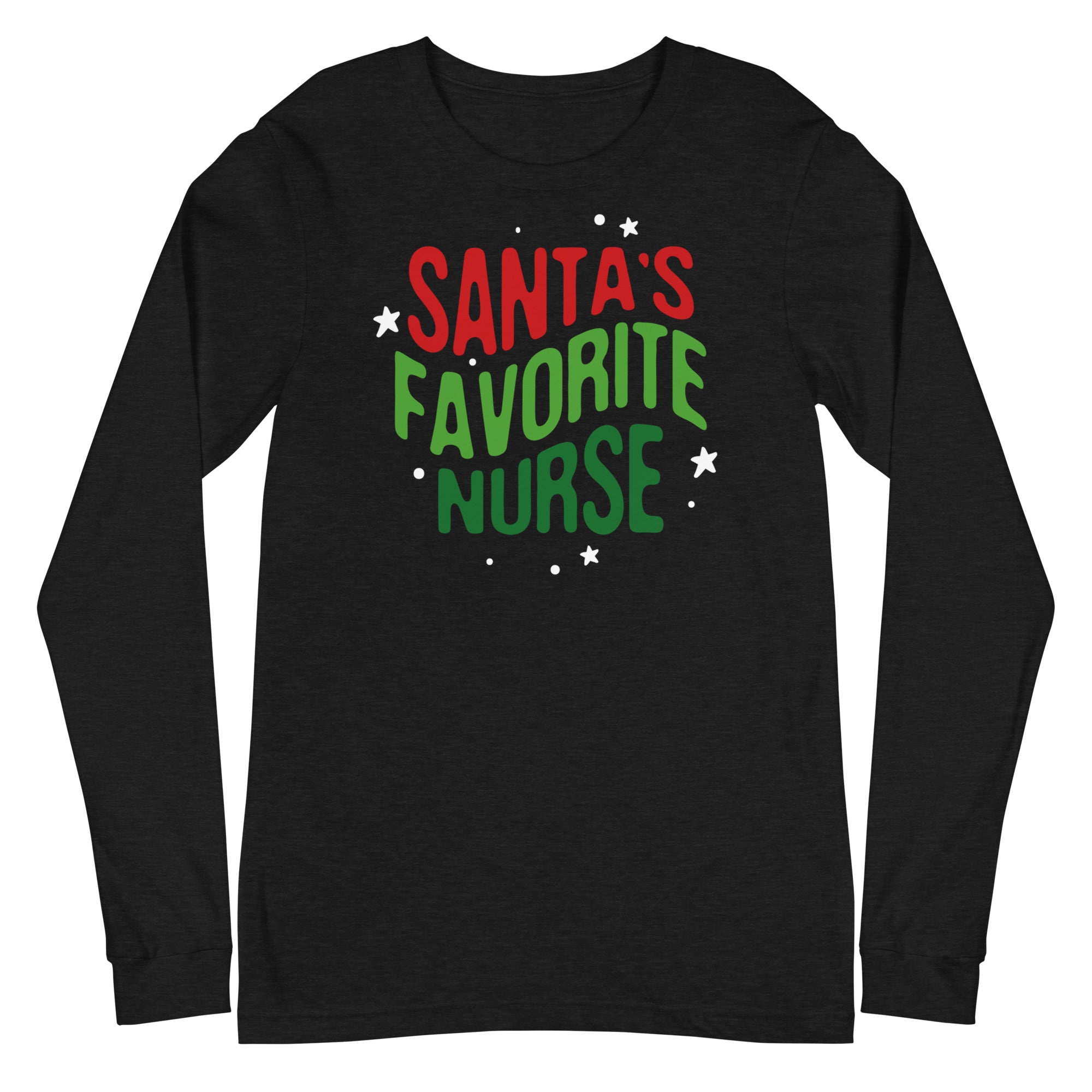
Santa Claus wearing a stethoscope and the text "Santa's favorite nurse" is displayed on a green button.The image is a step-by-step guide on how to build a reel, with three sections labeled Step 1, Step 2, and Step 3. It provides instructions on choosing a badge to attach to the reel, choosing a badge design, and aligning the design with the reel.
Santa's Lil HelperThe image is a step-by-step guide on how to build a reel, with three sections labeled Step 1, Step 2, and Step 3. It provides instructions on choosing a badge to attach to the reel, choosing a badge design, and aligning the design with the reel.
Santa's Little HelperThe image is a step-by-step guide on how to build a reel, with three sections labeled Step 1, Step 2, and Step 3. It provides instructions on choosing a badge to attach to the reel, choosing a badge design, and aligning the design with the reel.
A blue button with a graphic design featuring three laboratory equipment icons and the text "Science is golden".The image is a step-by-step guide on how to build a reel, with three sections labeled Step 1, Step 2, and Step 3. It provides instructions on choosing a badge to attach to the reel, choosing a badge design, and aligning the design with the reel.
A round sticker with the text "SEDATION VACATION" and an illustration of a beach scene with a palm tree, a bottle of propofol, and a bottle of midaz.The image is a step-by-step guide on how to build a reel, with three sections labeled Step 1, Step 2, and Step 3. It provides instructions on choosing a badge to attach to the reel, choosing a badge design, and aligning the design with the reel.
Sold outA blue button with a cartoon image of a ceiling fan and a brown object resembling a toilet or poo on it.The image is a step-by-step guide on how to build a reel, with three sections labeled Step 1, Step 2, and Step 3. It provides instructions on choosing a badge to attach to the reel, choosing a badge design, and aligning the design with the reel.
A person holding an umbrella with a pattern of brown poop faces on it, against a teal background.The image is a step-by-step guide on how to build a reel, with three sections labeled Step 1, Step 2, and Step 3. It provides instructions on choosing a badge to attach to the reel, choosing a badge design, and aligning the design with the reel.
Sold outA colorful, whimsical illustration of a cupcake or dessert character standing in front of a red curtain, with a teal background.The image is a step-by-step guide on how to build a reel, with three sections labeled Step 1, Step 2, and Step 3. It provides instructions on choosing a badge to attach to the reel, choosing a badge design, and aligning the design with the reel.
Button Badge Topper: Sh*tshow Sale price$5.50 USD
A blue button with a red magnet and a brown substance, possibly a piece of trash, on it.The image is a step-by-step guide on how to build a reel, with three sections labeled Step 1, Step 2, and Step 3. It provides instructions on choosing a badge to attach to the reel, choosing a badge design, and aligning the design with the reel.
A blue button with a cartoon goose and the text "SILLY GOOSE ON THE LOOSE" printed on it.The image is a step-by-step guide on how to build a reel, with three sections labeled Step 1, Step 2, and Step 3. It provides instructions on choosing a badge to attach to the reel, choosing a badge design, and aligning the design with the reel.
Sold outA black button with a graphic design featuring three syringes and the text "Size Matters" written on it.The image is a step-by-step guide on how to build a reel, with three sections labeled Step 1, Step 2, and Step 3. It provides instructions on choosing a badge to attach to the reel, choosing a badge design, and aligning the design with the reel.
Sold outA circular object with a repeating pattern of white skeletons in various poses, including standing, sitting, and dancing, against a black background.The image is a step-by-step guide on how to build a reel, with three sections labeled Step 1, Step 2, and Step 3. It provides instructions on choosing a badge to attach to the reel, choosing a badge design, and aligning the design with the reel.
Button Badge Topper: Skeletons Sale price$5.50 USD
A button with the text "SLEEP ALL DAY NURSE ALL NIGHT" and an illustration of a person sleeping on a bed with a crescent moon and stars above.The image is a step-by-step guide on how to build a reel, with three sections labeled Step 1, Step 2, and Step 3. It provides instructions on choosing a badge to attach to the reel, choosing a badge design, and aligning the design with the reel.
A black button with a pink cartoon depiction of a female reproductive organ, accompanied by the text "Sorry I ovary-acted" written in white.The image is a step-by-step guide on how to build a reel, with three sections labeled Step 1, Step 2, and Step 3. It provides instructions on choosing a badge to attach to the reel, choosing a badge design, and aligning the design with the reel.
A purple button with the text "SPREAD LOVE NOT GERMS" and three heart-shaped icons, one of which is a virus-like shape.The image is a step-by-step guide on how to build a reel, with three sections labeled Step 1, Step 2, and Step 3. It provides instructions on choosing a badge to attach to the reel, choosing a badge design, and aligning the design with the reel.
A black button with the text "Stick or treat!" and an illustration of a candy and a syringe.The image is a step-by-step guide on how to build a reel, with three sections labeled Step 1, Step 2, and Step 3. It provides instructions on choosing a badge to attach to the reel, choosing a badge design, and aligning the design with the reel.
A green trash can with flames coming out of it, along with three colorful Christmas stockings hanging from it.The image is a step-by-step guide on how to build a reel, with three sections labeled Step 1, Step 2, and Step 3. It provides instructions on choosing a badge to attach to the reel, choosing a badge design, and aligning the design with the reel.
A purple button with a cartoon character and the text "STOMA PATROL" printed on it.The image is a step-by-step guide on how to build a reel, with three sections labeled Step 1, Step 2, and Step 3. It provides instructions on choosing a badge to attach to the reel, choosing a badge design, and aligning the design with the reel.
A turquoise button with the text "STRAIGHT OUTTA NIGHT SHIFT" printed on it.The image is a step-by-step guide on how to build a reel, with three sections labeled Step 1, Step 2, and Step 3. It provides instructions on choosing a badge to attach to the reel, choosing a badge design, and aligning the design with the reel.
A black and white button with a cartoon heart and the text "STRAIGHT UP NOT HAVING A GOOD TIME RN" printed on it.The image is a step-by-step guide on how to build a reel, with three sections labeled Step 1, Step 2, and Step 3. It provides instructions on choosing a badge to attach to the reel, choosing a badge design, and aligning the design with the reel.
A black button with a skeleton and a hospital bed, along with the text "STRRETCHER FETCHER" printed on it.The image is a step-by-step guide on how to build a reel, with three sections labeled Step 1, Step 2, and Step 3. It provides instructions on choosing a badge to attach to the reel, choosing a badge design, and aligning the design with the reel.
A black and white image featuring a red cabinet with a cartoon face and the text "SURE IS QUIET" on it.The image is a step-by-step guide on how to build a reel, with three sections labeled Step 1, Step 2, and Step 3. It provides instructions on choosing a badge to attach to the reel, choosing a badge design, and aligning the design with the reel.
A blue and black button with the text "TAKE A RIDE ATIVAN ON THE VAN" printed on it.A pink and black button with the text "TAKE A RIDE ATIVAN ON THE VAN" printed on it.
A round, teal-colored button with a cartoon skeleton wearing a purple outfit and the text "THAT'S CRAZY" inside a speech bubble.The image is a step-by-step guide on how to build a reel, with three sections labeled Step 1, Step 2, and Step 3. It provides instructions on choosing a badge to attach to the reel, choosing a badge design, and aligning the design with the reel.
A black button with a skeleton wearing a pink dress and the text "The Horrors Persist But So Do I" printed on it.The image is a step-by-step guide on how to build a reel, with three sections labeled Step 1, Step 2, and Step 3. It provides instructions on choosing a badge to attach to the reel, choosing a badge design, and aligning the design with the reel.
A black button with a rainbow graphic and the text "THE VIBES ARE OFF" printed on it.The image is a step-by-step guide on how to build a reel, with three sections labeled Step 1, Step 2, and Step 3. It provides instructions on choosing a badge to attach to the reel, choosing a badge design, and aligning the design with the reel.
A red medical cart with a microwave on top, accompanied by the text "They see me rollin".The image is a step-by-step guide on how to build a reel, with three sections labeled Step 1, Step 2, and Step 3. It provides instructions on choosing a badge to attach to the reel, choosing a badge design, and aligning the design with the reel.
A black and white button with the text "They see me rollin, they hatin" printed on it.The image is a step-by-step guide on how to build a reel, with three sections labeled Step 1, Step 2, and Step 3. It provides instructions on choosing a badge to attach to the reel, choosing a badge design, and aligning the design with the reel.
a cartoon illustration of a person wearing a nurse's uniform, accompanied by text that reads "This is Bev. Bev is kind to new nurses. Bev loves students. Be like Bev."The image is a step-by-step guide on how to build a reel, with three sections labeled Step 1, Step 2, and Step 3. It provides instructions on choosing a badge to attach to the reel, choosing a badge design, and aligning the design with the reel.
a sticker with a cartoon character and text.The image is a step-by-step guide on how to build a reel, with three sections labeled Step 1, Step 2, and Step 3. It provides instructions on choosing a badge to attach to the reel, choosing a badge design, and aligning the design with the reel.
A black button with a white ghost and the text "THIS IS BOO SHET" printed on it.The image is a step-by-step guide on how to build a reel, with three sections labeled Step 1, Step 2, and Step 3. It provides instructions on choosing a badge to attach to the reel, choosing a badge design, and aligning the design with the reel.
A round button with a cartoon heart and flames surrounding it, along with the text "THIS IS FINE" below the heart.The image is a step-by-step guide on how to build a reel, with three sections labeled Step 1, Step 2, and Step 3. It provides instructions on choosing a badge to attach to the reel, choosing a badge design, and aligning the design with the reel.

Recently viewed