Skip to content

Cart

Your cart is empty

Products

Sort by

1659 products

A black button with teal text that reads "LOW BP NO PEE".The image is a step-by-step guide on how to build a reel, with three sections labeled Step 1, Step 2, and Step 3. It provides instructions on choosing a badge to attach to the reel, choosing a badge design, and aligning the design with the reel.
A black button with a pink sock and the text "MAKE IT RAIN" printed on it.The image is a step-by-step guide on how to build a reel, with three sections labeled Step 1, Step 2, and Step 3. It provides instructions on choosing a badge to attach to the reel, choosing a badge design, and aligning the design with the reel.
A green button with the text "MAMOGRAMS ARE IN YOUR BREAST INTEREST" printed on it.The image is a step-by-step guide on how to build a reel, with three sections labeled Step 1, Step 2, and Step 3. It provides instructions on choosing a badge to attach to the reel, choosing a badge design, and aligning the design with the reel.
A green button with a festive holiday message.The image is a step-by-step guide on how to build a reel, with three sections labeled Step 1, Step 2, and Step 3. It provides instructions on choosing a badge to attach to the reel, choosing a badge design, and aligning the design with the reel.
Sold outA round button with a graphic design featuring three cartoon-style children wrapped in blankets, along with the text "MEC HAPPENS!"The image is a step-by-step guide on how to build a reel, with three sections labeled Step 1, Step 2, and Step 3. It provides instructions on choosing a badge to attach to the reel, choosing a badge design, and aligning the design with the reel.
A turquoise button with a cartoon brain and the text "Mental Health Matters" printed on it.The image is a step-by-step guide on how to build a reel, with three sections labeled Step 1, Step 2, and Step 3. It provides instructions on choosing a badge to attach to the reel, choosing a badge design, and aligning the design with the reel.
A black circular button with a pink cat illustration and the text "Meowy Christmas" written on it.The image is a step-by-step guide on how to build a reel, with three sections labeled Step 1, Step 2, and Step 3. It provides instructions on choosing a badge to attach to the reel, choosing a badge design, and aligning the design with the reel.
A red circular button with a Christmas tree design and the text "MERRY CHRISTMAS" written on it.The image is a step-by-step guide on how to build a reel, with three sections labeled Step 1, Step 2, and Step 3. It provides instructions on choosing a badge to attach to the reel, choosing a badge design, and aligning the design with the reel.
A turquoise button with the text "MIDAZLAM!" written on it, along with a graphic of a starburst or fireworks.The image is a step-by-step guide on how to build a reel, with three sections labeled Step 1, Step 2, and Step 3. It provides instructions on choosing a badge to attach to the reel, choosing a badge design, and aligning the design with the reel.
Button Badge Topper: Midazolam Sale price$5.50 USD
A purple button with a cartoon image of a pink reproductive organ and the text "MIDWIFE AT YOUR CERVIX" printed on it.The image is a step-by-step guide on how to build a reel, with three sections labeled Step 1, Step 2, and Step 3. It provides instructions on choosing a badge to attach to the reel, choosing a badge design, and aligning the design with the reel.
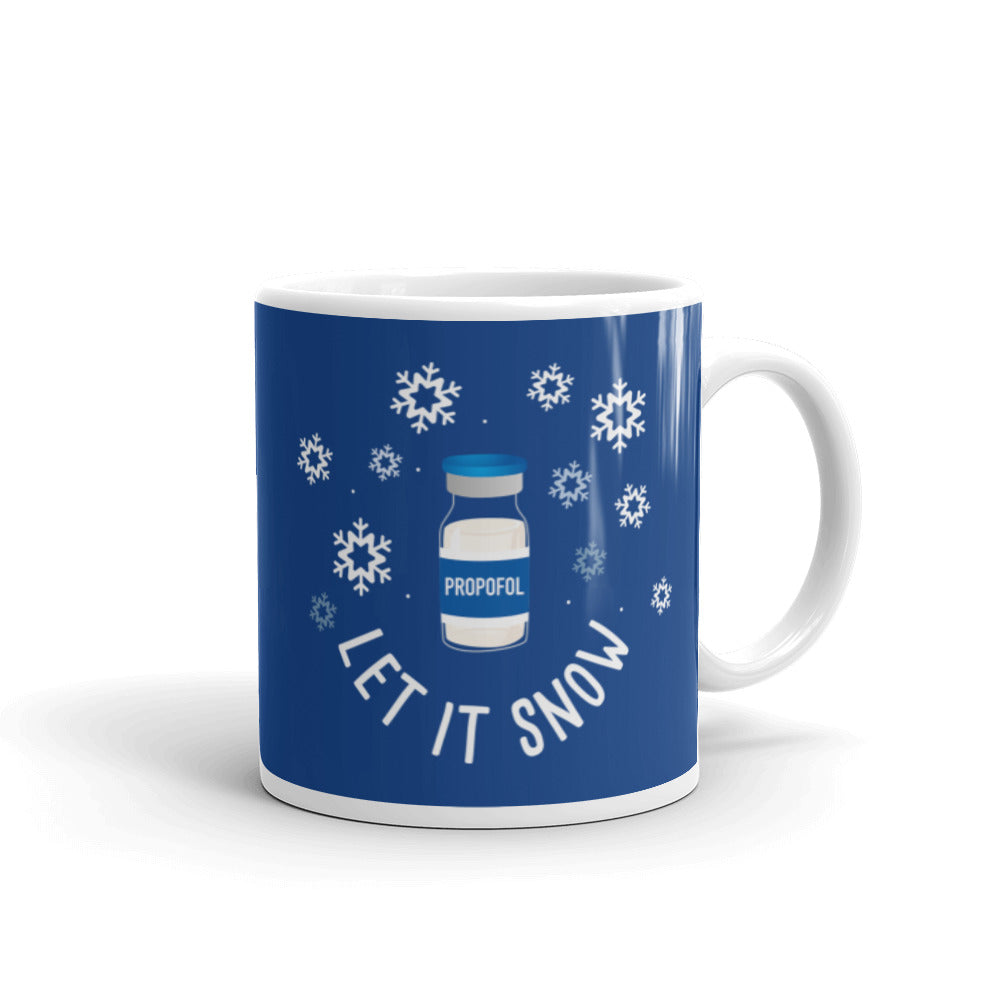
Sold outA round button with a blue background, featuring a white label that reads "PROPOFOL" and two cookies on a red plate.The image is a step-by-step guide on how to build a reel, with three sections labeled Step 1, Step 2, and Step 3. It provides instructions on choosing a badge to attach to the reel, choosing a badge design, and aligning the design with the reel.
A black button with a red and green design featuring the text "Mistle Toes" and a pair of green leaves with a red heart in the center.The image is a step-by-step guide on how to build a reel, with three sections labeled Step 1, Step 2, and Step 3. It provides instructions on choosing a badge to attach to the reel, choosing a badge design, and aligning the design with the reel.
A blue button with a sloth holding a cup of coffee and the text "MORE COFFEE LESS TALKEE" printed on it.The image is a step-by-step guide on how to build a reel, with three sections labeled Step 1, Step 2, and Step 3. It provides instructions on choosing a badge to attach to the reel, choosing a badge design, and aligning the design with the reel.
Sold outA black button with the text "MY FAVORITE COLOR IS GREEN" printed on it.The image is a step-by-step guide on how to build a reel, with three sections labeled Step 1, Step 2, and Step 3. It provides instructions on choosing a badge to attach to the reel, choosing a badge design, and aligning the design with the reel.
Sold outa black button with a message that reads "My humor shines during a crisis".
Sold outa black button with white text and a green wave-like line.The image is a step-by-step guide on how to build a reel, with three sections labeled Step 1, Step 2, and Step 3. It provides instructions on choosing a badge to attach to the reel, choosing a badge design, and aligning the design with the reel.
A black button with a graphic design featuring a bowl of nachos and the text "NACHO AVERAGE NURSE" printed on it.The image is a step-by-step guide on how to build a reel, with three sections labeled Step 1, Step 2, and Step 3. It provides instructions on choosing a badge to attach to the reel, choosing a badge design, and aligning the design with the reel.
A blue button with a cartoon shark and the text "NEW PEOPLE ARE FRIENDS NOT FOOD" printed on it.The image is a step-by-step guide on how to build a reel, with three sections labeled Step 1, Step 2, and Step 3. It provides instructions on choosing a badge to attach to the reel, choosing a badge design, and aligning the design with the reel.
A blue button with a cartoon image of three children wrapped in blankets, surrounded by text that reads "Where you're never too young for caffeine".The image is a step-by-step guide on how to build a reel, with three sections labeled Step 1, Step 2, and Step 3. It provides instructions on choosing a badge to attach to the reel, choosing a badge design, and aligning the design with the reel.
A black button with a cartoon zombie character and a crescent moon, along with the text "NIGHT SHIFT ZOMBIE" printed on it.The image is a step-by-step guide on how to build a reel, with three sections labeled Step 1, Step 2, and Step 3. It provides instructions on choosing a badge to attach to the reel, choosing a badge design, and aligning the design with the reel.
A blue button with a white llama and the text "NO PROB llama" printed on it.The image is a step-by-step guide on how to build a reel, with three sections labeled Step 1, Step 2, and Step 3. It provides instructions on choosing a badge to attach to the reel, choosing a badge design, and aligning the design with the reel.
A black button with a Halloween-themed design featuring three ghostly figures and the text "Nothing Scares Me I'm a Nurse".The image is a step-by-step guide on how to build a reel, with three sections labeled Step 1, Step 2, and Step 3. It provides instructions on choosing a badge to attach to the reel, choosing a badge design, and aligning the design with the reel.
A round, colorful pin with heart-shaped designs and the names of various people written on them.The image is a step-by-step guide on how to build a reel, with three sections labeled Step 1, Step 2, and Step 3. It provides instructions on choosing a badge to attach to the reel, choosing a badge design, and aligning the design with the reel.
A green button with a cartoon illustration of a vampire character wearing a nurse's hat and holding a syringe.The image is a step-by-step guide on how to build a reel, with three sections labeled Step 1, Step 2, and Step 3. It provides instructions on choosing a badge to attach to the reel, choosing a badge design, and aligning the design with the reel.
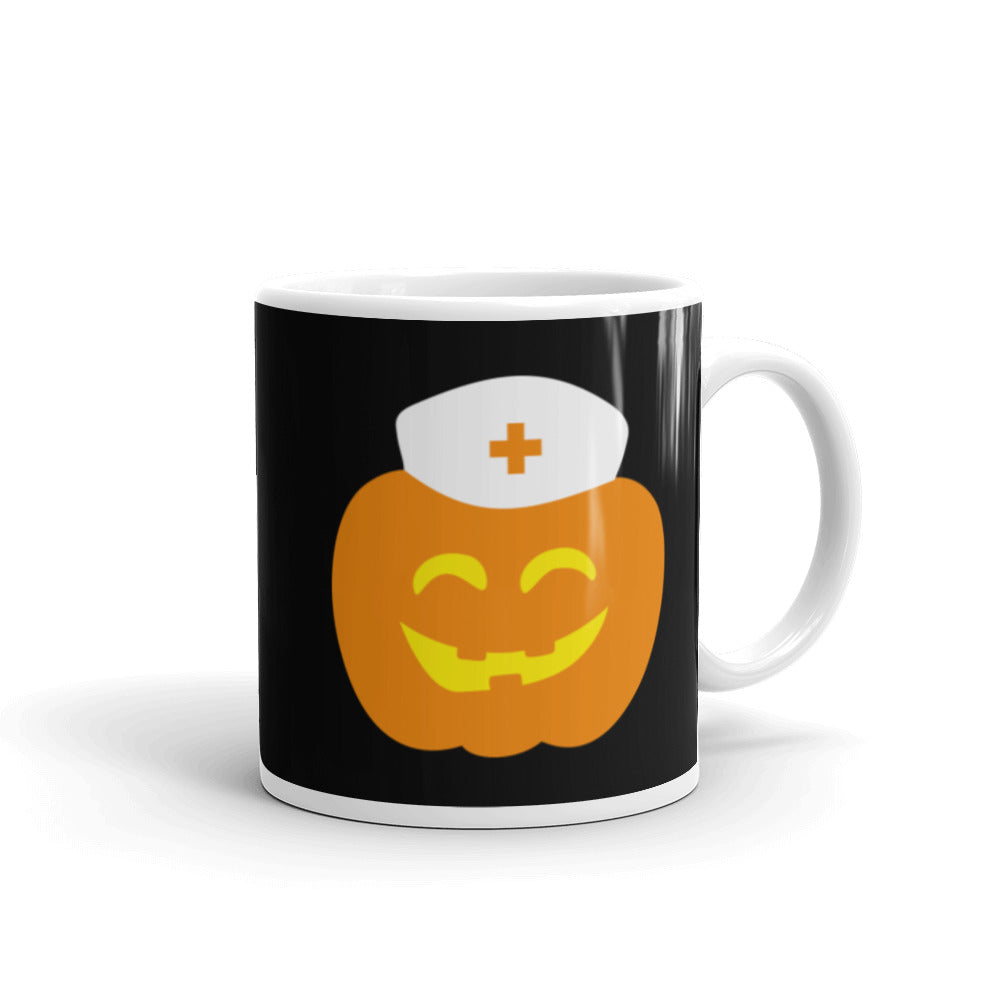
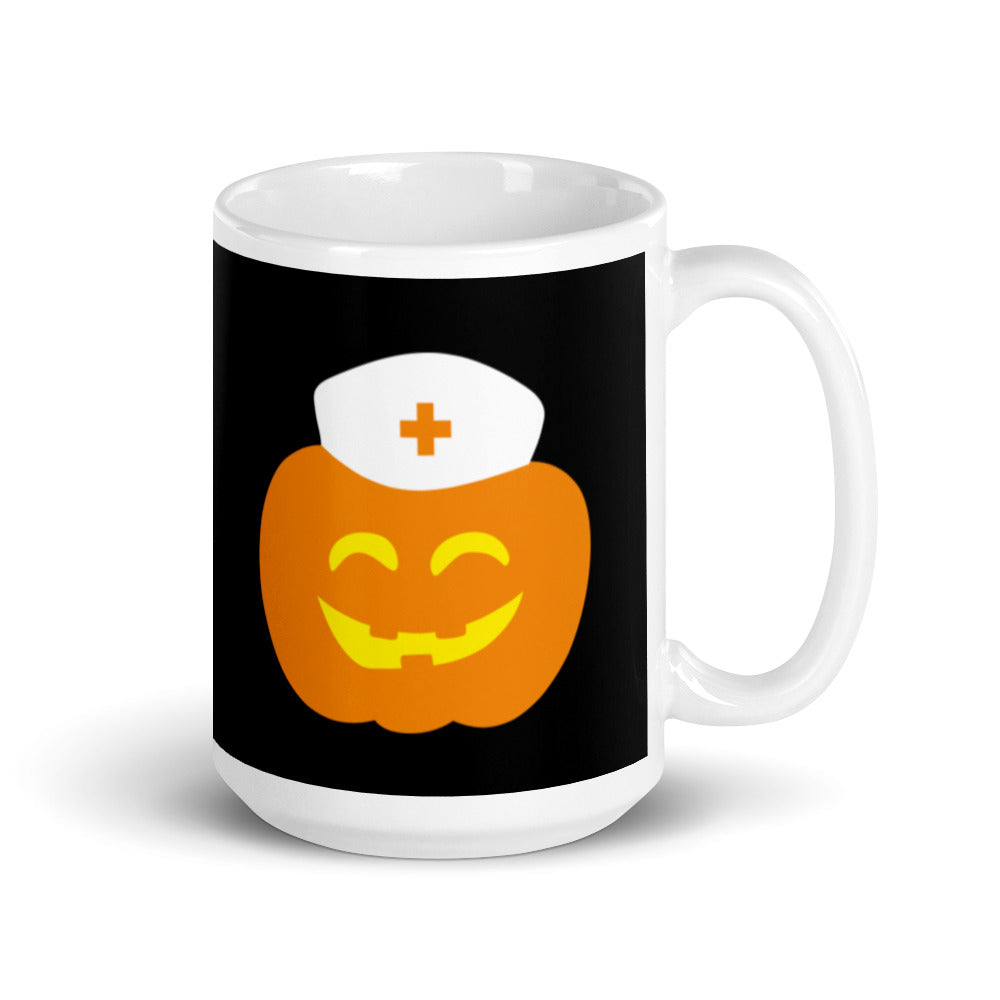
A black button with a cheerful pumpkin wearing a white nurse's cap.The image is a step-by-step guide on how to build a reel, with three sections labeled Step 1, Step 2, and Step 3. It provides instructions on choosing a badge to attach to the reel, choosing a badge design, and aligning the design with the reel.
A black button with teal text and a white loading symbol, indicating that the nursing degree is currently loading.The image is a step-by-step guide on how to build a reel, with three sections labeled Step 1, Step 2, and Step 3. It provides instructions on choosing a badge to attach to the reel, choosing a badge design, and aligning the design with the reel.
A black button with a pink cartoon depiction of a female reproductive organ, accompanied by the text "OB NURSE AT YOUR CERVIX" in white letters.The image is a step-by-step guide on how to build a reel, with three sections labeled Step 1, Step 2, and Step 3. It provides instructions on choosing a badge to attach to the reel, choosing a badge design, and aligning the design with the reel.
Sold outA circular button with a Christmas tree image and the text "OH CHRISTMAS TREE" written around it.The image is a step-by-step guide on how to build a reel, with three sections labeled Step 1, Step 2, and Step 3. It provides instructions on choosing a badge to attach to the reel, choosing a badge design, and aligning the design with the reel.
A black button with the text "OH FOR FOX SAKE" and an illustration of a fox.The image is a step-by-step guide on how to build a reel, with three sections labeled Step 1, Step 2, and Step 3. It provides instructions on choosing a badge to attach to the reel, choosing a badge design, and aligning the design with the reel.
A black circular button with a gingerbread man figure and the text "OH SNAP!" printed on it.The image is a step-by-step guide on how to build a reel, with three sections labeled Step 1, Step 2, and Step 3. It provides instructions on choosing a badge to attach to the reel, choosing a badge design, and aligning the design with the reel.
Button Badge Topper: Oh Snap Sale price$5.50 USD
Sold outA turquoise button with the text "OH SNAP!" printed on it.The image is a step-by-step guide on how to build a reel, with three sections labeled Step 1, Step 2, and Step 3. It provides instructions on choosing a badge to attach to the reel, choosing a badge design, and aligning the design with the reel.
Button Badge Topper: Oh Snap! Sale price$5.50 USD
A round sticker with a cartoon pufferfish face and text around it.The image is a step-by-step guide on how to build a reel, with three sections labeled Step 1, Step 2, and Step 3. It provides instructions on choosing a badge to attach to the reel, choosing a badge design, and aligning the design with the reel.
Sold outA turquoise button with a pink owl and the text "OWL BE THERE FOR YOU" printed on it.The image is a step-by-step guide on how to build a reel, with three sections labeled Step 1, Step 2, and Step 3. It provides instructions on choosing a badge to attach to the reel, choosing a badge design, and aligning the design with the reel.
A blue button with a pink heart and a thumbs up symbol, surrounded by text that reads "Where no one Remembers your name".The image is a step-by-step guide on how to build a reel, with three sections labeled Step 1, Step 2, and Step 3. It provides instructions on choosing a badge to attach to the reel, choosing a badge design, and aligning the design with the reel.
A blue button with a white outline and a red reindeer wearing antlers, along with the text "PAPPY HOLIDAYS" written in white.The image is a step-by-step guide on how to build a reel, with three sections labeled Step 1, Step 2, and Step 3. It provides instructions on choosing a badge to attach to the reel, choosing a badge design, and aligning the design with the reel.
Sold outA blue button with a graphic design featuring a person wearing sunglasses and surrounded by hearts.The image is a step-by-step guide on how to build a reel, with three sections labeled Step 1, Step 2, and Step 3. It provides instructions on choosing a badge to attach to the reel, choosing a badge design, and aligning the design with the reel.
A black button with the word "PIVOT!" written on it in white text.The image is a step-by-step guide on how to build a reel, with three sections labeled Step 1, Step 2, and Step 3. It provides instructions on choosing a badge to attach to the reel, choosing a badge design, and aligning the design with the reel.
Button Badge Topper: PIVOT! Sale price$5.50 USD
A black and white image of a lemur with the text "PLEASE HOLD I HAVEN'T HAD MY COFFEE" written on it.
A circular button with the text "THE POOP TROOP" and three cartoon-style toilets in different colors - purple, pink, and brown.The image is a step-by-step guide on how to build a reel, with three sections labeled Step 1, Step 2, and Step 3. It provides instructions on choosing a badge to attach to the reel, choosing a badge design, and aligning the design with the reel.
A light blue button with the text "PREOP it like it's HOT" and a water droplet graphic.The image is a step-by-step guide on how to build a reel, with three sections labeled Step 1, Step 2, and Step 3. It provides instructions on choosing a badge to attach to the reel, choosing a badge design, and aligning the design with the reel.
A green button with a cartoon image of three baby dolls and the text "Professional Baby Wrapper" written on it.The image is a step-by-step guide on how to build a reel, with three sections labeled Step 1, Step 2, and Step 3. It provides instructions on choosing a badge to attach to the reel, choosing a badge design, and aligning the design with the reel.
A turquoise button with the text "PROFESSIONAL SWADDLER" and three cartoon images of babies wrapped in swaddles.The image is a step-by-step guide on how to build a reel, with three sections labeled Step 1, Step 2, and Step 3. It provides instructions on choosing a badge to attach to the reel, choosing a badge design, and aligning the design with the reel.
A blue button with a red Santa hat and a face mask, along with the text "I PROMISE I'M SMILING".The image is a step-by-step guide on how to build a reel, with three sections labeled Step 1, Step 2, and Step 3. It provides instructions on choosing a badge to attach to the reel, choosing a badge design, and aligning the design with the reel.
A round button with a cartoon heart character and the text "PRONE ZONE" on it.The image is a step-by-step guide on how to build a reel, with three sections labeled Step 1, Step 2, and Step 3. It provides instructions on choosing a badge to attach to the reel, choosing a badge design, and aligning the design with the reel.
A heart-shaped character holding a sign that says "HE/HIM".A round button with a cartoon heart character holding a sign that says "THE/THEM".
A round, black plate with a repeating pattern of white pumpkins in various colors, including pink, purple, and teal, against a black background.The image is a step-by-step guide on how to build a reel, with three sections labeled Step 1, Step 2, and Step 3. It provides instructions on choosing a badge to attach to the reel, choosing a badge design, and aligning the design with the reel.
Button Badge Topper: Pumpkins Sale price$5.50 USD
A round, green button with a purple illustration of a human heart on it.The image is a step-by-step guide on how to build a reel, with three sections labeled Step 1, Step 2, and Step 3. It provides instructions on choosing a badge to attach to the reel, choosing a badge design, and aligning the design with the reel.
A turquoise button with the text "PUSH! PUSH IT REAL GOOD" and a graphic of a pink and blue footprint.The image is a step-by-step guide on how to build a reel, with three sections labeled Step 1, Step 2, and Step 3. It provides instructions on choosing a badge to attach to the reel, choosing a badge design, and aligning the design with the reel.

Recently viewed